shadcn.io is an independent project built on shadcn/ui
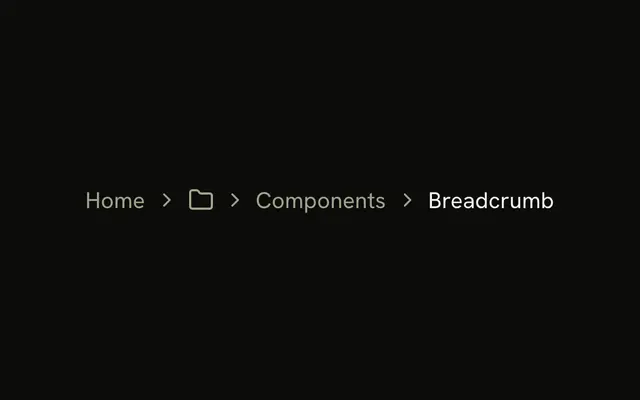
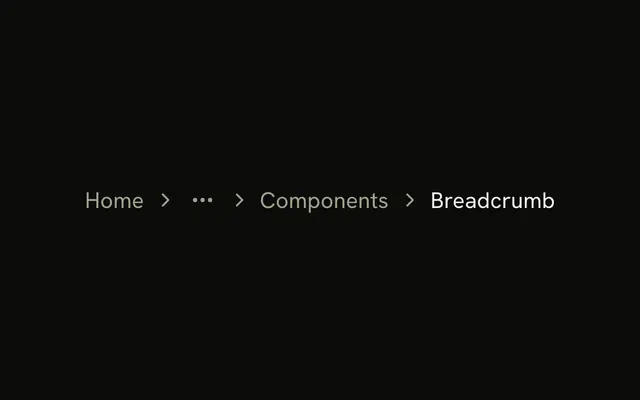
Each crumb pairs an icon with its word. A folder sits beside Home and beside Components. A file sits beside Breadcrumb, the current page, which is not a link.
Use it in a file manager or a content tool that mixes folders and documents. Drop the icons if the words are already clear. A site menu is a Navigation Menu. In Solid, Ark UI does not pick the icons.
Installation
Anatomy
Usage
<Breadcrumb>
    <BreadcrumbList>
      <BreadcrumbItem>
        <BreadcrumbLink asChild={props => <a {...props()} href="/">
            <FolderIcon aria-hidden="true" class="size-4" />
            Home
          </a>} class="flex items-center gap-1.5" />
      </BreadcrumbItem>
      <BreadcrumbSeparator />
      <BreadcrumbItem>
        <BreadcrumbLink asChild={props => <a {...props()} href="/components">
            <FolderIcon aria-hidden="true" class="size-4" />
            Components
          </a>} class="flex items-center gap-1.5" />
      </BreadcrumbItem>
      <BreadcrumbSeparator />
      <BreadcrumbItem>
        <BreadcrumbPage class="flex items-center gap-1.5">
          <FileTextIcon aria-hidden="true" class="size-4" />
          Breadcrumb
        </BreadcrumbPage>
      </BreadcrumbItem>
    </BreadcrumbList>
  </Breadcrumb>
FAQ
How are the icons paired with the text?
Home and Components each have a FolderIcon, the current page a FileTextIcon, all size-4. The links and the page take flex items-center gap-1.5, so icon and word sit on one line.
Do the icons need labels?
No. The words beside them already name each crumb, so the icons are hidden from assistive tech.
How do I pick the icon for each level?
From the kind of each level in your data: a folder for a section, a file for a document. Keep the mapping fixed so the same kind always shows the same icon.
Which separator sits between the crumbs?
An empty BreadcrumbSeparator renders a chevron, hidden from assistive tech.
API Reference
Breadcrumb
Sets asChild and props. The rest is on the Breadcrumb page.