shadcn.io is an independent project built on shadcn/ui
The destructive color, with an icon in front of the label. The demo uses a mail icon. For a real delete, swap in a trash icon and keep it decorative.
Use it for Delete or Remove when a symbol helps people spot the danger. If the stakes are high, confirm in an Alert Dialog first. In Solid, Ark UI gives the icon no meaning of its own.
Installation
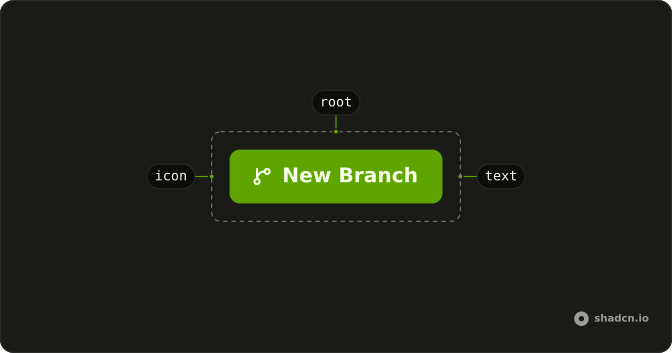
Anatomy
Usage
<Button variant="destructive">
    <MailIcon aria-hidden="true" data-icon="inline-start" />
    Button
  </Button>
FAQ
Why is the icon before the label?
MailIcon leads the label, with data-icon="inline-start", on the destructive variant. The danger color covers the icon too. The padding flips when the direction is right to left.
How do I use a different icon?
Swap the component. MailIcon is a placeholder from lucide-react. Keep data-icon="inline-start" and aria-hidden="true" when the label already says what the button does.
Will a screen reader announce the icon?
No. aria-hidden="true" takes it out, and the label is the accessible name. Drop the label only if you add an aria-label on the button. An icon with no name is an unlabeled control.
How big is the icon?
You don't pass a numeric size. The button styles an svg that has no size-* class, and these demos leave that alone. Add className="size-4" on the icon only when you need to override it.
The icon is a mail mark. Is this still a delete?
The color is variant="destructive", a light danger fill with danger-colored text. The glyph is MailIcon, a stand-in. For a delete, use an icon that means delete and keep aria-hidden="true" as long as the label says Delete.
Does the icon change what the click does?
No. It's decorative. The button's type is still button, so it won't submit a form unless you pass type="submit". If the delete can't be undone, confirm it in an Alert Dialog.
API Reference
Button
Sets variant="destructive". The rest is on the Button page.


