shadcn.io is an independent project built on shadcn/ui
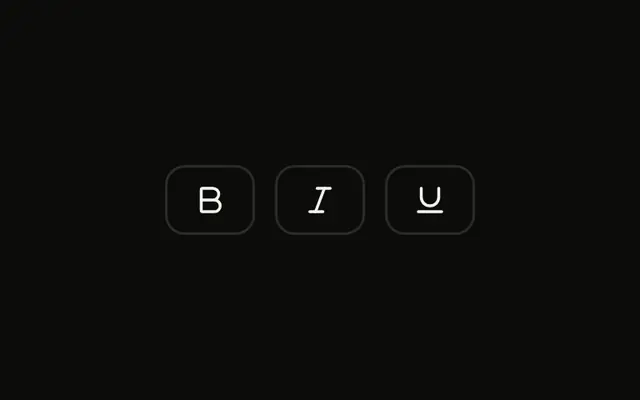
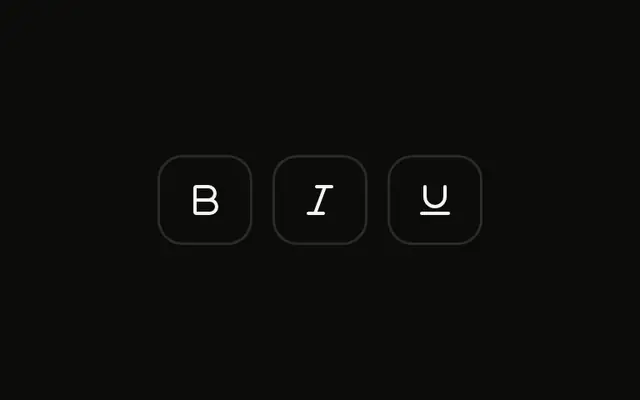
Three outline icon buttons in a group: bold, italic and underline, at the default size. None start pressed. There is no visible word on the buttons.
Start at the default size for a formatting bar. A single Toggle is enough for one format. Ark UI in Solid does not apply the formatting.
Installation
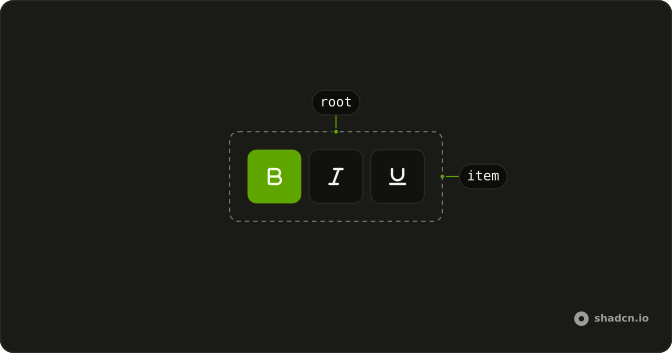
Anatomy
Usage
<ToggleGroup aria-label="Text formatting" multiple variant="outline">
    <ToggleGroupItem aria-label="Toggle bold" value="bold">
      <BoldIcon aria-hidden="true" />
    </ToggleGroupItem>
    <ToggleGroupItem aria-label="Toggle italic" value="italic">
      <ItalicIcon aria-hidden="true" />
    </ToggleGroupItem>
    <ToggleGroupItem aria-label="Toggle underline" value="underline">
      <UnderlineIcon aria-hidden="true" />
    </ToggleGroupItem>
  </ToggleGroup>
FAQ
When should I use default size toggle groups?
Use the default size for most toolbars. It matches the default height of Button and Input, so the group lines up with the controls around it. Go to sm in crowded or inline toolbars, and to lg when there are only a few items and they're the main controls.
Why does default size not need a size prop?
The group's size defaults to md, and every item takes its size from the group, so leaving the prop out gives the default size. Set size on the group only for sm or lg.
Do default toggle groups need size adjustments for mobile?
Usually not, but check the targets. The default size meets the 24 pixel minimum of WCAG 2.5.8, while it's smaller than the 44 pixel touch target in most styles. Keeping the default spacing between items helps on touch screens; use size="lg" where touch is the main input.
Should I use multiple or single selection for formatting controls?
Multiple, as here: bold, italic and underline combine, so each item should stay pressed independently. Use single selection for options that exclude each other, like text alignment in the Single Selection Toggle Group example.
API Reference
Toggle Group
Sets aria-label="Text formatting", multiple, variant="outline", aria-label="Toggle bold", value="bold" and aria-label="Toggle italic". The rest is on the Toggle Group page.