shadcn.io is an independent project built on shadcn/ui
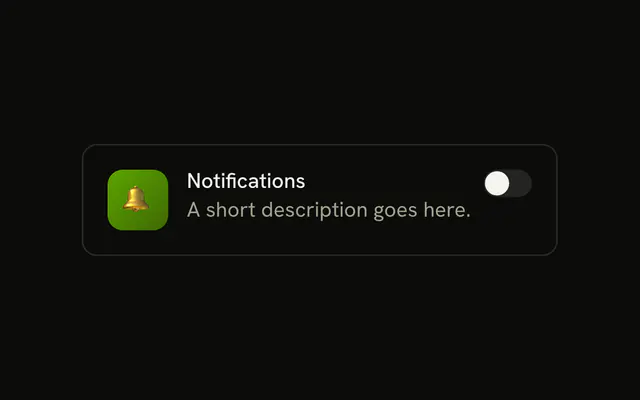
One switch is on screen, off, with no visible label. Its accessible name is Airplane mode. The demo does not change any setting beyond the switch itself.
Start here for an on or off setting that takes effect right away, then add a visible label. A choice that is saved with a form fits a Checkbox better. In Solid, Ark UI keeps the on or off state until you control it.
Installation
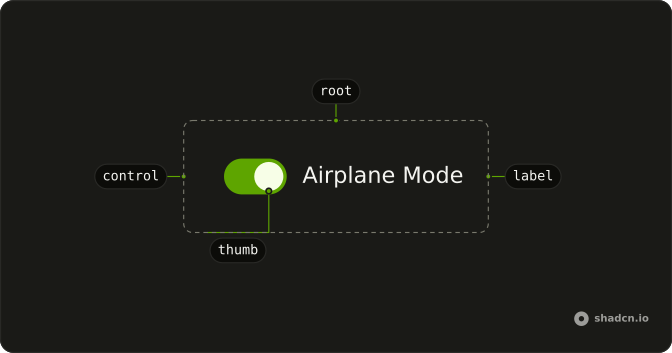
Anatomy
Usage
<Switch aria-label="Airplane mode" />FAQ
What does this switch render?
One Switch with only an aria-label. It starts off and keeps its own state, so nothing else in the file runs.
How do I control this switch in Solid?
Nothing in this file sets the on state, so the switch starts off and keeps its own state. To control it, keep the on or off state in your own state and pass it back. To start it on, use the default prop.
The prop is defaultChecked.
Pass checked; onCheckedChange receives details.checked.
What do screen readers call this switch?
It has no visible label, so the demo passes aria-label (Airplane mode). Change it to the setting the switch controls, or use a visible FieldLabel instead.
How do I make this switch smaller?
Set size="sm". The default size is default. For a different track or thumb, edit those classes in the Switch file in your ui folder.
API Reference
Switch
Sets aria-label="Airplane mode". The rest is on the Switch page.