shadcn.io is an independent project built on shadcn/ui
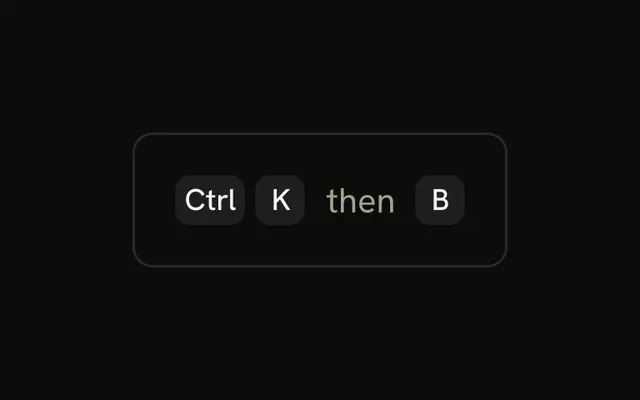
Each chord is its own group. Ctrl K comes first and Ctrl S second, with then between them. No step is listened for.
Use two groups when both steps include a modifier. One group would look like a single chord. A Tooltip can explain it if the trigger is small. In Solid, Ark UI does not track the first chord.
Installation
Anatomy

Usage
<div class="rounded-md border bg-background p-4">
    <div class="flex items-center gap-2">
      <KbdGroup>
        <Kbd>Ctrl</Kbd>
        <Kbd>K</Kbd>
      </KbdGroup>
      <span class="text-muted-foreground text-sm">then</span>
      <KbdGroup>
        <Kbd>Ctrl</Kbd>
        <Kbd>S</Kbd>
      </KbdGroup>
    </div>
  </div>
FAQ
When should both steps use a modifier?
When people may be typing in a text field: a second step without a modifier would type a letter there. Code editors use modifiers on both steps for that reason.
Should the second chord use the same modifier as the first?
Usually, yes. Ctrl K then Ctrl S lets people keep Ctrl held through both steps, which is faster and easier to remember.
How do apps show the first chord was received?
With a short message, often in a status bar, saying the first chord was pressed and the app is waiting for the second key. Without it, people can't tell whether anything happened.
How do people learn multi-step shortcuts?
From menus and the command palette, where the shortcut is shown next to each command, and from a shortcuts page grouped by prefix. Showing the possible second keys after the first chord helps too.
API Reference
Kbd
No extra props in this demo. The rest is on the Kbd page.