shadcn.io is an independent project built on shadcn/ui
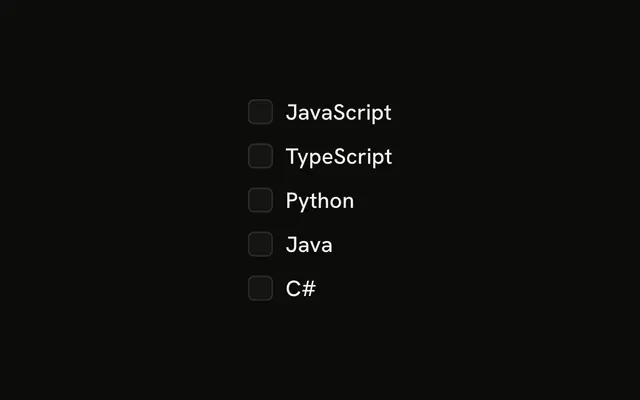
Three rows: Email notifications, Push notifications and SMS notifications. The words sit at the start and the boxes line up at the end.
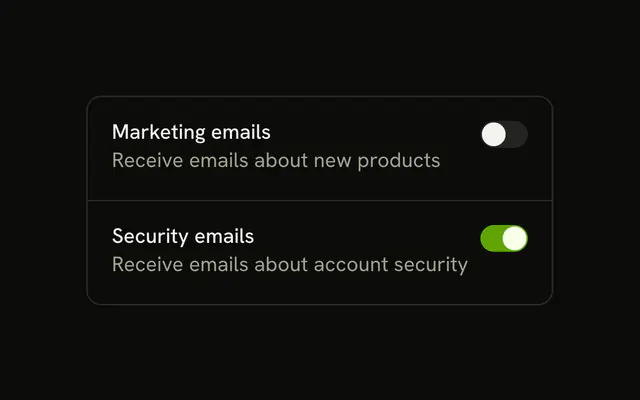
Use this for a settings list of independent channels. A Switch at the end of the row is the other common pattern. In Solid, Ark UI does not pin the box to the row's end.
Installation
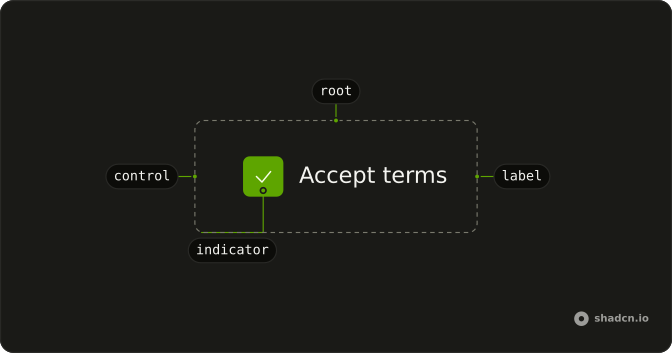
Anatomy
Usage
<FieldGroup class="max-w-xs gap-3">
    {channels.map(channel => <Field orientation="horizontal">
        <FieldLabel>{channel.label}</FieldLabel>
        <Checkbox name={channel.id} />
      </Field>)}
  </FieldGroup>
FAQ
When should I use right-aligned checkboxes?
For settings, where each row is an option people turn on or off and they scan the labels first. This demo puts FieldLabel before the checkbox, and the label grows so the box sits at the end of the row.
Should I use right-aligned checkboxes or toggle switches?
It depends on when the change applies. Use checkboxes when the settings are saved with a button. Use a Switch when each one takes effect immediately. The same row, label then control, works for both.
How do the checkboxes line up with different label lengths?
The label grows to fill whatever the box doesn't use, so every box sits at the end edge whatever the label's length, and they form one column. The list is capped at max-w-xs here; very long labels wrap inside their own space.
Do right-aligned checkboxes work well on mobile?
Yes. The stretched label is clickable, so tapping anywhere along the row's text toggles the box, not just the box itself. On touch screens, give rows more height (a larger gap-*, or padding on each Field) so neighbors are hard to hit by mistake.
API Reference
Field
Sets orientation="horizontal". The rest is on the Field page.
Checkbox
Sets name={channel.id}. The rest is on the Checkbox page.