shadcn.io is an independent project built on shadcn/ui
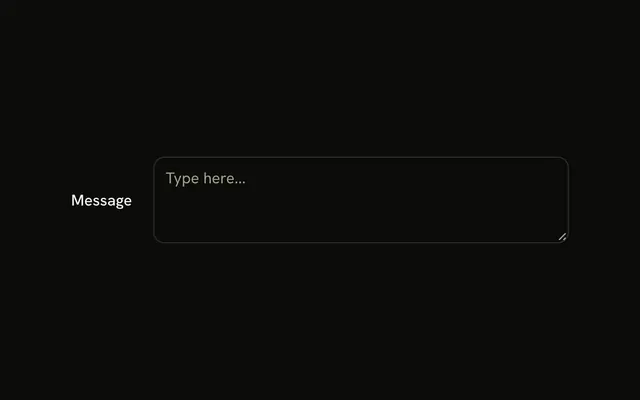
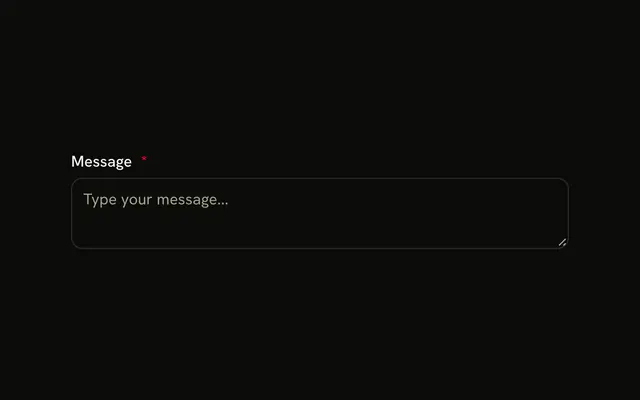
The label Message sits inside the empty textarea, like a placeholder. It moves up, smaller, when the field is focused or has text. No state tracks that. The movement is CSS.
Use it when a label above the field would cost a line you do not have. A label above is clearer for a long form. One line belongs in an Input. In Solid, Ark UI does not track whether the field is empty.
Installation
Anatomy
Usage
<div class="relative w-full max-w-md">
    <Textarea class="peer bg-background pt-5" id="textarea-floating-label" placeholder=" " />
    <Label class="absolute start-2.5 top-1.5 font-normal text-muted-foreground text-xs transition-all peer-placeholder-shown:top-3 peer-placeholder-shown:text-sm peer-focus:top-1.5 peer-focus:text-xs" for="textarea-floating-label">
      Message
    </Label>
  </div>
FAQ
How do peer selectors enable floating label animation?
The Textarea has the peer class and comes before the label, so the label's peer-placeholder-shown: and peer-focus: classes apply when the Textarea is empty or focused. Empty, the label sits at top-3 in text-sm; focused or filled, it rests at the top in text-xs, and transition-all animates the move.
Why does the textarea need placeholder with space character?
:placeholder-shown only matches a field that has a placeholder and no value. A single space is an invisible placeholder that makes it match while the Textarea is empty, so the label can sit inside it and float once there's text.
Does the floating label need state to know when the textarea has text?
No. :placeholder-shown stops matching as soon as there's text, typed or set as a default value, so the label floats without any state or handler. Bind the value only if your form needs it for something else.
Why add pt-5 padding to the textarea?
pt-5 keeps the first line of text below the floated label, so they never overlap. While the field is empty, the label covers that space itself, acting as the placeholder.
API Reference
Textarea
Sets id="textarea-floating-label" and placeholder=" ". The rest is on the Textarea page.
Label
Sets for="textarea-floating-label". The rest is on the Label page.