shadcn.io is an independent project built on shadcn/ui
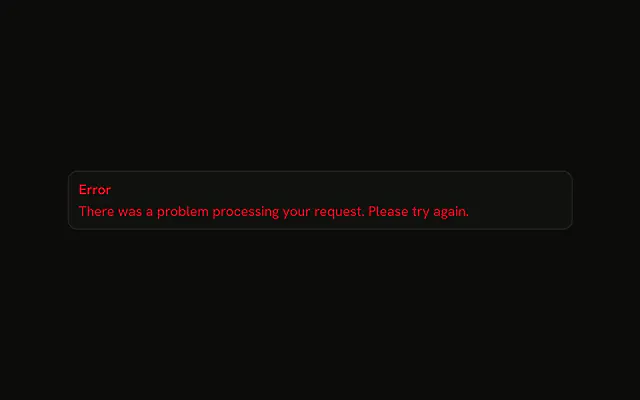
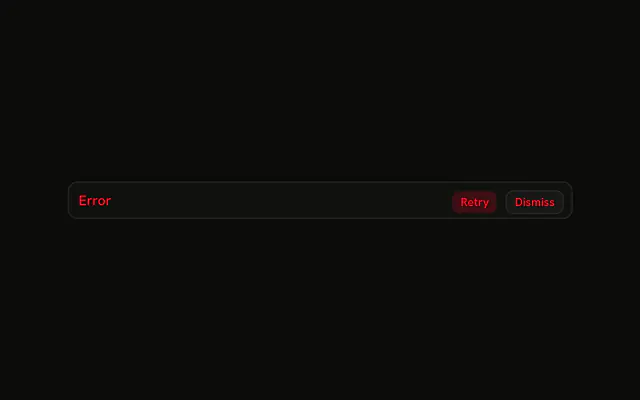
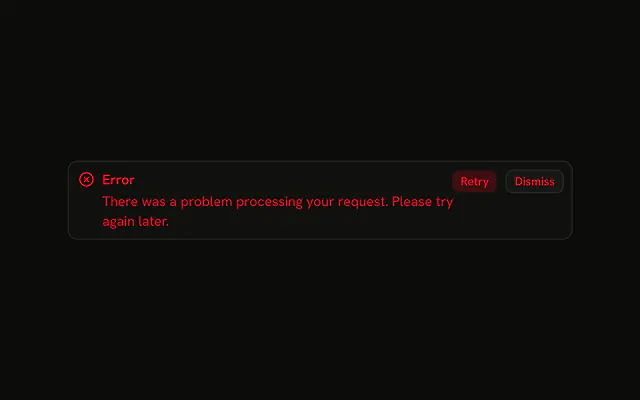
The title Error, a sentence that the request failed, and Retry plus Dismiss. No icon. Retry is destructive. Dismiss is outlined. The clicks do nothing yet.
Use it when people need the reason and a retry in one place. A problem in one input belongs on that Field. In Svelte, Ark UI does not close the alert.
Installation
Anatomy

Usage
<Alert class="max-w-lg" variant="destructive"><AlertTitle>Error</AlertTitle><AlertDescription>There was a problem processing your request. Please try again.</AlertDescription><AlertAction class="flex gap-2"><Button size="xs" variant="destructive">Retry</Button><Button size="xs" variant="outline">Dismiss</Button></AlertAction></Alert>FAQ
When should I use fully-featured error alerts?
When the reader needs an explanation and can recover from the alert itself, such as a request that failed but can be retried. For a failure with nothing to click, drop the buttons; for one that needs no explanation, drop the description.
How are the title, description and buttons laid out?
Alert is a grid: AlertTitle and AlertDescription stack in it with a small gap, and AlertAction is positioned at the end of the first row while the alert pads its end side to leave room. You don't need wrapper elements or flex classes; the parts do the layout.
Should long error descriptions truncate or wrap?
Wrap. A truncated error message can hide the one part the reader needs. AlertDescription wraps onto as many lines as it needs; keep it to a sentence or two so the alert stays short.
How should this layout adapt on mobile?
It needs no breakpoints: the buttons stay at the end of the title row and the description wraps under them. Keep the title short so it fits beside the two buttons on a narrow screen.
Can I show multiple error alerts at once?
You can stack them with a gap, but several at once is hard to act on. Prefer one alert that summarizes the failures, and mark individual form fields with their own error messages, as in Field.
API Reference
Alert
Sets variant="destructive". The rest is on the Alert page.
Button
Sets size="xs", variant="destructive" and variant="outline". The rest is on the Button page.