shadcn.io is an independent project built on shadcn/ui
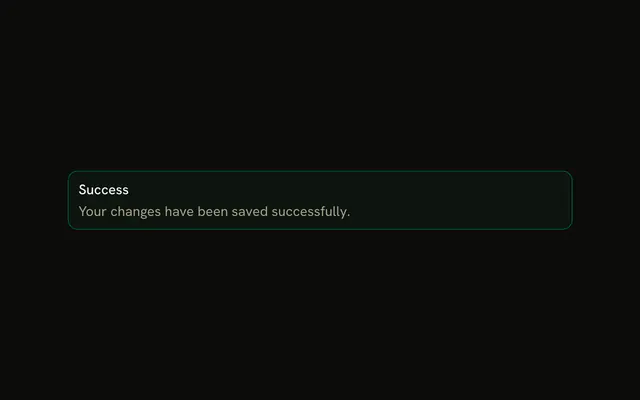
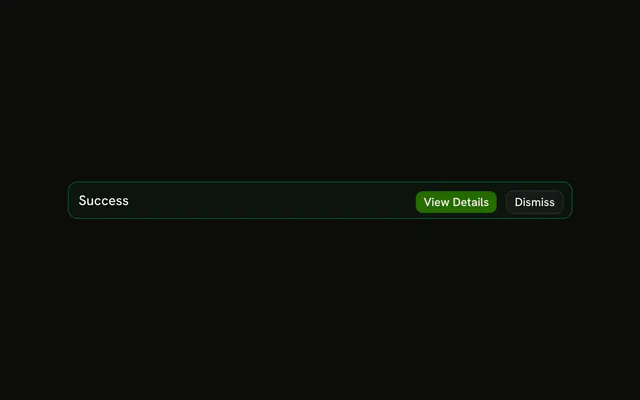
Only the title Success, on a success-tinted alert. No icon, no description, and no button.
Use it when the title is the whole story, such as Invitation sent. If it should disappear, prefer Sonner. In Svelte, Ark UI keeps it until you stop rendering it.
Installation
Anatomy

Usage
<Alert class="max-w-lg" variant="success"><AlertTitle>Success</AlertTitle></Alert>FAQ
When should I use title-only success alerts?
When the title is the whole story and the reader has nothing else to do: Changes saved, Invitation sent. If they might want to know what happens next, add an AlertDescription.
Where does the green styling come from?
From variant="success": a faint tint of the theme's --success color on the background, a stronger border, and the same color on any icon. The title keeps the regular text color, so it stays readable in light and dark mode.
Where should success alerts appear on the page?
Where the reader's attention already is: above the form they just saved, or at the top of the section that changed. A success message far from the action is easy to miss.
Should success alerts be dismissible or auto-hide?
An Alert stays until your code removes it, which suits a confirmation the reader may come back to. For one that should disappear on its own, use a toast such as Sonner. To let the reader close the alert, add a Dismiss button in AlertAction and hide it from your own state.
API Reference
Alert
Sets variant="success". The rest is on the Alert page.