shadcn.io is an independent project built on shadcn/ui
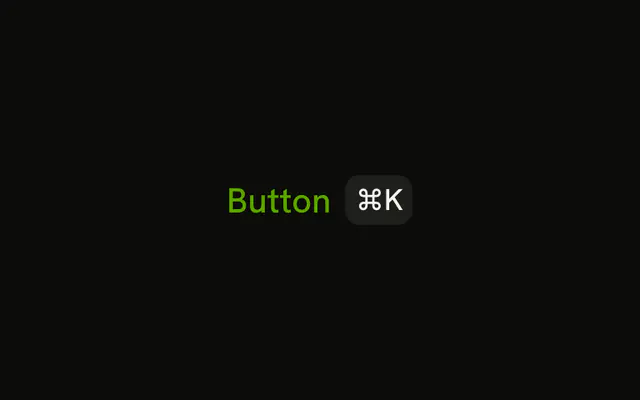
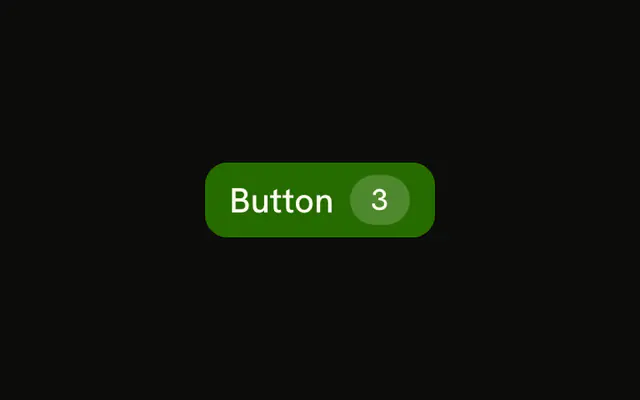
Primary button, the label, then a kbd showing ⌘K. The demo does not listen for the keys. You add that, and you should show Ctrl where people are not on a Mac.
Use it for Search or Save when the shortcut is real and you want it visible. If you only need the look of a key, use Kbd on its own. In Svelte, Ark UI styles the hint and does not register a listener.
Installation
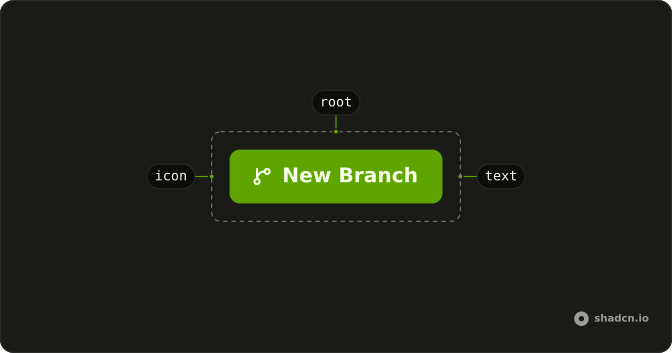
Anatomy
Usage
<Button>Button<Kbd class="bg-primary-foreground/20 text-primary-foreground">⌘K</Kbd></Button>FAQ
Does pressing ⌘K activate this Button?
No. Kbd draws the characters ⌘K. It doesn't register a listener, and it's pointer-events-none, so the click still hits the button. The shortcut itself belongs in your own handler.
How do I show a different shortcut?
Change the children of Kbd. The demo doesn't translate Mac and Windows keys, so write the label for the platform you mean, such as Ctrl B when a symbol would be unclear.
How is the key cap colored here?
The button is the default primary fill. The cap sets bg-primary-foreground/20 and text-primary-foreground so it sits on that fill instead of fighting it.
Can I put the shortcut before the label?
Yes. Move Kbd ahead of the text. In this demo it follows the label, which is the usual place for a hint on the trailing side.
API Reference
Button
No extra props in this demo. The rest is on the Button page.
Kbd
No extra props in this demo. The rest is on the Kbd page.