shadcn.io is an independent project built on shadcn/ui
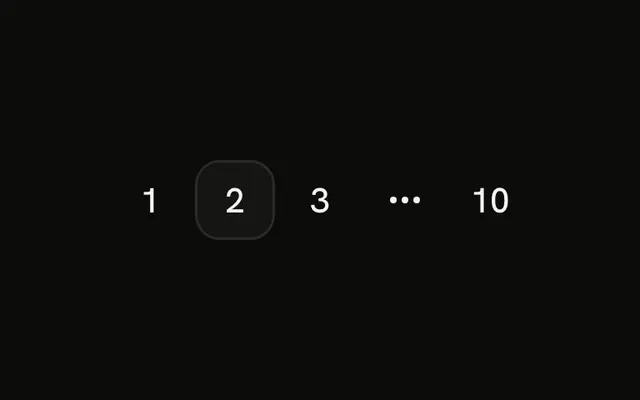
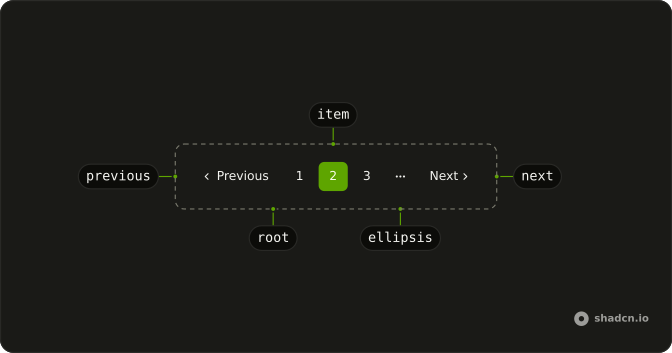
The row is Previous, pages 1, 2, and 3, an ellipsis, page 10, and Next. Page 2 is current. The ellipsis is not a link. Every href in the file is #.
Use it for search results and catalogs where people step, jump nearby, or skip to the end. If the list only grows, a Button labeled Load more is enough. In Svelte, Ark UI follows each href, and these all point at #.
Installation
Anatomy
Usage
<Pagination><PaginationContent><PaginationItem><PaginationPrevious href="#" /></PaginationItem><PaginationItem><PaginationLink href="#">1</PaginationLink></PaginationItem><PaginationItem><PaginationLink href="#" isActive>2</PaginationLink></PaginationItem><PaginationItem><PaginationLink href="#">3</PaginationLink></PaginationItem><PaginationItem><PaginationEllipsis /></PaginationItem><PaginationItem><PaginationLink href="#">10</PaginationLink></PaginationItem><PaginationItem><PaginationNext href="#" /></PaginationItem></PaginationContent></Pagination>FAQ
Which parts are in this pagination row?
PaginationPrevious, links for pages 1, 2 and 3, a PaginationEllipsis, a link for page 10, and PaginationNext. Page 2 has isActive, which uses the outline variant and sets aria-current="page".
How do I show a different set of pages?
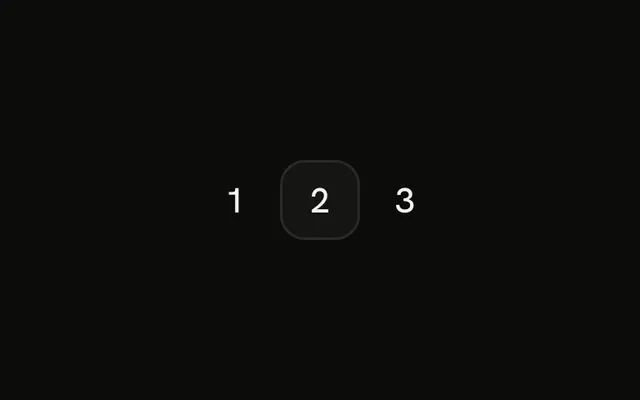
Change the link text and move isActive to the current page. This file hardcodes 1, 2, 3, the ellipsis, and 10. Pagination is a nav labeled "pagination".
Is the ellipsis a link?
No. PaginationEllipsis is a span with aria-hidden and a more-horizontal icon. Here it occupies the gap where pages 4 to 9 are not rendered.
How do I point each control at a real URL?
Every href in this file is #. Set href on PaginationPrevious, each PaginationLink, and PaginationNext to that page's URL.
API Reference
Pagination
Sets href="#" and isActive. The rest is on the Pagination page.