shadcn.io is an independent project built on shadcn/ui
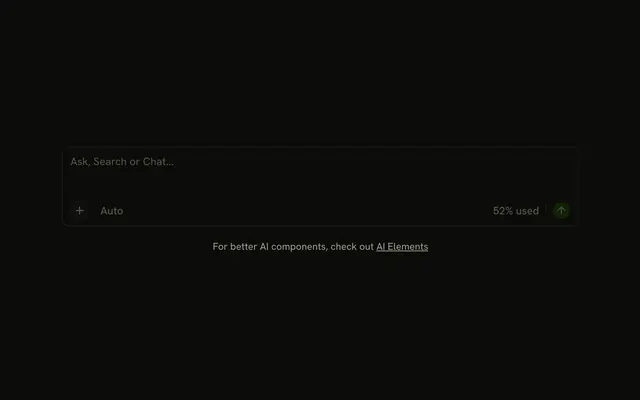
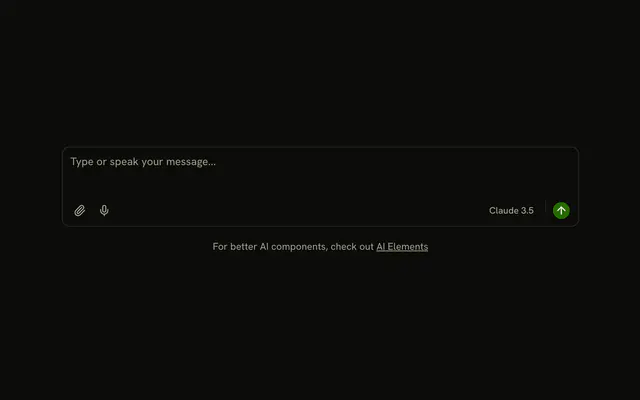
A task prompt with a footer. A file button opens Attach File and Attach Image. GPT-4 is plain text at the end of the row, and a round send button follows it. None of those controls change the prompt.
Use it when people attach a file before they send. A drop zone of its own is File Upload. In Svelte, Ark UI does not store the chosen file.
Installation
Anatomy

Usage
<div class="flex w-full max-w-2xl flex-col gap-4"><InputGroup class="bg-background"><InputGroupTextarea aria-label="Task" placeholder="Describe your task..." /><InputGroupAddon align="block-end"><DropdownMenu positioning={{ placement: "top-start" }}><DropdownMenuTrigger>{#snippet asChild(props)}<InputGroupButton {...props({ "aria-label": "Attach" })} size="icon-xs" variant="ghost"><FileIcon aria-hidden="true" /></InputGroupButton>{/snippet}</DropdownMenuTrigger><DropdownMenuContent><DropdownMenuGroup><DropdownMenuItem value="file"><FileIcon aria-hidden="true" />Attach File</DropdownMenuItem><DropdownMenuItem value="image"><ImageIcon aria-hidden="true" />Attach Image</DropdownMenuItem></DropdownMenuGroup></DropdownMenuContent></DropdownMenu><InputGroupText class="ms-auto">GPT-4</InputGroupText><InputGroupButton aria-label="Send" pill size="icon-xs" variant="default"><ArrowUpIcon aria-hidden="true" /></InputGroupButton></InputGroupAddon></InputGroup><small class="text-center text-muted-foreground">For better AI components, check out{" "}<a class="underline" href="https://ai-sdk.dev/elements/overview">AI Elements</a></small></div>FAQ
How do I put the attachment menu and send button under the prompt?
Write one InputGroupAddon with align="block-end" after InputGroupTextarea. It holds the file menu, the GPT-4 text and the send button, and ms-auto on the text pushes it and the button to the end.
How is the send button styled?
A filled InputGroupButton with variant="default", size="icon-xs" and pill, showing an arrow. aria-label="Send" names it. It has no action in the demo: submit the prompt from it.
Is GPT-4 a menu or a label?
A label: InputGroupText with fixed text. To let people pick a model, put a menu there instead, as in AI with Voice.
API Reference
Input Group
Sets aria-label="Task", placeholder="Describe your task...", align="block-end", props, aria-label and Attach. The rest is on the Input Group page.
Dropdown Menu
Sets positioning, placement, top-start, value="file" and value="image". The rest is on the Dropdown Menu page.