shadcn.io is an independent project built on shadcn/ui
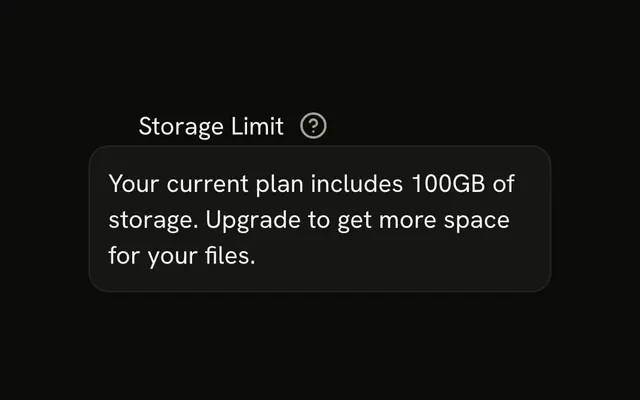
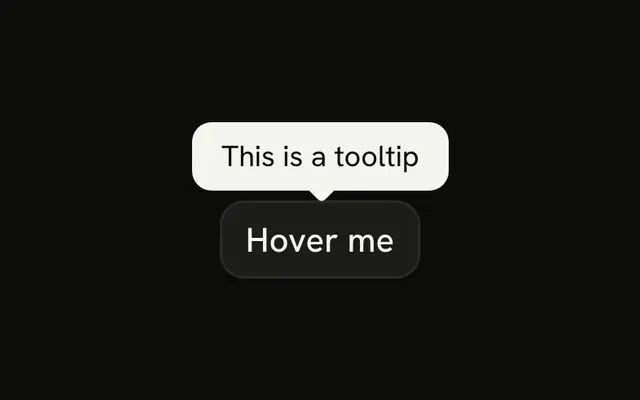
The header holds the Email label and a round info button. The tooltip says the address is used to send notifications. Clicking Email focuses the field.
Use it when the label needs one extra sentence that should not sit in the form all the time. A note that opens in place is a Hint. In Svelte, Ark UI does not treat the tooltip as the field's description while it is closed.
Installation
Anatomy

Usage
<InputGroup class="w-full max-w-sm bg-background"><InputGroupInput id="input-group-tooltip-email" placeholder="shadcn@vercel.com" type="email" /><InputGroupAddon align="block-start"><Label class="text-foreground" for="input-group-tooltip-email">Email</Label><Tooltip><TooltipTrigger>{#snippet asChild(props)}<InputGroupButton {...props({ "aria-label": "Help", class: "ms-auto" })} pill size="icon-xs" variant="ghost"><InfoIcon aria-hidden="true" /></InputGroupButton>{/snippet}</TooltipTrigger><TooltipContent><p>We'll use this to send you notifications</p></TooltipContent></Tooltip></InputGroupAddon></InputGroup>FAQ
What's in the header row?
A block-start addon with the Label and the info button; ms-auto sends the button to the end.
How is the info button tied to the tooltip?
TooltipTrigger takes an asChild snippet that renders the InputGroupButton.API Reference
Input Group
Sets id="input-group-tooltip-email", placeholder="shadcn@vercel.com", type="email", align="block-start", props and aria-label. The rest is on the Input Group page.
Label
Sets for="input-group-tooltip-email". The rest is on the Label page.
Tooltip
No extra props in this demo. The rest is on the Tooltip page.