shadcn.io is an independent project built on shadcn/ui
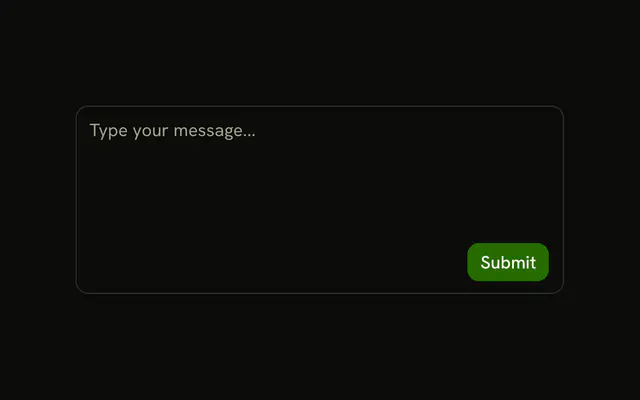
Three ghost icon buttons sit above the text: Bold, Italic, and Underline. A line separates them from the writing. Submit sits under the text, at the end of its row. The format buttons do not change the text, and they do not stay pressed.
Use it for a light composer with one submit. To show which formats are on, store that yourself, or use a Toggle Group. In Svelte, Ark UI does not format the textarea.
Installation
Anatomy

Usage
<InputGroup class="w-full max-w-sm bg-background"><InputGroupTextarea aria-label="Content" class="min-h-[100px]" placeholder="Write your content..." /><InputGroupAddon align="block-start" class="border-b"><InputGroupButton aria-label="Bold" size="icon-xs" variant="ghost"><BoldIcon aria-hidden="true" /></InputGroupButton><InputGroupButton aria-label="Italic" size="icon-xs" variant="ghost"><ItalicIcon aria-hidden="true" /></InputGroupButton><InputGroupButton aria-label="Underline" size="icon-xs" variant="ghost"><UnderlineIcon aria-hidden="true" /></InputGroupButton></InputGroupAddon><InputGroupAddon align="block-end"><InputGroupButton class="ms-auto" size="sm" variant="default">Submit</InputGroupButton></InputGroupAddon></InputGroup>FAQ
How do the format buttons sit above the text?
They share one InputGroupAddon with align="block-start" and border-b, which becomes a header row with a divider.
How are the icon buttons named?
Each InputGroupButton has an aria-label: Bold, Italic and Underline. The icons are aria-hidden.
Do the buttons format the text?
No. A textarea holds plain text, so they'd insert Markdown around the selection, or you'd switch to a rich text editor.
How do I show which formats are on?
Use a Toggle Group for the buttons, which tracks the pressed state for you.
API Reference
Input Group
Sets aria-label="Content", placeholder="Write your content...", align="block-start", aria-label="Bold", size="icon-xs" and variant="ghost". The rest is on the Input Group page.