shadcn.io is an independent project built on shadcn/ui
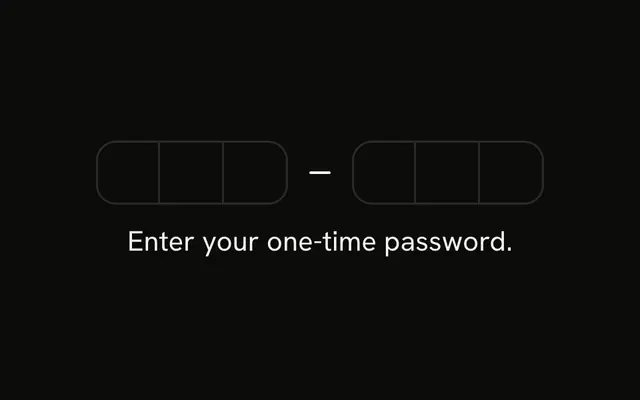
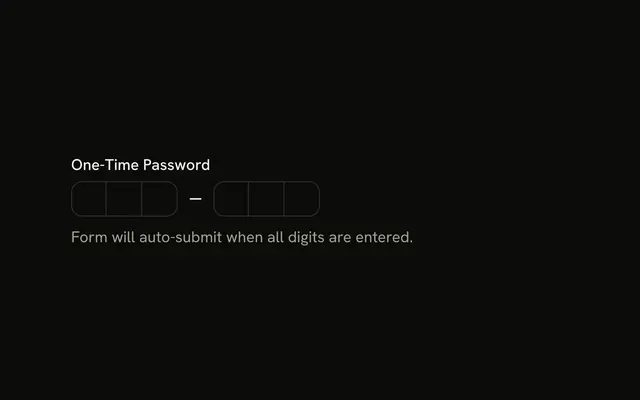
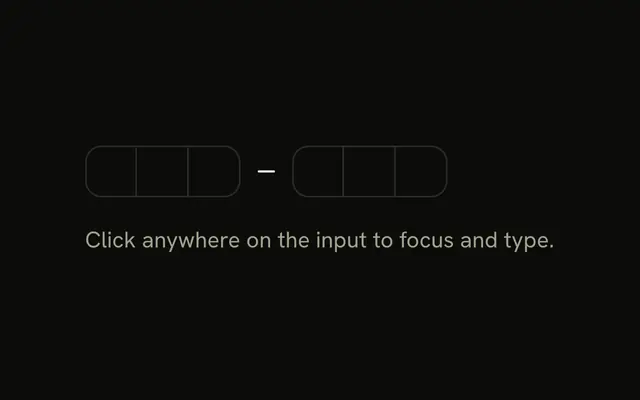
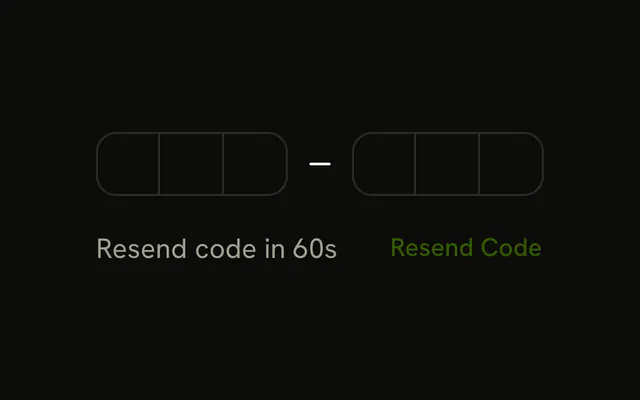
Six boxes in two groups of three, then a Paste Code button. The note says Paste automatically filters to digits only.
Use the button when codes are copied with spaces or dashes. Typing still works, and a plain Input is fine for one unsplit string. In Svelte, Ark UI fills the boxes when a full code is pasted.
Installation
Anatomy
Usage
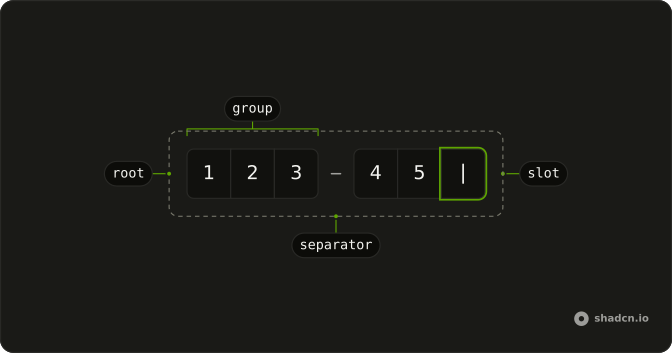
<div class="flex flex-col gap-4"><InputOTP onValueChange={handleValueChange} value={value}><InputOTPGroup><InputOTPSlot class="bg-background" index={0} /><InputOTPSlot class="bg-background" index={1} /><InputOTPSlot class="bg-background" index={2} /></InputOTPGroup><InputOTPSeparator /><InputOTPGroup><InputOTPSlot class="bg-background" index={3} /><InputOTPSlot class="bg-background" index={4} /><InputOTPSlot class="bg-background" index={5} /></InputOTPGroup></InputOTP><Button class="w-full" onclick={handlePaste} size="sm" type="button" variant="outline"><ClipboardPasteIcon aria-hidden="true" data-icon="inline-start" />Paste Code</Button><p class="text-muted-foreground text-xs">Paste automatically filters to digits only.</p></div>FAQ
How does the button read the clipboard?
With navigator.clipboard.readText() in the button's press handler. Browsers allow it after a user action, and some ask for permission the first time.
How are the digits extracted?
A regular expression, NON_DIGITS, removes everything that isn't a digit, then the text is cut to six characters and written to the field's value.
What if clipboard access is denied?
The read throws and the handler ignores it. People can still paste into the field with the keyboard or the context menu.
API Reference
Input OTP
Sets onValueChange={handleValueChange}, value={value}, index={0}, index={1}, index={2} and index={3}. The rest is on the Input OTP page.
Button
Sets onclick={handlePaste}, size="sm", type="button" and variant="outline". The rest is on the Button page.