shadcn.io is an independent project built on shadcn/ui
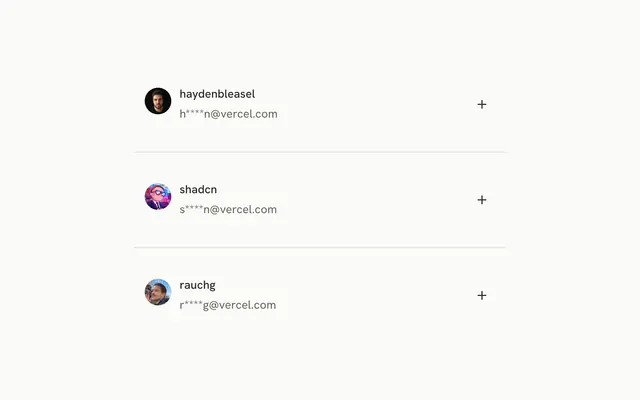
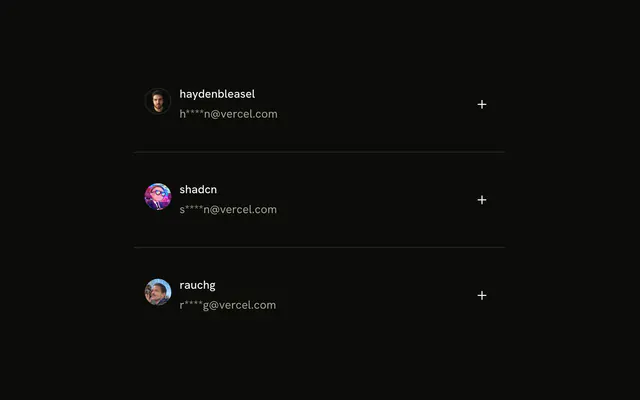
One outline row. An avatar sits at the start, then Hayden Bleasel and Last seen 5 months ago. A round plus button sits at the end.
Use an avatar row for a person, with the last-seen line as the description. A Hover Card can show more without leaving the page. In Svelte, Ark UI does not know who was invited.
Installation
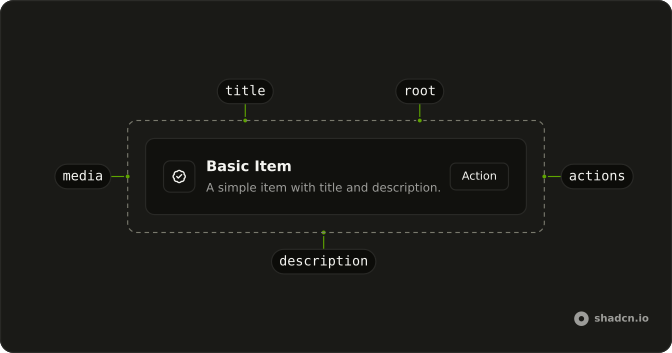
Anatomy
Usage
<div class="flex w-full max-w-lg flex-col gap-6"><Item class="bg-background" variant="outline"><ItemMedia><Avatar size="lg"><AvatarImage src="https://github.com/haydenbleasel.png" /><AvatarFallback>HB</AvatarFallback></Avatar></ItemMedia><ItemContent><ItemTitle>Hayden Bleasel</ItemTitle><ItemDescription>Last seen 5 months ago</ItemDescription></ItemContent><ItemActions><Button aria-label="Invite" pill size="icon-sm" variant="outline"><PlusIcon aria-hidden="true" /></Button></ItemActions></Item></div>FAQ
What size should an avatar be in an Item?
Use Avatar's size prop. This row uses lg, next to a title and a description. ItemMedia does not resize the avatar, so the prop decides.
When does AvatarFallback show, and what should it say?
It shows when the picture can't be displayed, for example on a broken URL. Use the person's initials, HB here, so the row still identifies them.
Why an icon-only plus button?
The row already names the person, so a plus reads as add or invite them without taking room from the text. An icon-only button needs an aria-label; in a list, name the person too, such as Invite Hayden Bleasel, so each button is distinct.
What does the invite button use?
pill, size="icon-sm", and variant="outline". aria-label is Invite, and PlusIcon is aria-hidden. The row itself is variant="outline" with bg-background.
API Reference
Item
Sets variant="outline". The rest is on the Item page.
Avatar
Sets size="lg" and src="https://github.com/haydenbleasel.png". The rest is on the Avatar page.
Button
Sets aria-label="Invite", pill, size="icon-sm" and variant="outline". The rest is on the Button page.