shadcn.io is an independent project built on shadcn/ui
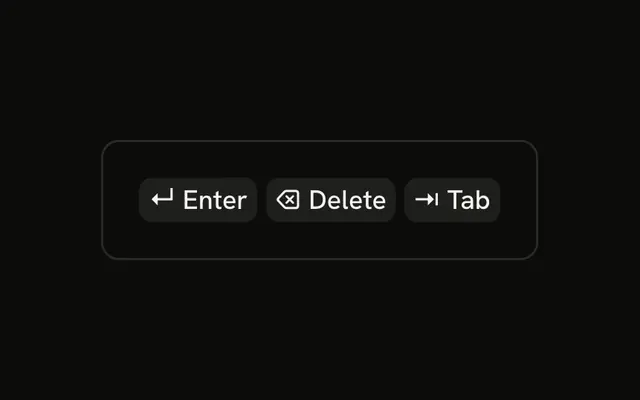
One cap shows a return arrow, hidden from assistive tech, then the word Enter. The icon and the word share the cap. Nothing submits.
Keep the word, because the icon is hidden. Submit still belongs on a Button. In Svelte, Ark UI does not catch the Enter key.
Installation
Anatomy

Usage
<div class="rounded-md border bg-background p-4"><KbdGroup><Kbd><CornerDownLeftIcon aria-hidden="true" />Enter</Kbd></KbdGroup></div>FAQ
Why add an icon when the word is clear?
The return arrow is printed on many keys, so people find it faster on the keyboard. It also makes the hint easy to spot at the bottom of a command palette or a chat input.
Do screen readers read the icon?
No, it has aria-hidden, so screen readers read only Enter. Hide decorative icons like this one, and add text whenever the icon is all there is.
How are icons sized inside a Kbd?
The Kbd sizes any icon without its own size class to 12 pixels and spaces it from the text with a small gap. Give the icon a size class, like size-4, to override it.
Should I use an icon or the ↵ character?
The ↵ character needs no import and takes the cap's font, as in the Unicode Symbols example. The icon has a consistent stroke that matches other icons in your interface.
API Reference
Kbd
No extra props in this demo. The rest is on the Kbd page.