shadcn.io is an independent project built on shadcn/ui
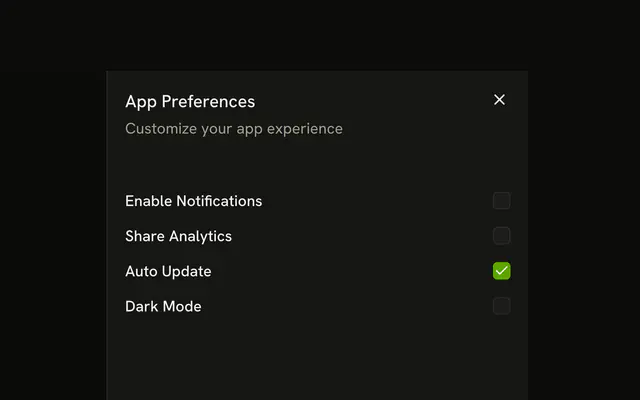
The title is Notification Settings. Under Email Notifications, Product Updates starts on and Newsletter starts off. Under Push Notifications, New Messages and Mentions both start on.
Use it when settings split into named groups. One Switch on the page is enough for a single channel. In Svelte, Ark UI does not save these checks.
Installation
Anatomy

Usage
<Sheet><SheetTrigger>{#snippet asChild(props)}<Button {...props()} variant="outline">Notifications</Button>{/snippet}</SheetTrigger><SheetContent><SheetHeader><SheetTitle>Notification Settings</SheetTitle><SheetDescription>Choose what notifications you want to receive</SheetDescription></SheetHeader><div class="flex flex-col gap-4 p-4"><FieldSet class="gap-2"><FieldLegend class="font-semibold" variant="label">Email Notifications</FieldLegend><FieldGroup class="gap-2"><Field class="justify-between" orientation="horizontal"><FieldLabel>Product Updates</FieldLabel><Checkbox defaultChecked /></Field><Field class="justify-between" orientation="horizontal"><FieldLabel>Newsletter</FieldLabel><Checkbox /></Field></FieldGroup></FieldSet><FieldSet class="gap-2"><FieldLegend class="font-semibold" variant="label">Push Notifications</FieldLegend><FieldGroup class="gap-2"><Field class="justify-between" orientation="horizontal"><FieldLabel>New Messages</FieldLabel><Checkbox defaultChecked /></Field><Field class="justify-between" orientation="horizontal"><FieldLabel>Mentions</FieldLabel><Checkbox defaultChecked /></Field></FieldGroup></FieldSet></div></SheetContent></Sheet>FAQ
How are the notification options grouped?
Email Notifications holds Product Updates and Newsletter. Push Notifications holds New Messages and Mentions. Each group is a FieldSet with a FieldLegend and a FieldGroup of rows.
How is each checkbox named?
Each row is a horizontal Field: the FieldLabel at the start names the Checkbox at the end, and clicking the label toggles it. Newsletter is the only box that starts unchecked.
Is there a save button?
No. The checkboxes are uncontrolled and the sheet has no footer, so nothing reads them. Add a SheetFooter with a save button, and make the boxes controlled, to store the choices.
Why does this sheet include a SheetTitle?
SheetTitle names the dialog for assistive tech, so every sheet renders one; hide it with sr-only when the design has no visible heading. It reads Notification Settings, with Choose what notifications you want to receive as the description.
API Reference
Sheet
No extra props in this demo. The rest is on the Sheet page.
Button
Sets props and variant="outline". The rest is on the Button page.
Field
Sets variant="label" and orientation="horizontal". The rest is on the Field page.
Checkbox
Sets defaultChecked. The rest is on the Checkbox page.