shadcn.io is an independent project built on shadcn/ui
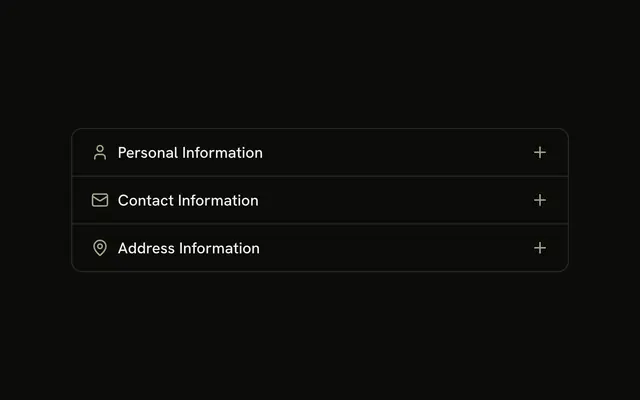
Three bordered sections: Personal Information, Contact Information, and Address Information. Each trigger starts with an icon, and the fields sit in the open section. Typed values stay when a section closes.
Use it for a sign-up or a profile that is too long as one block. A short form can stay open in a Card. In Svelte, Ark UI does not fill in the fields.
Installation
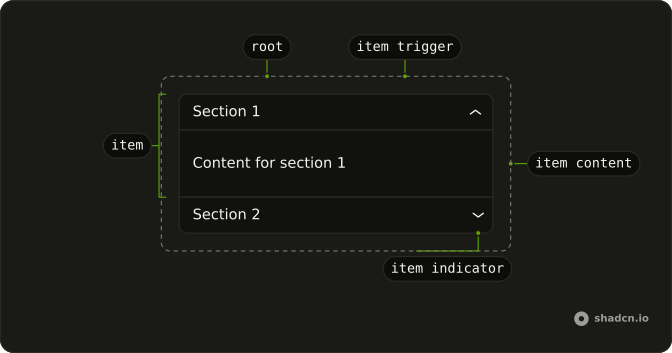
Anatomy
Usage
<Accordion class="w-full max-w-md -space-y-px" unmountOnExit={false}>{#each sections as section (section.value)}<AccordionItem class="overflow-hidden border bg-background px-4 first:rounded-t-lg last:rounded-b-lg" value={section.value}><AccordionTrigger><span class="flex items-center gap-2"><section.icon aria-hidden="true" class="size-4 shrink-0 text-muted-foreground" />{section.title}</span></AccordionTrigger><AccordionContent class="flex flex-col gap-2 pt-1">{#each section.fields as field (field.label)}<Input aria-label={field.label} placeholder={field.label} type={field.type} />{/each}</AccordionContent></AccordionItem>{/each}</Accordion>FAQ
Do the fields keep what I typed after I close a section?
Yes. This demo passes unmountOnExit={false} on Accordion, so a closed section stays in the DOM and the uncontrolled inputs keep their text.
How are the inputs labeled?
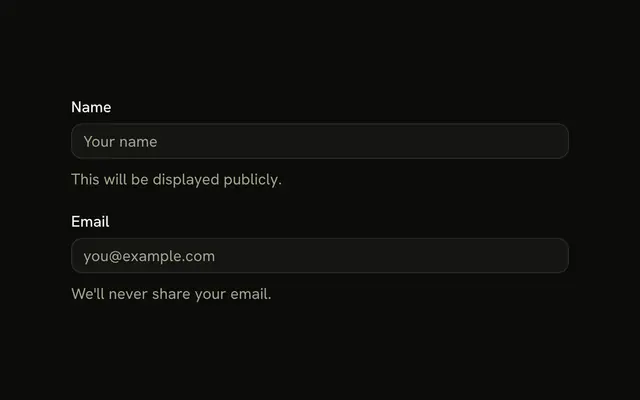
Each Input gets type, placeholder and aria-label from its field. Name and address fields use type="text", email uses type="email", and phone uses type="tel". There is no visible label, so the aria-label is the field name.
Where do the section icons come from?
Each section stores UserIcon, MailIcon or MapPinIcon. The trigger renders it at size-4 with text-muted-foreground and aria-hidden, in a gap-2 row before the title.
How do I open the personal section on first render?
This demo sets no defaultValue, so every section starts closed. Pass defaultValue={["personal"]} to open Personal Information.
API Reference
Accordion
Sets unmountOnExit={false} and value={section.value}. The rest is on the Accordion page.
Input
Sets aria-label={field.label}, placeholder={field.label} and type={field.type}. The rest is on the Input page.