shadcn.io is an independent project built on shadcn/ui
A horizontal line fills the row up to a More link at the end. The link is the only text, and the line points toward it.
End the row with the action when the section continues elsewhere, such as View all. A Button under the block is clearer when the action should not share the line. In Svelte, Ark UI leaves the gap to the parent.
Installation
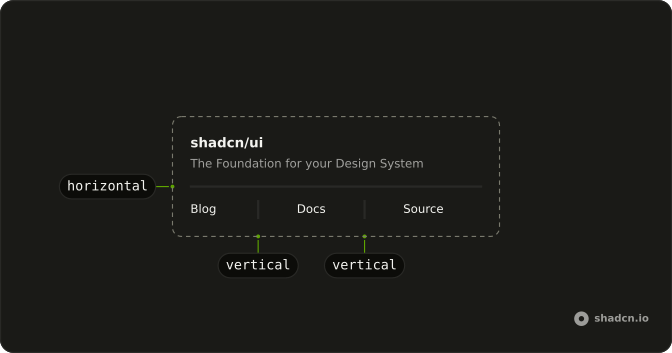
Anatomy
Usage
<div class="flex w-full max-w-sm items-center gap-2"><Separator class="flex-1" /><a class="shrink-0 text-muted-foreground text-xs hover:text-foreground hover:underline" href="#more">More</a></div>FAQ
How does More end up at the end?
The Separator with flex-1 comes first, then an a with shrink-0. The row is flex items-center gap-2, so the line fills the start and the link sits at the end.
Is More a real link?
Yes. It is an a with href="#more". Use a real URL there. Hover uses hover:text-foreground and hover:underline on the anchor.
Why does the line use flex-1?
Separator includes shrink-0. flex-1 is merged after that class, and cn() keeps flex-1, which sets shrink too. The link's shrink-0 keeps More at its own width.
How is the link styled at rest?
The anchor uses text-xs and text-muted-foreground. shrink-0 keeps the word from shrinking when the row gets narrow.
API Reference
Separator
No extra props in this demo. The rest is on the Separator page.