shadcn.io is an independent project built on shadcn/ui
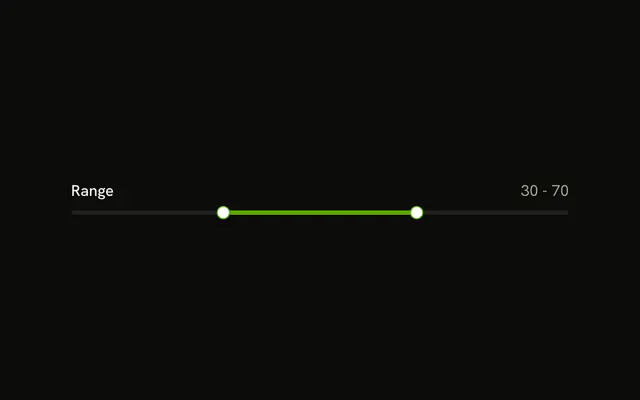
Constrained Range is on the left and 20 - 60 is on the right. Under the track, a note reads Minimum gap: 10.
Use it for a booking window or any span that must not collapse. A Date Picker is clearer when each end is a date. In Svelte, Ark UI does not write the gap note.
Installation
Anatomy

Usage
<div class="flex w-full max-w-md flex-col gap-2"><div class="flex items-center justify-between"><Label>Constrained Range</Label><span class="text-muted-foreground text-sm tabular-nums">{value[0]} - {value[1]}</span></div><Slider aria-label={["Range start", "Range end"]} max={100} min={0} minStepsBetweenThumbs={MIN_GAP} onValueChange={handleValueChange} value={value} /><p class="text-muted-foreground text-xs">Minimum gap: {MIN_GAP}</p></div>FAQ
How is the gap enforced?
MIN_GAP is 10, and the slider will not let the thumbs come closer than that.
It is passed as minStepsBetweenThumbs. With step 1, that is a gap of 10.
How does the readout follow the thumb?
The value lives in state, starting at [20, 60], and goes back to the slider as value. The two numbers beside the label print them.
onValueChange receives details.value, the new array.
What is the text under the track?
Minimum gap: 10, printed from the same MIN_GAP, so the note and the rule never disagree.
API Reference
Label
No extra props in this demo. The rest is on the Label page.
Slider
Sets aria-label={["Range start", "Range end"]}, max={100}, min={0}, minStepsBetweenThumbs={MIN_GAP}, onValueChange={handleValueChange} and value={value}. The rest is on the Slider page.