shadcn.io is an independent project built on shadcn/ui
The badge shows the word Badge on the primary fill. No variant is set, so it stays the default, and there is no icon.
Use it for the label you most want noticed, such as New or Beta. A sentence belongs in an Alert. In Vue, Ark UI keeps that word on one line.
Installation
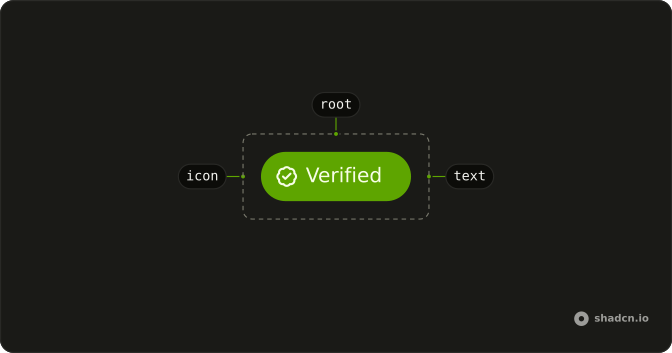
Anatomy
Usage
<Badge>Badge</Badge>FAQ
Which variant is this badge?
No variant is set, so it stays default: the theme's primary fill and primary text. The other values are secondary, outline, ghost, link, destructive, info, success and warning.
How do I change the size or round it fully?
size takes sm, md or lg. pill rounds the badge fully. This demo sets neither, so you get the normal label.
Why doesn't the label wrap?
The badge is whitespace-nowrap, so the label stays one line. Shorten the text. A sentence belongs in an Alert.
How does the badge sit next to other text?
It is inline-flex and w-fit, so it hugs the label and stays on the line with a heading or a table cell. shrink-0 keeps it from being squashed in a tight row.
API Reference
Badge
No extra props in this demo. The rest is on the Badge page.