shadcn.io is an independent project built on shadcn/ui
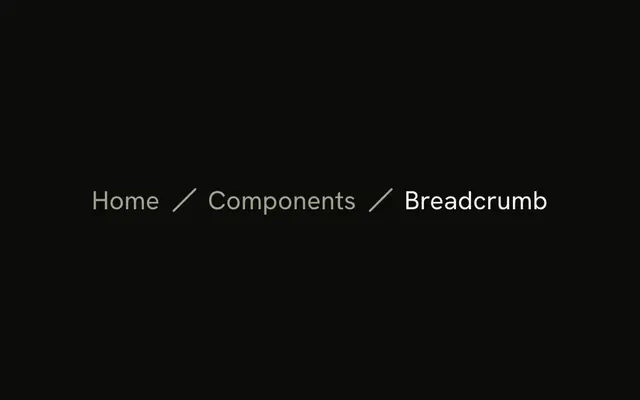
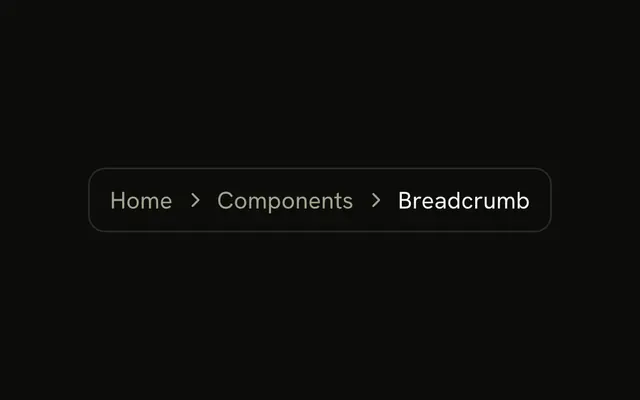
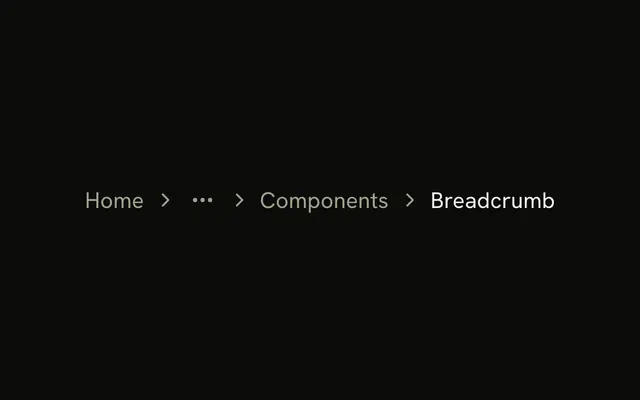
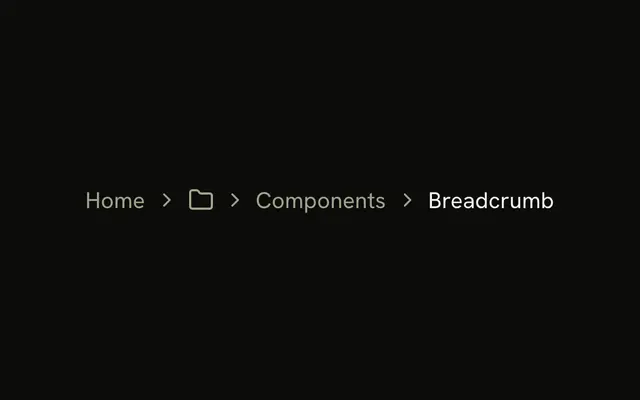
The trail reads Home, Components, then Breadcrumb as the current page. A bullet character sits between the crumbs. The last crumb is not a link.
Use it when a chevron feels too heavy and a bullet is enough. A path people think of as folders wants a slash instead. Site sections that are not a path belong in a Navigation Menu. In Vue, Ark UI does not build the trail.
Installation
Anatomy
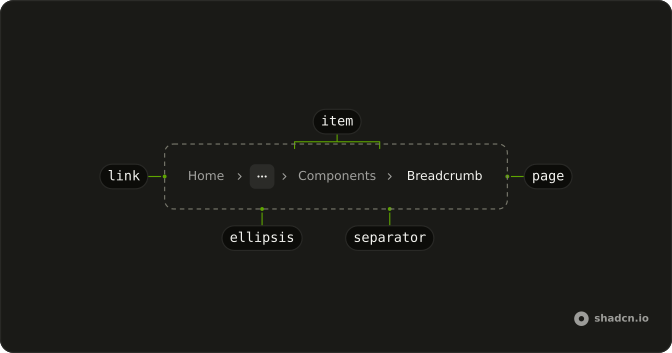
Usage
<Breadcrumb>
  <BreadcrumbList>
    <BreadcrumbItem>
      <BreadcrumbLink :asChild="true"><a href="/">Home</a></BreadcrumbLink>
    </BreadcrumbItem>
    <BreadcrumbSeparator>•</BreadcrumbSeparator>
    <BreadcrumbItem>
      <BreadcrumbLink :asChild="true">
        <a href="/components">Components</a>
      </BreadcrumbLink>
    </BreadcrumbItem>
    <BreadcrumbSeparator>•</BreadcrumbSeparator>
    <BreadcrumbItem><BreadcrumbPage>Breadcrumb</BreadcrumbPage></BreadcrumbItem>
  </BreadcrumbList>
</Breadcrumb>
FAQ
How is the bullet drawn?
The character • is the child of BreadcrumbSeparator, in place of the default chevron. The separator is hidden from assistive tech.
How is the trail announced?
Breadcrumb renders a nav labeled breadcrumb around an ordered list, so screen readers announce a breadcrumb landmark and the number of items. Home and Components are read as links.
Where does the space around the bullet come from?
From the breadcrumb list's gap. The demo adds no spacing classes of its own, so the bullet sits where a chevron would.
Can I use another character?
Yes. Any text or icon works in its place, such as ·, | or a Lucide icon. Use one mark across the whole site.
API Reference
Breadcrumb
Sets asChild. The rest is on the Breadcrumb page.