shadcn.io is an independent project built on shadcn/ui
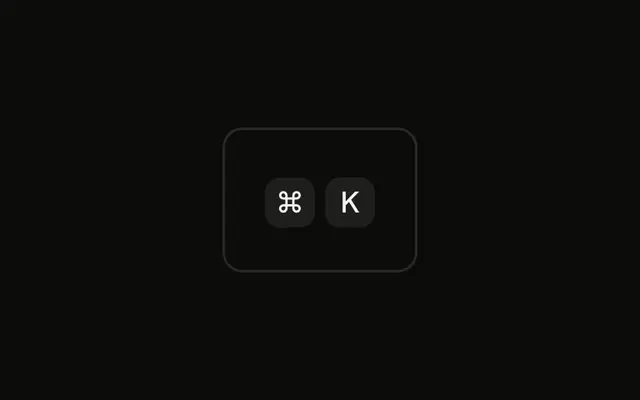
⌘ and K sit in one group. No size classes, so both caps keep the normal height and small type. The letters are hard-coded. Nothing listens for the chord.
Use the default size in menus and settings. On a control people can activate, put the same caps on a Button. In Vue, Ark UI does not register ⌘K.
Installation
Anatomy

Usage
<div class="rounded-md border bg-background p-4">
  <KbdGroup><Kbd>⌘</Kbd><Kbd>K</Kbd></KbdGroup>
</div>
FAQ
What is the default size of a Kbd?
Kbd has no size prop. Its classes make it 20 to 22 pixels tall depending on the style, with a matching minimum width so single characters stay square, extra-small medium-weight type and small horizontal padding. The cap grows wider to fit a word such as Ctrl.
When should I use the default size instead of custom sizing?
Almost always. The default fits menu items, tooltips, buttons, inputs and running text. Use smaller caps only where space is tight, like a dense status bar, and larger ones where the shortcut is the subject, like a hero or a tutorial.
Is the default size readable for everyone?
For a short hint next to a control, yes: the text is the same extra-small size used for labels across the components. If the shortcut is the main content of a page, or people will read it from a distance, use a larger size.
How do I change the default size across my app?
Edit the classes in your copy of the Kbd component, since it lives in your project. Changing them once updates every key cap, which is better than adding size classes at every use.
API Reference
Kbd
No extra props in this demo. The rest is on the Kbd page.