shadcn.io is an independent project built on shadcn/ui
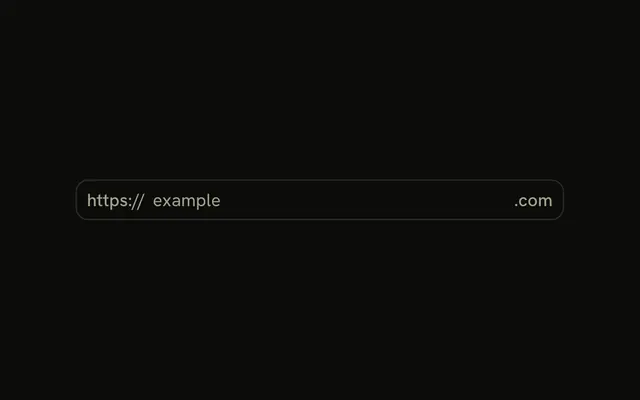
People type a username, and @vercel.com is shown after the field as fixed text. That suffix is not part of the input's value. The field is plain text, not an email input, because the value is not a full address.
Use it for a sign-up that only allows one domain. Join the two parts when you submit. If any domain is allowed, use a normal Input. In Vue, Ark UI does not append @vercel.com to the value.
Installation
Anatomy

Usage
<InputGroup class="w-full max-w-sm bg-background">
  <InputGroupInput aria-label="Email username" placeholder="username" type="text" />
  <InputGroupAddon align="inline-end">
    <InputGroupText>@vercel.com</InputGroupText>
  </InputGroupAddon>
</InputGroup>
FAQ
How does the domain sit after the input?
An InputGroupAddon with align="inline-end", written after the input.
Is the domain part of the value?
No, the input holds only the username. Append @vercel.com when you submit or validate.
Why type=text and not type=email?
The field holds only the part before the @, which isn't a full address.
How is the field labeled?
aria-label="Email username". Add the domain to the label or a description if people should hear it.
API Reference
Input Group
Sets aria-label="Email username", placeholder="username", type="text" and align="inline-end". The rest is on the Input Group page.