shadcn.io is an independent project built on shadcn/ui
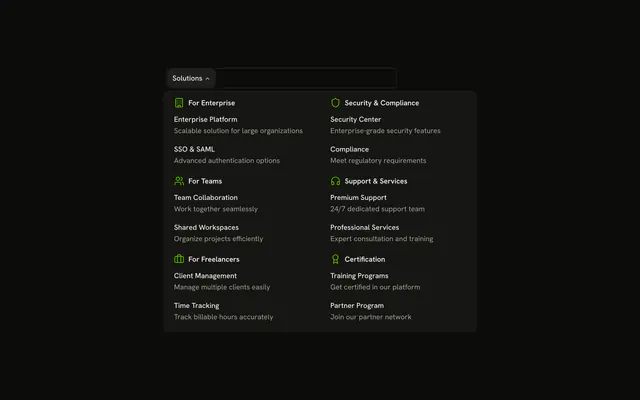
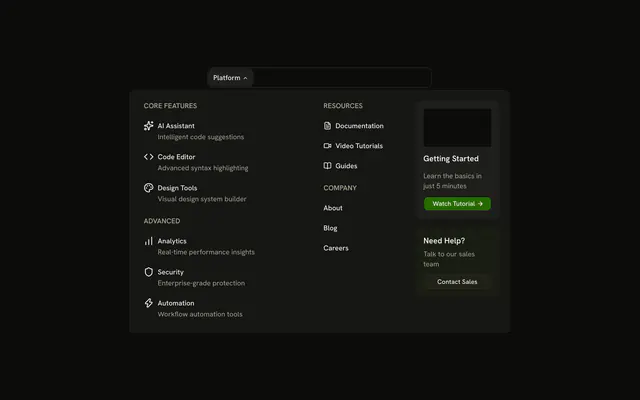
The bar shows Developer Tools. The panel is a three-column grid of nine tools, including Code Editor, CLI Tools, CI/CD Pipeline, and Cloud Sync, each with an icon and a description.
Use the grid when many tools share one panel. Split them into pages and a Sidebar when the list is the product. In Vue, Ark UI moves between the triggers with Tab.
Installation
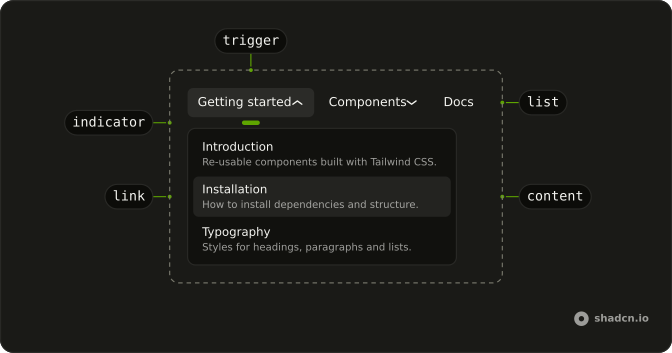
Anatomy
Usage
<div class="w-full max-w-md rounded-md border bg-background p-px">
  <NavigationMenu>
    <NavigationMenuList>
      <NavigationMenuItem>
        <NavigationMenuTrigger>Developer Tools</NavigationMenuTrigger>
        <NavigationMenuContent>
          <div class="grid w-[700px] max-w-full grid-cols-3 gap-3 p-2">
            <NavigationMenuLink
              v-for="tool in tools"
              :asChild="true"
              class="items-start gap-2"
              :key="tool.label"
            >
              <a :href="tool.href">
                <component :is="tool.icon" aria-hidden="true" class="mt-0.5 size-5" />
                <div class="flex flex-col gap-0.5">
                  <span class="font-medium">{{ tool.label }}</span>
                  <span class="text-muted-foreground">{{ tool.description }}</span>
                </div>
              </a>
            </NavigationMenuLink>
          </div>
        </NavigationMenuContent>
      </NavigationMenuItem>
    </NavigationMenuList>
  </NavigationMenu>
</div>
FAQ
How is the grid built?
The panel is a grid-cols-3 grid with gap-3 holding nine NavigationMenuLinks with items-start. Change the column count to fit your number of items.
How are the icons rendered?
Each item's icon is a Lucide component stored in the data, rendered inside the link and hidden from assistive tech, since the label beside it names the link.
How do the links use my router?
Each link is your router's link rendered through NavigationMenuLink, so it keeps the menu's styles and focus handling.
NavigationMenuLink takes as-child, and the demo puts an anchor inside. Put RouterLink or NuxtLink there instead.
API Reference
Navigation Menu
Sets v-for="tool in tools", asChild and key="tool.label". The rest is on the Navigation Menu page.