shadcn.io is an independent project built on shadcn/ui
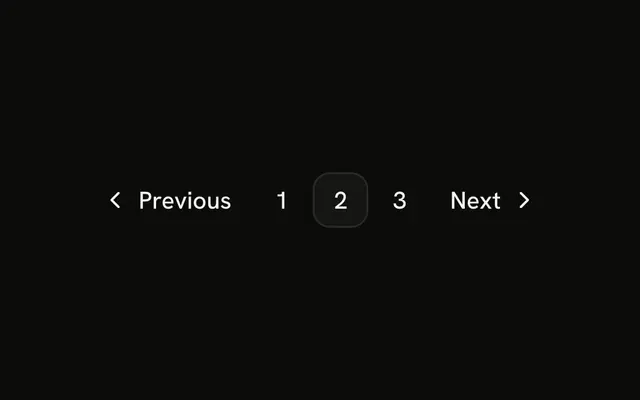
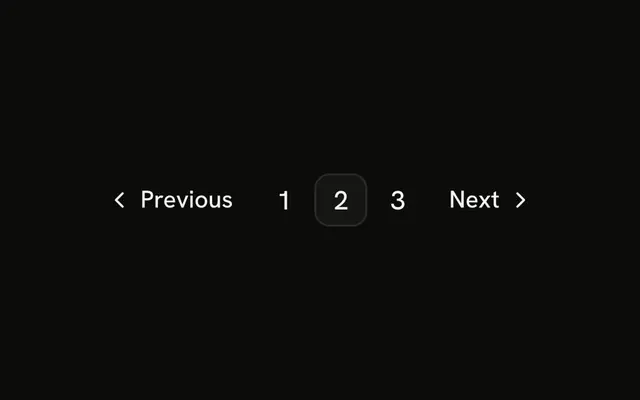
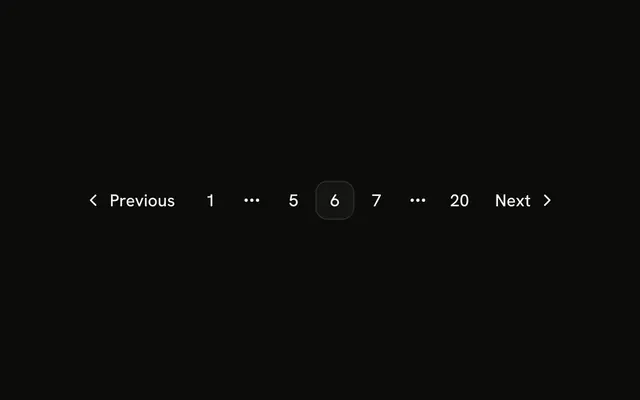
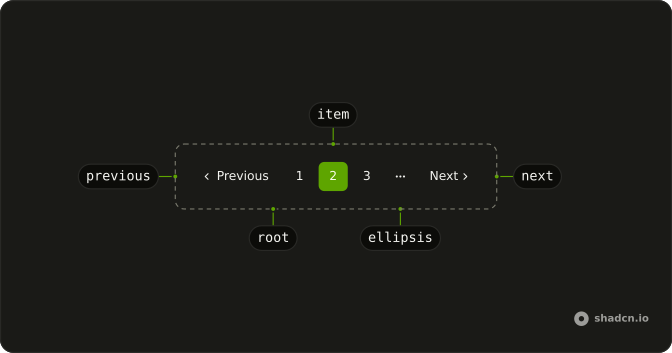
The row is Previous, pages 1, 2, and 3, and Next. Page 2 is current. The buttons are the large size, and the gap is wider than the default.
Bigger targets suit touch screens and pages where this row is the main way through. On a phone, a Select still takes less width. In Vue, Ark UI does not resize the row. The sizes are set on each control.
Installation
Anatomy
Usage
<Pagination>
  <PaginationContent class="gap-2">
    <PaginationItem><PaginationPrevious href="#" size="lg" /></PaginationItem>
    <PaginationItem>
      <PaginationLink href="#" size="icon-lg">1</PaginationLink>
    </PaginationItem>
    <PaginationItem>
      <PaginationLink href="#" :isActive="true" size="icon-lg">2</PaginationLink>
    </PaginationItem>
    <PaginationItem>
      <PaginationLink href="#" size="icon-lg">3</PaginationLink>
    </PaginationItem>
    <PaginationItem><PaginationNext href="#" size="lg" /></PaginationItem>
  </PaginationContent>
</Pagination>
FAQ
How is the row made large?
PaginationPrevious and PaginationNext take size="lg", the page links size="icon-lg": the large button sizes. PaginationContent takes gap-2 to space them out.
How is the current page marked?
isActive on page 2 gives it the outline style and aria-current="page". The other numbers are ghost links.
When should I use the large size?
On touch screens and wherever pagination is the main way through the content, such as a blog index. Bigger targets are easier to hit.
How do I change the Previous and Next words?
Pass text. The defaults are Previous and Next, and the accessible names are Go to previous page and Go to next page. The word is hidden below the sm breakpoint, where only the chevron shows.
API Reference
Pagination
Sets href="#", size="lg", size="icon-lg" and isActive. The rest is on the Pagination page.