shadcn.io is an independent project built on shadcn/ui
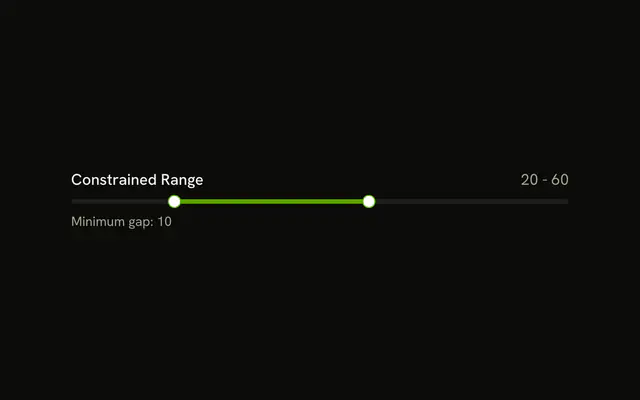
Range is on the left and 30 - 70 is on the right, above one track with two thumbs. Nothing is written under the track.
Use it where height is tight and the span should still be readable. Put the same numbers in a Field if people type them. In Vue, Ark UI does not render that readout.
Installation
Anatomy

Usage
<div class="flex w-full max-w-md flex-col gap-2">
  <div class="flex items-center justify-between">
    <Label>Range</Label>
    <span class="text-muted-foreground text-sm tabular-nums">
      {{ value[0] }} - {{ value[1] }}
    </span>
  </div>
  <Slider
    :aria-label='["Range start", "Range end"]'
    :max="100"
    :min="0"
    @value-change="handleValueChange"
    :value="value"
  />
</div>
FAQ
How does the readout follow the thumb?
The value lives in state, starting at [30, 70], and goes back to the slider as value. The text beside the label prints both values with a dash between them.
The Vue file binds :value and listens to @value-change, which receives details.value.
How is the row laid out?
flex items-center justify-between: the label at the start, the values at the end in muted tabular-nums text.
How are the thumbs named?
Range is a visible Label.
On Ark UI, aria-label names each thumb: Range start and Range end.
API Reference
Label
No extra props in this demo. The rest is on the Label page.
Slider
Sets aria-label="[Range start, Range end]", max="100", min="0", value-change="handleValueChange" and value="value". The rest is on the Slider page.