shadcn.io is an independent project built on shadcn/ui
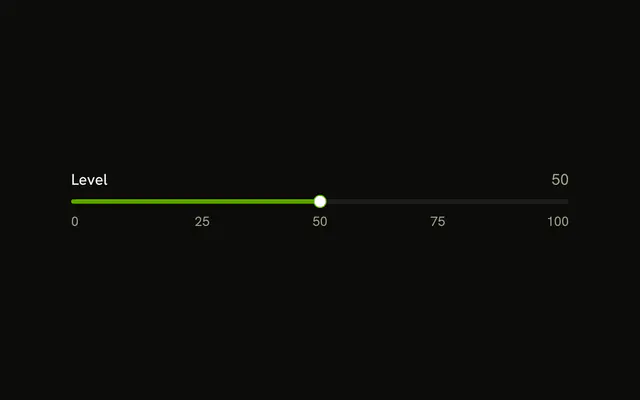
Size sits above the track. Small numbers, 0 and 100, sit under the two ends. The thumb starts in the middle.
Use it when the scale is not obvious from the label alone. A Number Input is clearer when people type a size. In Vue, Ark UI does not print those end numbers.
Installation
Anatomy

Usage
<div class="flex w-full max-w-md flex-col gap-2">
  <Label>Size</Label>
  <Slider :aria-label='["Size"]' :defaultValue="[50]" :max="100" :min="0" />
  <div class="flex items-center justify-between text-muted-foreground text-xs">
    <span>0</span>
    <span>100</span>
  </div>
</div>
FAQ
How are the end labels placed?
A flex items-center justify-between row under the slider, with 0 and 100 in text-xs muted text. They are plain text, so they don't change with min and max.
What range does it cover?
0 to 100. Keep the labels in step with the slider's range when you change it.
min and max set the ends.
How is the slider named?
The Size text is a visible Label, and the slider gets the same name with aria-label, so screen readers announce what it sets.
On Ark UI, aria-label is a list with one name per thumb.
API Reference
Label
No extra props in this demo. The rest is on the Label page.
Slider
Sets aria-label="[Size]", defaultValue="[50]", max="100" and min="0". The rest is on the Slider page.