shadcn.io is an independent project built on shadcn/ui
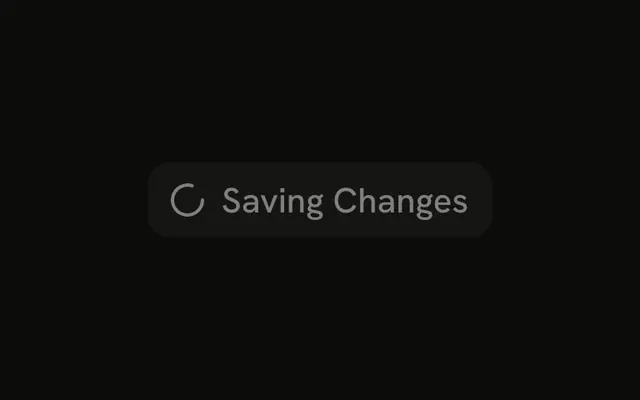
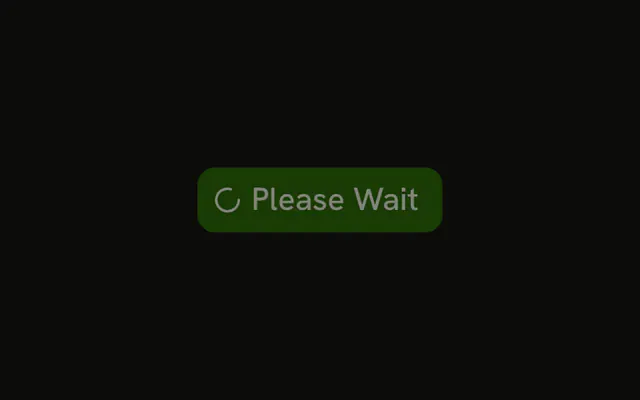
An outline button is disabled. A spinner sits before the word Processing. The spinner is hidden from assistive tech. The button name is Processing. No request runs.
Use the outline style for a less prominent action that is in progress. Keep it disabled until the work ends. A measured task fits Progress. In Vue, Ark UI does not start that work.
Installation
Anatomy
Usage
<Button :disabled="true" variant="outline">
  <Spinner aria-hidden="true" data-icon="inline-start" />Processing
</Button>
FAQ
How is this an outline button?
variant is outline on the Button. The spinner and the label Processing are the children. disabled is set, so the button can't be pressed again.
How does the spinner sit in front of Processing?
The Spinner is the first child, with data-icon set to inline-start. The button's icon spacing then puts the wheel before the word.
What color is the spinner on an outline button?
The icon uses currentColor, so it takes the outline button's text color. This file sets no color class on the Spinner.
Can the label name the action?
Yes. This file uses "Processing". Replace that string with "Saving" or "Sending" and keep variant, the disabled state and the Spinner.
API Reference
Button
Sets disabled and variant="outline". The rest is on the Button page.
Spinner
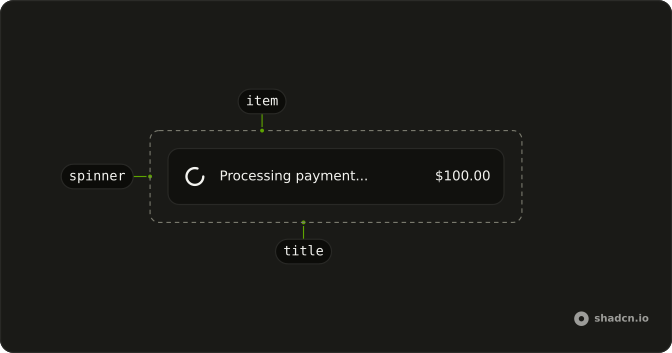
Sets aria-hidden and data-icon="inline-start". The rest is on the Spinner page.