Svelte text that moves.
97 text effects for Svelte, on Ark UI, for headlines, labels and numbers. Watch them right here. Each takes a string.
Every text effect
97 text effects.
- Blur TextEntrance

- Counting NumberNumbers
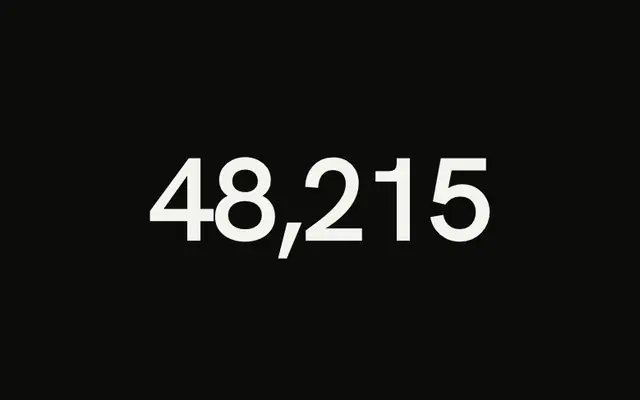
- Flip WordsCycling

- Gradient TextDecorative

- Highlight TextDecorative

- Rotating TextCycling
- Shimmering TextDecorative

- Sliding NumberNumbers

- Splitting TextEntrance

- Text Generate EffectEntrance

- Anagram TextCyclingPro

- Annotation TextDecorativePro
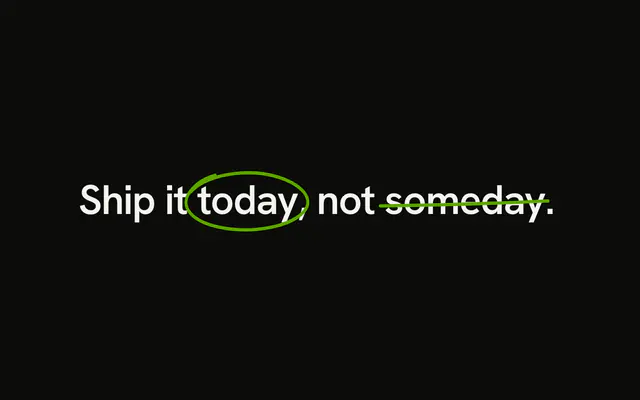
- Backspace TextCyclingPro

- Binary TextDecodePro

- Bouncing TextMotionPro

- Breathing TextMotionPro

Or describe it. With Pro, your AI agent picks the text effect you describe and installs it on your stack.
Get ProPricing
Every text effect, one prompt away, with Pro
Your AI agent installs any of the 97 text effects, and every component, example and icon, with every Pro plan.
4.9/5 out of 5 · 150+ reviewsfrom 150+ founders and developers.
- Secure checkout via Stripe
- Code lives in your repo
- Keep what you've shipped if you cancel
- License terms
FAQ
Frequently asked questions
What screen readers and search engines read, layout shift, triggers, install, frameworks, free or Pro and AI agents, answered for these text effects.
97 effects for headlines, labels and numbers: words that type themselves, scramble into place, flip, count up, glow, or lean toward the pointer. Each takes your text as a string (`text`, `texts` for a cycle, `value` for a number) and renders it once for screen readers, with the effect drawn beside it.
Wrap it in your own heading: `<h1><BlurText text="Ship faster" /></h1>`. An effect's root is a span with no `as` prop, so the heading level and its styles stay yours.
Gradient, glow, glitch, scramble, typing, flipping and cycling words, counting and sliding numbers, highlights and annotations, and pointer effects. The gallery groups them: entrance, cycling, decode, numbers, decorative, interactive and motion.
Signed in, copy the effect's command from its page: the `shadcn-svelte` CLI with the item's URL. It adds the file to your components folder and the keyframes it needs to your stylesheet.
With the CLI, no: it merges the effect's keyframes and `animate-*` utility into your CSS. Installing by hand, the Manual tab on the effect's page has a globals.css step with that CSS; paste it in or the text won't animate. That CSS is code, behind the same gate as the component.
No animation library. The motion is CSS keyframes and transitions; the few that change their text over time (typing, cycling words, clocks) run one small timer, and the pointer effects write two CSS variables per move. Nothing animates frame by frame in JavaScript.
Svelte ports are generated from the Ark UI version of each effect. They take the same props as the React version, and this page lists the effects that have been ported.
Because an effect renders plain spans, it is the same file under each library. Only the few that wrap a component, such as Copy Text, take that base's Button; the registry keeps a copy per base for that reason.
Yes. They are TypeScript with Tailwind CSS v4 classes, plus the keyframes the install adds. The text arrives as a string prop, not children.
The string, once. Every effect that splits into letters or words renders the full text in a visually hidden span and marks the animated letters `aria-hidden`, so a headline is read as a headline, not letter by letter.
The page's markup holds your whole string as ordinary text (the hidden copy, and for some effects the visible layer), not as an image or a canvas. We cannot promise how any one search engine ranks animated text, but the words are in the HTML, in your heading.
Yes: words are never broken. Each word is an inline-block group that does not wrap inside itself, so lines wrap between words. A `dir="auto"` on the visual layer keeps right-to-left text in order, and a few effects offer `by: "words"` since splitting letters breaks Arabic joining.
A loop that runs longer than five seconds pauses on hover or focus, which is what WCAG 2.2.2 asks. Flashing effects stay under three flashes a second, and gradient-clipped text falls back to the system text color in forced-colors mode.
They are built not to. A glyph window (a counter, a scramble) holds the real character, invisible and in flow, so the text keeps its width and baseline; the animated column sits over it and is clipped. Entrances animate transform, opacity and filter, not size.
Set `trigger="view"` where the effect offers it: the animation waits until the text scrolls into view, then plays once. The server renders the not-yet-played state, so nothing flashes first. `trigger="mount"` plays on load. Which values an effect takes is in its API table.
Some effects play on hover or pointer movement, such as Fuzzy Text, Chromatic Text, Glitch Text and Decrypted Text. Pointer effects write two CSS variables on their own element; they add no listener on document or window.
Yes, for the entrances: give the text a `stagger` and a `delay` in milliseconds. Each letter or word gets an index, and its delay is the index times the stagger.
Each effect has an `onComplete` or `onCycle(index)` callback where it makes sense. They are never named after a DOM event, so they work the same in React, Vue, Svelte and Solid.
10 of the 97 text effects are free: they take a free account (Google or GitHub sign-in) to see the code and install them, and carry no mark in the gallery. The other 87, marked Pro, take a Pro plan. Every demo is free to try here, for anyone, with no account.
Seeing, copying or installing a Pro text effect's code takes a Pro plan; the page and its demo stay free to view. Individual is personal, non-commercial use only. Client work or anything your users pay for takes a Team (up to 5 seats in one company) or Organization license, each monthly, yearly or a one-time Lifetime.
Not on its own. Redistributing the Pro code, or building UI libraries, themes, templates, starter kits or Figma kits from it, is never allowed. Free text effects need only a free account. The full terms are on the license page.
You keep using what you installed in existing projects, but get no new downloads or updates, and the MCP answers 403. The code you copied is yours to edit and keep.
With Pro, yes: the MCP server exposes 22 tools, and its catalog serves the animated text effects. Describe what you want (a typewriter headline, a number that counts up) and your agent searches, picks one and installs it on your stack. Your personal MCP URL is at /dashboard/mcp.
No. The MCP is one-way: the agent asks for items and the server answers; your files never leave your machine. It needs a Pro plan, and answers 403 after a subscription ends.
4.9 out of 5 from 150+ developers


Every text effect. One prompt away.
97 text effects, free with an account or with Pro. With Pro, your AI agent installs them from a prompt.
Get Pro