Form Examples
42 validated forms: login, sign-up, checkout, settings, layouts and validation patterns, built on React Hook Form and Zod with shadcn.io's Field components. Each on React, with Base UI, React Aria, Ark UI or Radix UI.
Every form example
42 examples.
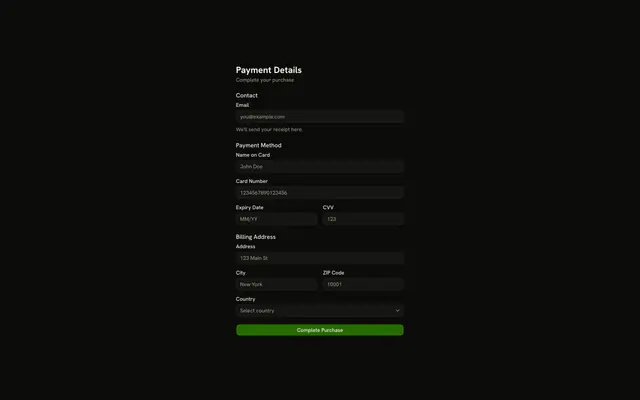
- Checkout FormPatternsA checkout form with contact email, card details, and a billing address, ending in Complete Purchase.
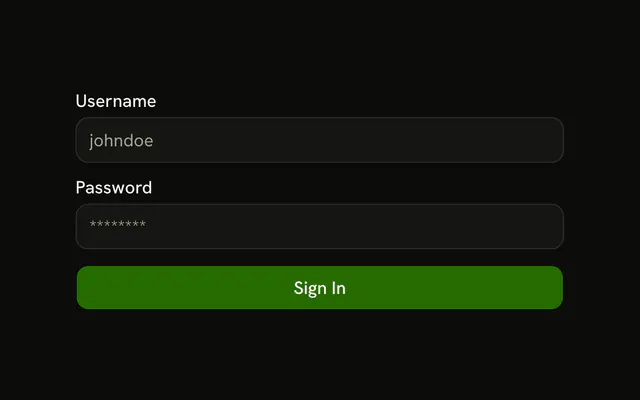
- Compact FormLayoutsA compact sign-in form: short username and password fields, tight gaps, and a full-width Sign In button.
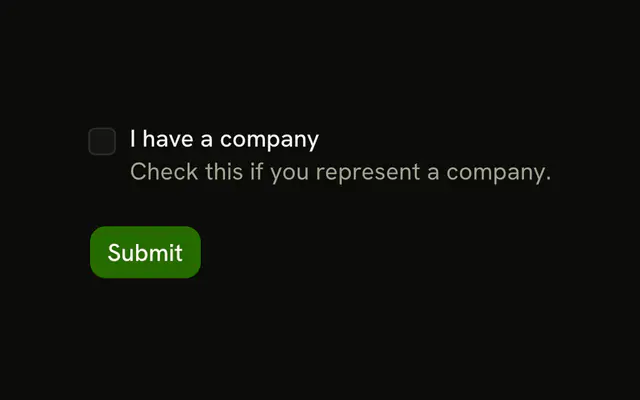
- Conditional ValidationValidationCompany name and website show up only after I have a company is checked, and then the name is required.
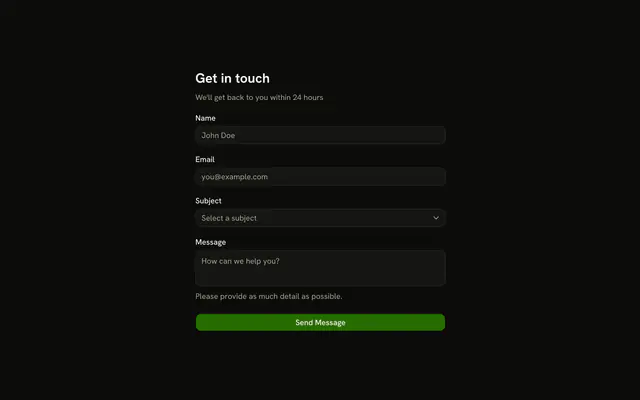
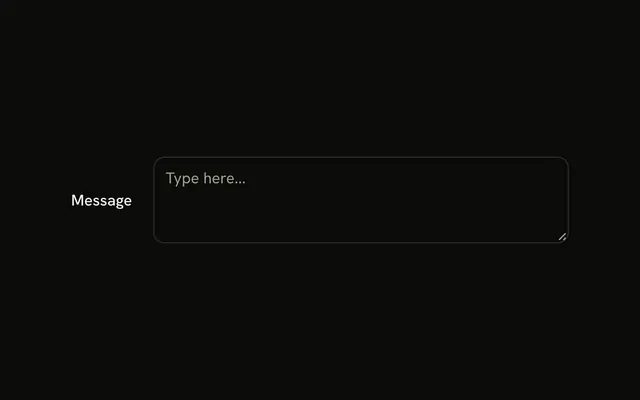
- Contact FormPatternsA Get in touch form with name, email, a subject select, and a message of at least 10 characters.
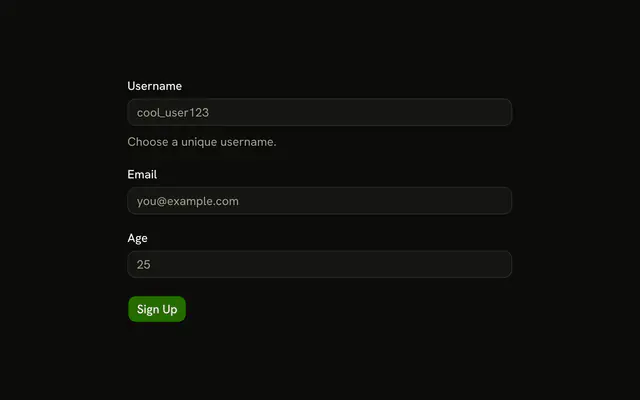
- Custom Validation MessagesValidationA sign-up form whose username, email, and age rules each answer with their own short custom message.
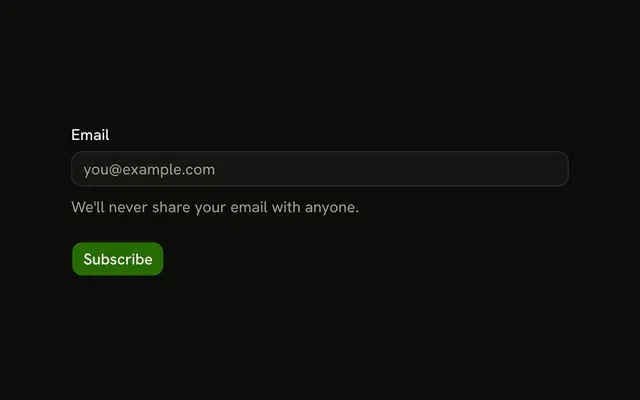
- Email Input FormBasic FormsA newsletter form with one email field, a privacy note, and Subscribe, which checks the address format.
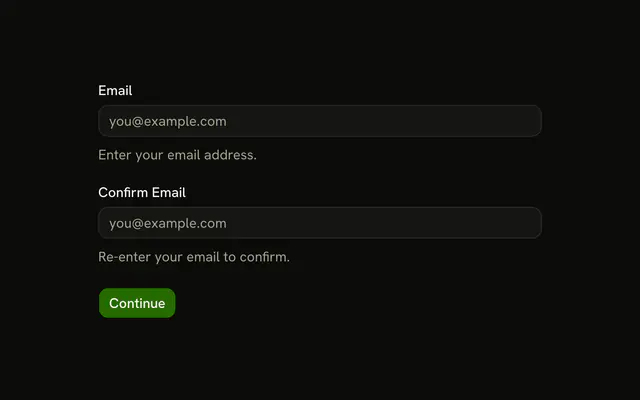
- Email ValidationValidationAn email field and a confirm email field that must match, and each one is checked as an address first.
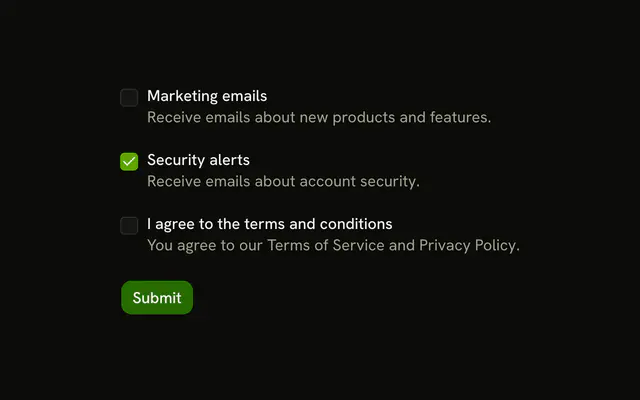
- Form with CheckboxAdvancedMarketing, security, and terms checkboxes with descriptions. Terms must be checked, and security starts on.
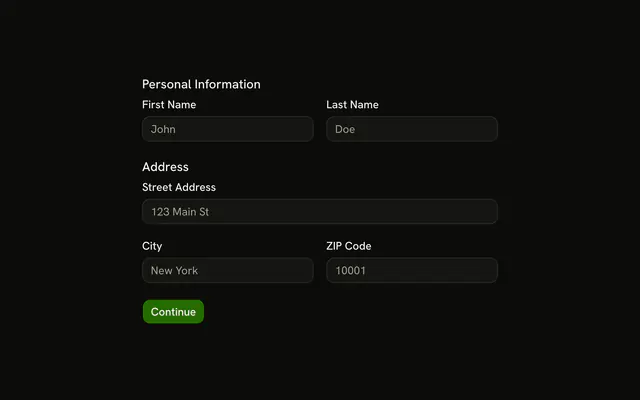
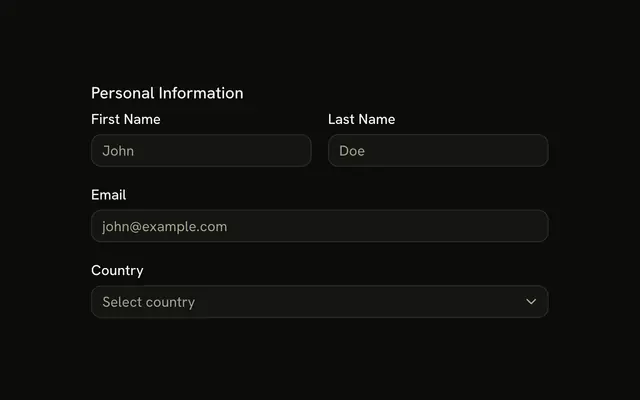
- Form with Field GroupsMulti FieldPersonal Information and Address as two groups, with the names side by side and city beside ZIP code.
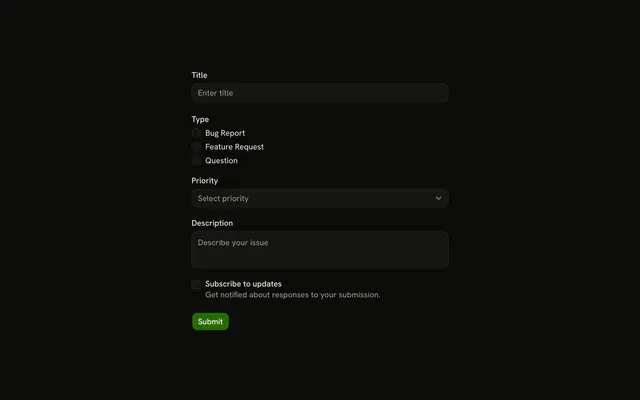
- Form with Mixed ControlsAdvancedA support request with a title, type radios, a priority select, a description, and a subscribe checkbox.
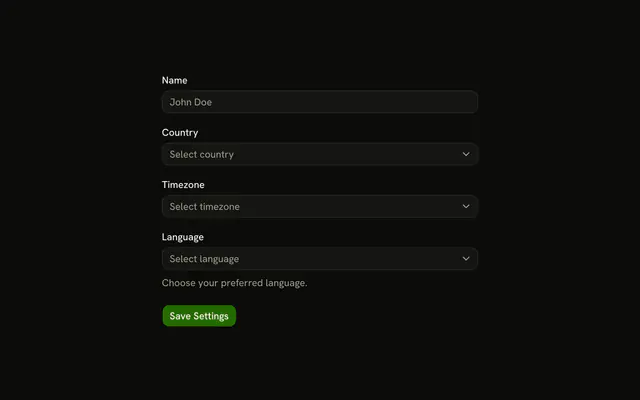
- Form with Multiple SelectsAdvancedA name plus required country, timezone, and language selects, checked together before the settings save.
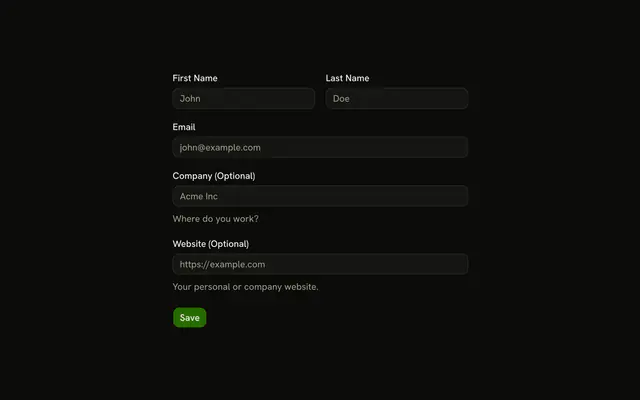
- Form with Optional FieldsMulti FieldRequired first name, last name, and email, plus company and website marked optional in their labels.
Or describe it. With Pro, your AI agent installs the form example you describe, on your framework and UI library.
Get ProGalleries
More component examples
8 related galleries, free: open one for its live examples and their code.








Pricing
Form examples MCP, with Pro
Your AI agent installs any of the 1364 examples, and every component, block and icon, with every Pro plan.
4.9/5 out of 5 · 150+ reviewsfrom 150+ founders and developers.
- Secure checkout via Stripe
- Code lives in your repo
- Keep what you've shipped if you cancel
- License terms
FAQ
Frequently asked questions
A form built from shadcn.io's Field components and wired to React Hook Form, with a Zod schema for validation. Each control sits in a `Field` with its `FieldLabel`, an optional `FieldDescription` and a `FieldError`; a `Controller` hands the control its value and change handler and the field its error, and `Field invalid` styles the label and control when it fails. Each example is one small file, on React with Base UI, React Aria, Ark UI or Radix UI.
Yes. Every form example is free to use in personal and commercial projects, with no attribution required. Seeing the code and installing an example takes a free shadcn.io account. React Hook Form and Zod are MIT-licensed.
React Hook Form keeps the values outside React state, so a long form doesn't re-render on every keystroke, and its `Controller` works with any control, including selects, checkboxes and switches. Zod gives one schema that is both the TypeScript type and the runtime check: `z.object({ email: z.email() })` types `onSubmit` and validates the input. The examples are React only for that reason: React Hook Form is a React library. For TanStack Form or Formisch, see the forms guides in the docs.
A form when the user fills in several values and submits them together: sign-up, checkout, a settings page. Inline editing when people change one value at a time without leaving the page, such as a table cell or a setting that saves on blur. A settings page can mix both.
Keep one `useForm` and one schema for all the steps, track the current step in state, and render only that step's fields. Values of hidden steps stay in the form. On Next, call `form.trigger([...])` with the current step's field names and move on only if it returns true; the final submit validates everything.
When the server rejects a value, call `form.setError("email", { message: "Already taken" })`: the field's `fieldState.invalid` turns true and its `FieldError` shows the message. For errors that belong to no field, such as a network failure, use `form.setError("root", …)` and render `form.formState.errors.root` in an Alert above the button.
Make `onSubmit` async and await your request or Server Action; `form.formState.isSubmitting` is true until it settles. Disable the submit button with it and show a Spinner and a label such as Saving. On error, keep the form and set the errors; on success, reset, close or redirect.
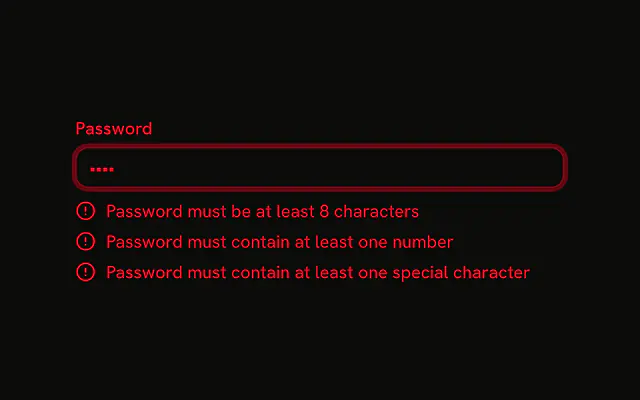
Set `mode` on `useForm`: `onChange` checks every change, `onBlur` checks when a field loses focus, and `onTouched` waits for the first blur and then checks on every change. The default checks on submit and then again on each change of a field that failed. The validation examples show these modes.
Sign in with a free account, then copy the code or run the install command on the example's page. It adds the example and the components it uses, such as Field, Input, Select or Checkbox, plus `react-hook-form`, `zod` and `@hookform/resolvers` if your project doesn't have them yet.
Validate on the client with React Hook Form, then call the Server Action from `onSubmit` with the validated values. Parse them again on the server with the same Zod schema, since client checks can be skipped. Return field errors from the action and apply them with `form.setError`; on success, refresh or redirect.
Export the schema from a shared module, such as `lib/schemas.ts`. Pass it to `zodResolver` on the client and call `schema.safeParse` in your route or Server Action. `z.infer<typeof schema>` types the values on both sides, so one change updates both.
shadcn.io's Field components and the controls each example uses (Input, Textarea, Select, Checkbox, Switch, RadioGroup, Button), React Hook Form, Zod 4, `@hookform/resolvers` and Tailwind CSS. The controls come in the version for your library: Base UI, React Aria, Ark UI or Radix UI.
Each control has a visible `FieldLabel` tied to it, and `Field invalid` marks the control `aria-invalid` while it fails, with the `FieldError` message shown under it. Groups of radios or checkboxes sit in a `FieldSet` with a `FieldLegend`. Every form submits on Enter from a text field, and the tab order follows the visual order.
The forms are client components, since React Hook Form uses hooks. Put the form in a Server Component page, load its default values on the server and pass them as props, and submit to a Server Action. For a form that must work without JavaScript, use a plain form with an `action` and validate with Zod on the server.
4.9 out of 5 from 150+ developers


Every form example. One prompt away.
Every form example is free with an account. With Pro, your AI agent installs them from a prompt.
Get Pro