shadcn/ui easy install
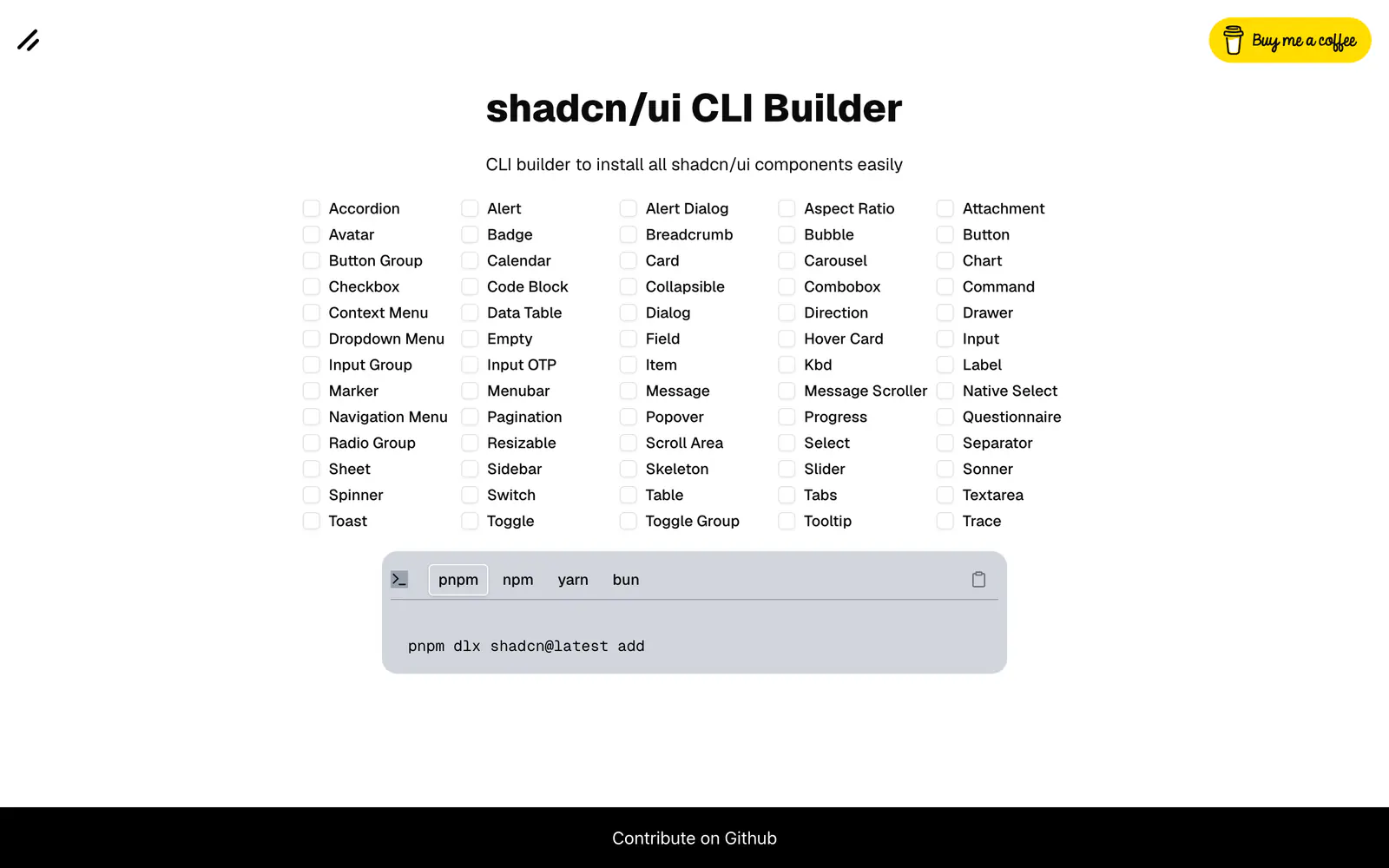
Tick the shadcn/ui components you want and copy one install command for your package manager.
- Category
- Tools & Utilities
- Added
- Price
- Free
About
About shadcn/ui easy install
This small web tool builds the shadcn CLI command for you. The page lists shadcn/ui components alphabetically, from Accordion and Alert through Sidebar, Sonner, Tabs and Tooltip, including newer entries like Field, Input Group, Kbd, Item and Empty. Select the ones you want and it assembles a single add command.
A package manager switch covers pnpm, npm, yarn and bun, and the command it produces starts with pnpm dlx shadcn@latest add. Copy it into a project that already has components.json set up. It suits anyone who wants several components added at once without typing each name. The tool runs in the browser.
shadcn/ui easy install features
4 features
- Checklist of shadcn/ui components
- One combined add command
- pnpm, npm, yarn and bun options
- Includes newer components such as Field and Kbd
Install shadcn/ui easy install
1 command
Terminal
$ pnpm dlx shadcn@latest addWhat you can build with shadcn/ui easy install
3 use cases
- Adding a dozen components to a fresh project in one command
- Rebuilding the component set after a reset
- Sharing an install command with a teammate
Tools & Utilities
Similar to shadcn/ui easy install
More tools & utilities like shadcn/ui easy install: the closest by what they do, then the most starred.
 BlockDexToolBlockDex crawls public shadcn registries nightly and lists each component with preview, dependencies, free or paid access and a dated install check.
 CompifyToolCompify packages selected React Storybook stories into reviewable shadcn registry items, then installs them with the shadcn CLI or through MCP.
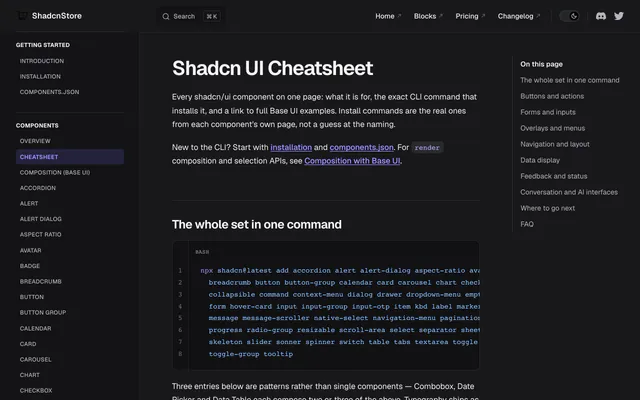
 Shadcn UI CheatsheetToolThe Shadcn UI Cheatsheet lists all 61 components on one page with each add command, a short purpose note and a link to full Base UI examples.
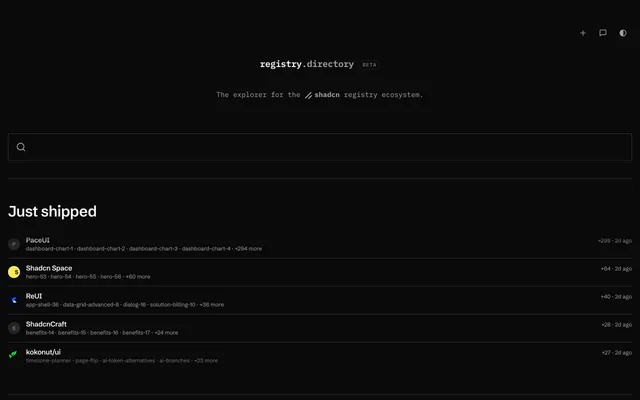
 registry.directoryToolregistry.directory is a beta explorer for shadcn registries. Search components, blocks and themes, preview code and copy the install command.
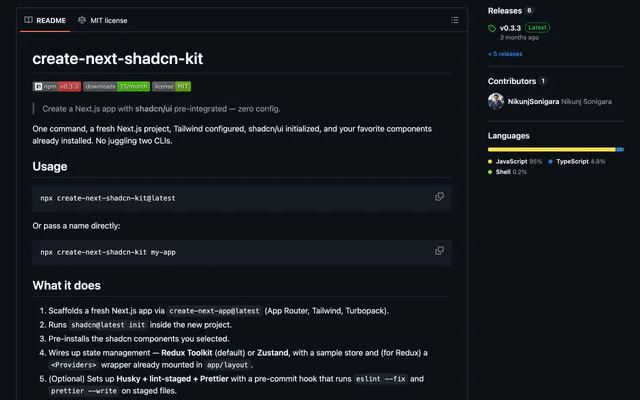
 create-next-shadcn-kitToolcreate-next-shadcn-kit scaffolds a Next.js App Router project, runs shadcn init, installs chosen components and wires Redux Toolkit or Zustand.
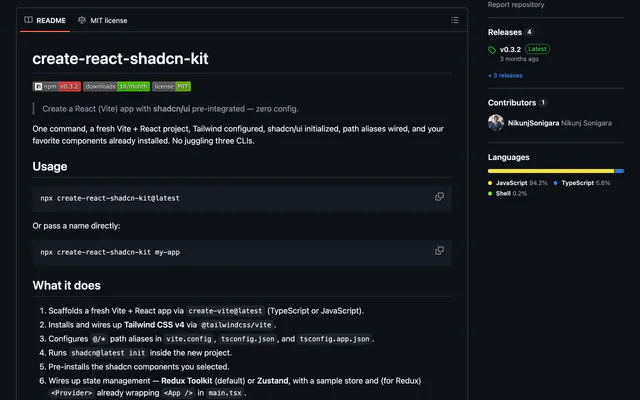
 create-react-shadcn-kitToolcreate-react-shadcn-kit scaffolds a Vite and React project, wires Tailwind CSS v4 and path aliases, runs shadcn init and installs your components.
Pricing
Ship it with Pro
The directory is free. Pro adds 6,000+ blocks, 14 premium templates and the MCP server, so your AI editor installs them for you.
4.9/5 out of 5 · 150+ reviewsfrom 150+ founders and developers.
- Secure checkout via Stripe
- Code lives in your repo
- Keep what you've shipped if you cancel
- License terms
FAQ
Frequently asked questions
What shadcn/ui easy install is, how to install it, its license and its alternatives.
pnpm, npm, yarn and bun are offered as options on the page.
A single shadcn CLI add command, beginning pnpm dlx shadcn@latest add for pnpm, followed by the components you selected.
Tick the shadcn/ui components you want and copy one install command for your package manager.
shadcn/ui easy install lists Checklist of shadcn/ui components, One combined add command, pnpm, npm, yarn and bun options and Includes newer components such as Field and Kbd.
The directory lists these uses for shadcn/ui easy install: Adding a dozen components to a fresh project in one command, Rebuilding the component set after a reset and Sharing an install command with a teammate.
The directory does not name a maker for shadcn/ui easy install. Its site is https://shadcn-easy-install.vercel.app/.
shadcn/ui easy install was added to the directory on June 10, 2025.
shadcn/ui easy install is in Tools & Utilities. Form builders, code generators, CLIs and other utilities that take the repetitive work out of building with shadcn/ui.
CLI, shadcn CLI, Components and Free. Each tag has a page listing the other resources that carry it.
Yes. shadcn/ui easy install's page has a Live tab beside the screenshot that loads its site in a frame.
shadcn/ui easy install lists this command: `pnpm dlx shadcn@latest add`.
Yes, according to its listing: shadcn/ui easy install installs with `pnpm dlx shadcn@latest add`.
The directory links no repository for shadcn/ui easy install. Its site is https://shadcn-easy-install.vercel.app/.
The directory links no separate docs for shadcn/ui easy install; start from its site at https://shadcn-easy-install.vercel.app/.
The directory records no license for shadcn/ui easy install. Check its repository or site before you use it.
The directory records no price for shadcn/ui easy install. Its site, https://shadcn-easy-install.vercel.app/, is where its pricing, if any, is stated.
No. shadcn/ui easy install is made by its own maker and listed here as a link. A shadcn.io Pro plan covers shadcn.io's own blocks, templates and tools.
Other resources in Tools & Utilities, newest first: BlockDex, Compify, Shadcn UI Cheatsheet and registry.directory. Their pages are linked under Similar to shadcn/ui easy install.
Open its category, Tools & Utilities, or one of its tags (CLI, shadcn CLI and Components): each page lists the resources that share it.
4.9 out of 5 from 150+ developers


Found your stack? Ship it.
6,000+ blocks, premium templates and MCP in every Pro plan. The directory stays free.
Get Pro