shadcn.io is an independent project built on shadcn/ui
Caustics Background for Solid
The bright net of light on a pool floor shifts and folds behind your content. For Solid with Ark UI, when a page should feel like clear water.
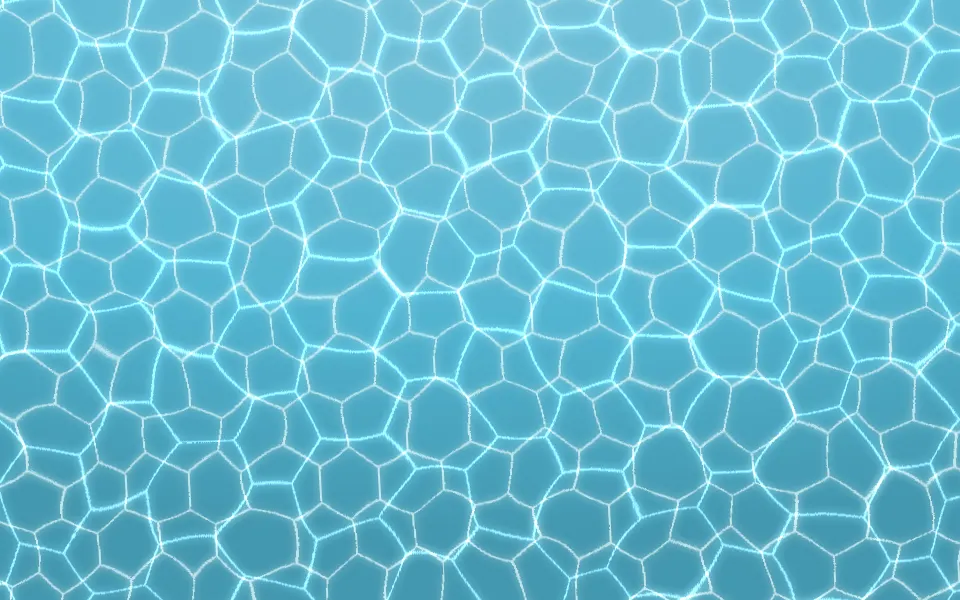
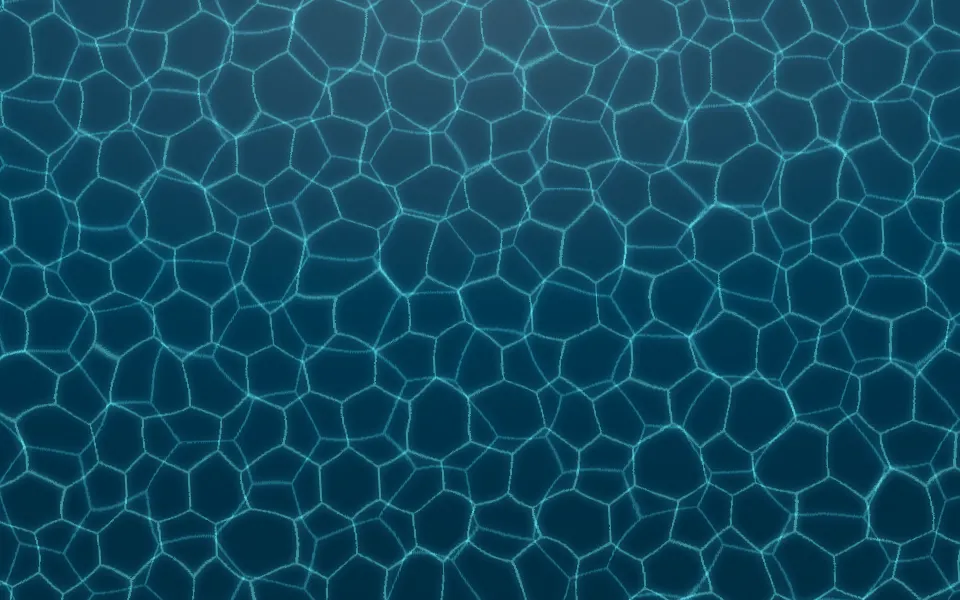
The net of light on the floor of a pool, seen from above: thin bright lines that meet, split and fold, soft light between them and a second, larger net deeper down. It's a GLSL scene on WebGL2 with no dependency. The water's surface is a sum of ripples; each pixel of the floor is traced back to the patch of surface that lights it, and it's bright where that patch focuses its rays. On a light surface it's white light on pale aqua water, on a dark one bright aqua on deep blue. The pointer spreads rings that bend the net.
Use it behind a hero for a pool, a spa or a travel product, or as the ground of a card. For the same water seen from inside, with shafts of light, use Underwater; for open sea to the horizon, Ocean; for rings spreading where drops land, Drops. With reduced motion it holds one still frame.
Installation
Usage
import { Caustics } from "@/components/ui/caustics";<Caustics class="flex min-h-[32rem] flex-col items-center justify-center gap-4">
<h1 class="text-5xl font-semibold">Fifty meters of quiet water</h1>
<p class="text-foreground/80">Book a lane by the hour.</p>
</Caustics>Caustics is a container: whatever you put inside sits on top of the water, in normal flow. It fills its own box, so give it a height or content. For a backdrop behind the whole page, render it empty with className="fixed inset-0 -z-10".
Presets
<Caustics /><Caustics
calm={0}
color="#04162b"
depth={1}
intensity={0.7}
lightColor="#5fb2e6"
scale={0.7}
sharpness={0.3}
/><Caustics amplitude={1.6} detail={0.8} scale={1.2} sharpness={0.8} /><Caustics
color="#0d2b33"
depth={0.7}
lightColor="#ffd98a"
sharpness={0.75}
/><Caustics
color="var(--background)"
contrast={0}
depth={0.3}
glow={0}
intensity={0.6}
lightColor="var(--foreground)"
sharpness={0.9}
/><Caustics
amplitude={0.8}
color="#16a8bd"
glow={0.8}
lightColor="#f2ffff"
scale={0.8}
/><Caustics
amplitude={0.55}
calm={0.3}
glow={1}
scale={0.6}
sharpness={0.2}
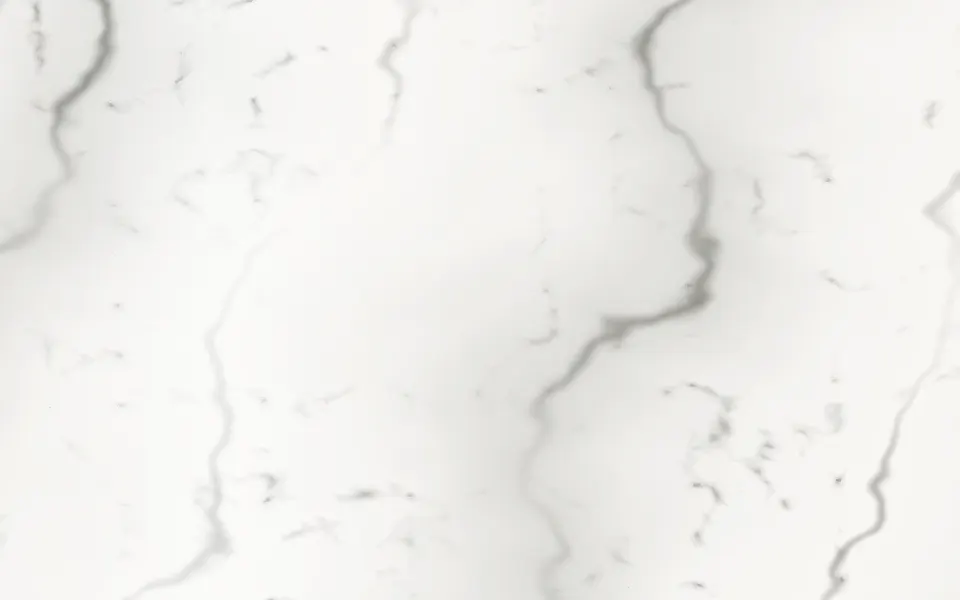
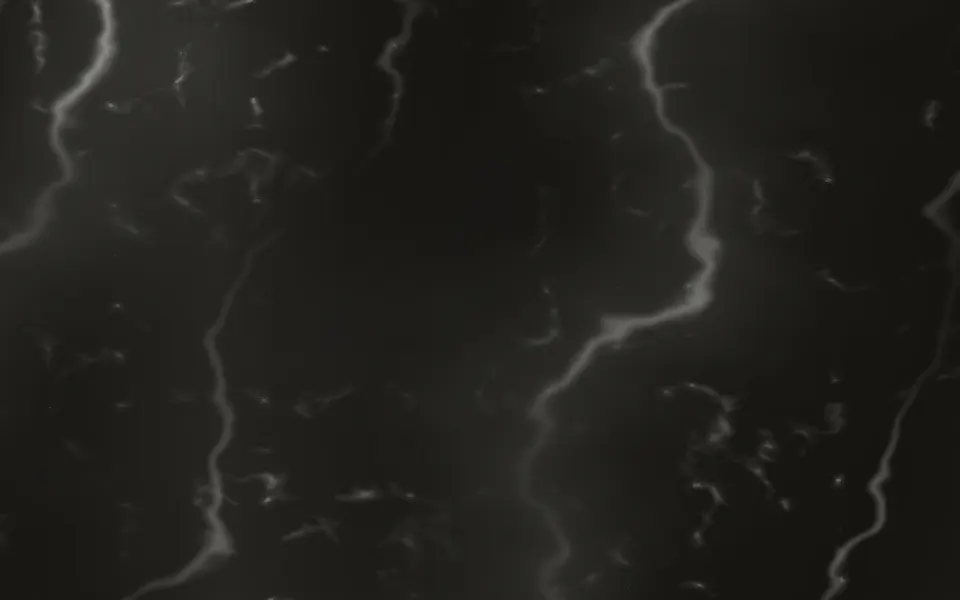
/>Each preset is a set of props, so copy one and keep tuning. Pool is the default and follows the surface. Lagoon and Gold carry their own water and light, so they look the same on any page; Soft drops the hard lines for wide dapples of light; Chop folds the net over itself like a windy pool; and Ink draws the net in your theme's foreground color on its background.
Examples
Hero
The water is calmer in the middle of the box (calm, 0.85 by default): the net there is dimmer and has fewer hard lines, so centered copy sits on quiet water while the edges keep the bright net. The headline and the line under it use the foreground color; the chip and the second button have a translucent ground of their own.
Colors
color is the water and lightColor the light: here a deep teal under gold light, with depth={0.7} for more of the second net and sharpness={0.75} for thinner lines.
In a card
calm={1} stills the water in the middle of a card completely, which leaves two lines of centered copy easy to read while the net plays around them.
Customization
Both colors are CSS colors, so a theme variable works and follows a theme switch: color is the water, lightColor the lines of light. Leave them out and the scene picks pale aqua and white on a light surface, deep blue and bright aqua on a dark one. The water is painted over the whole box, so the colors you pass are the colors you get; contrast sets how much deeper the water gets between the lines.
The shape of the net is amplitude (how rough the surface is), scale (the size of the cells), sharpness (how thin the lines are) and detail (fine wrinkles). fade masks an edge into the page, opacity turns the whole scene down and grain adds film grain.
<Caustics
  class="min-h-[32rem]"
  color="var(--background)"
  contrast={0}
  glow={0}
  intensity={0.6}
  lightColor="var(--primary)"
  sharpness={0.9}
/>
Performance
It's one WebGL2 canvas and one fragment shader with no loop longer than ten steps: the surface is ten sine ripples, summed three times for the main net and twice, with six ripples, for the deeper one, which makes 42 ripple samples a pixel, a sine and a cosine each, plus two samples of simplex noise that bend the floor. It draws only while it's on screen and the tab is visible, shares one frame loop with every other background on the page, and lowers its own resolution if frames run long. depth={0} skips the second net, quality sets the render scale yourself, and paused holds the frame.
Accessibility
The net is decoration: it's hidden from assistive tech and lets every click through to your content. With reduced motion it draws one still frame and ignores the pointer. Nothing flashes: the lines slide and fold slowly.
On a light surface the water and its light are both pale, and text in the foreground color (text-foreground) keeps at least 13.7:1 anywhere. On a dark surface the lines are as bright as light text. With the default calm, 99% of the middle of the box (the middle 60% of its width and 40% of its height) keeps at least 5.1:1 against the foreground color and its brightest line pixel 2.4:1; toward the edges the net is at full strength and a line drops to 1.2:1. Keep copy in the middle, raise calm to 1, or lower intensity.
FAQ
How do I change the colors?
Two props: color is the water and lightColor is the light. Any CSS color works, hex, oklch() or a theme variable, and a variable follows your theme when it changes. Dark water with a bright light gives a pool at night; a light color with a darker lightColor gives a net drawn in ink, as the Ink preset does with var(--background) and var(--foreground).
What does it look like in dark mode?
With no colors passed, the scene reads the surface behind it. On a light page it's a sunlit pool: pale aqua water with white light. On a dark page it's a pool at night: deep blue water with a bright aqua net. Pass your own color and lightColor and they're used on both.
How do I keep text readable on top of it?
calm stills the water in the middle of the box: at the default 0.85 the net there is dimmer and has fewer hard lines, and at 1 it's wide soft dapples only. That is where centered copy sits. For copy elsewhere, lower intensity, or set sharpness low and glow high for a soft pattern with no bright lines.
How do I get a finer or a rougher net?
scale sets the size of the cells: 2 packs twice as many across the box. amplitude is how rough the water is: below 1 the lines thin out into soft dapples, above 1 the net folds over itself into loops and double lines. detail adds fine wrinkles along the lines, and seed gives another layout of the same look.
How do I put it behind the whole page?
Render it empty with className="fixed inset-0 -z-10". It still answers the pointer there, since it listens on the window. A cell of the net stays between about 40 and 120 pixels wide whatever the size of the box, so a full page shows more cells, not larger ones.
Will it slow my page down?
It's a mid-weight shader: 42 ripple samples, a sine and a cosine each, and two noise samples a pixel, on the GPU, and nothing while it's off screen or the tab is hidden. If a device can't keep up it renders fewer pixels by itself. depth={0} drops the second net and about a quarter of the work, and quality={0.75} draws a little over half the pixels.
Does it work with Next.js and server components?
Yes. Import it into a server component and it renders its box and your content on the server; the canvas starts in the browser and fades in over the surface. It needs WebGL2, which every current browser has. Without it the box keeps its background, or the fallback you pass, such as the water's color.
API Reference
Caustics
data-slot="caustics"
amplitude?number
How rough the water's surface is, from 0 (still water, no net) to 2 (choppy water that folds the net over itself).
- Default
1
angle?number
The direction the net slides, in degrees from -180 to 180.
- Default
30
calm?number
How much the net dims and softens in the middle of the box, from 0 (the same everywhere) to 1 (still water in the middle), to leave calm water for copy.
- Default
0.85
color?string
The color of the water. Without it the scene uses a pale aqua on a light surface (the default below) and a deep blue on a dark one.
- Default
"#d2f1f6"
contrast?number
How much deeper the water's color gets between the lines, from 0 (one flat color) to 2.
- Default
1
depth?number
How strongly a second, larger and softer net shows under the first, from 0 to 1.
- Default
0.5
detail?number
How much fine ripple wrinkles the lines, from 0 (long smooth curves) to 1.
- Default
0.4
drift?number
How fast the net slides along angle, from 0 (it shifts in place) to 2.
- Default
1
fade?"none" | "radial" | "top" | "bottom" | "left" | "right"
Which edges fade out to the surface: radial keeps the middle, the
others name the side that fades.
- Type
"none" | "radial" | "top" | "bottom" | "left" | "right"- Default
"none"
fallback?string
What shows until the first frame and in browsers without WebGL2: a CSS
background value that looks like the scene.
glow?number
How much soft light spreads between the lines, from 0 to 1.
- Default
0.5
grain?number
Film grain over the scene, from 0 to 1.
- Default
0
intensity?number
How bright the light is.
- Default
1
interactive?boolean
Whether the scene follows the pointer and answers a press. Touch never moves it, so scrolling a page on a phone isn't disturbed.
- Default
true
lightColor?string
The color of the light. Without it the scene uses white on a light surface (the default below) and a bright aqua on a dark one.
- Default
"#ffffff"
opacity?number
How strongly the scene shows over the surface, from 0 to 1.
- Default
1
paused?boolean
Holds the current frame.
- Default
false
quality?number
Render scale, from 0.25 to 1, of the screen's pixels (capped at 2×). Lower is cheaper and softer.
- Default
1
scale?number
The size of the net: higher packs more, smaller cells into the box.
- Default
1
seed?number
Another layout of the same net, from 0 to 20.
- Default
0
sharpness?number
How thin the lines are, from 0 (wide and soft) to 1 (hairlines).
- Default
0.6
speed?number
Animation speed: 1 is normal, 0 holds the frame.
- Default
1
time?number
A fixed moment, in seconds: draws it and doesn't animate.