shadcn.io is an independent project built on shadcn/ui
Backgrounds
ProLight Waves Background for Solid
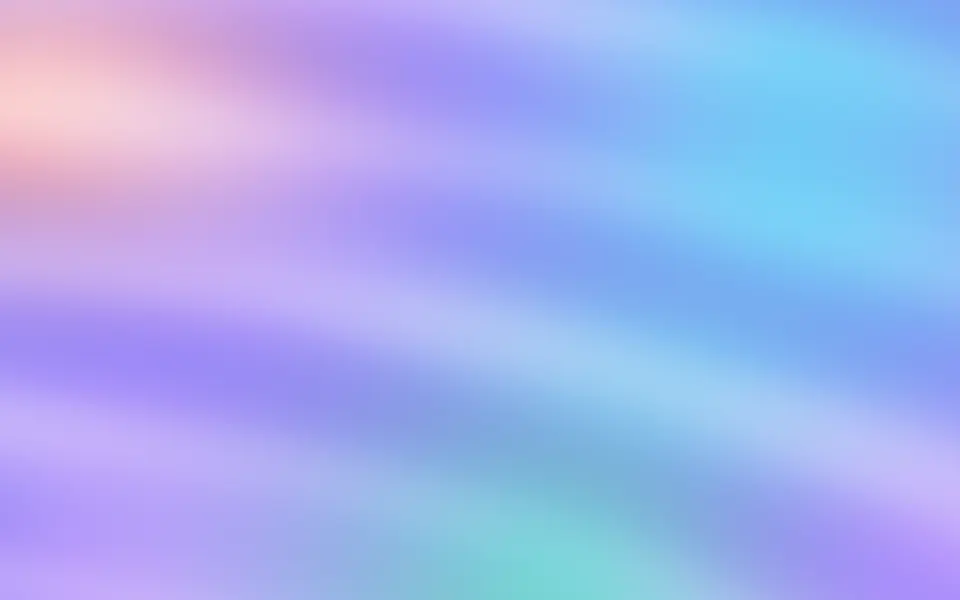
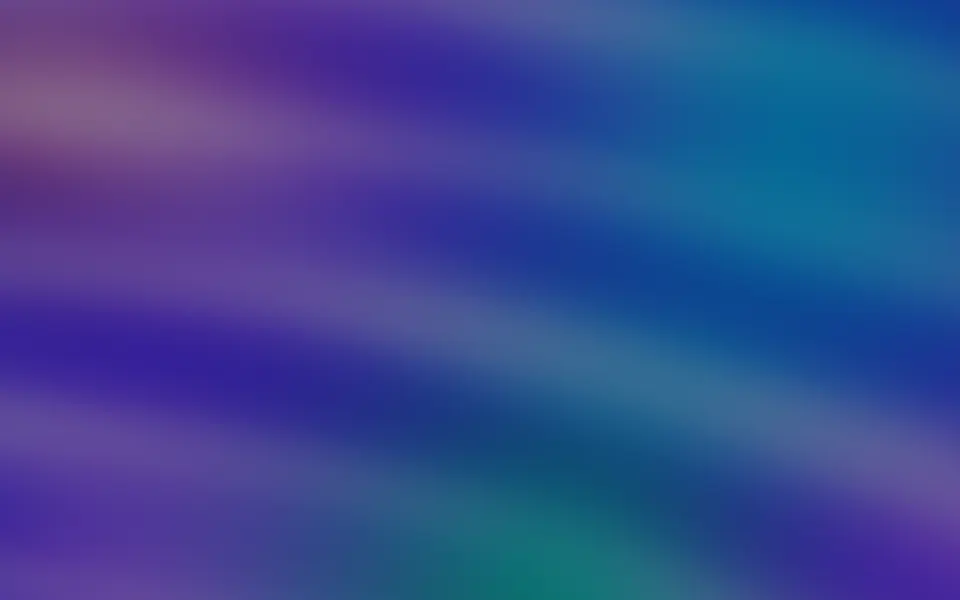
Soft bands of coloured light drift across the lower half of a section, faint enough to read over. For Solid with Ark UI, when plain colour feels flat.
Soft bands of coloured light drift sideways across the lower half of a section, layered at low opacity over a few faint glows, so text stays easy to read anywhere on top. Each band is a CSS gradient cut to a wave shape by an SVG mask and slid by keyframes, exactly one wave length per loop so it never jumps, while it bobs gently up and down; neighbouring bands flow opposite ways. There's no canvas and no script.
Reach for it when a plain colour feels flat but the content has to come first. For brighter curtains of light, use Aurora; for soft blobs with no wave shape, Mesh Gradient; for blurred ribbons of colour that cross in depth, Wavy; for a satin sheen over broad fields of colour, Silk.
Installation
Usage
import { LightWaves } from "@/components/ui/light-waves";<LightWaves class="flex min-h-[420px] items-center justify-center">
<h1 class="text-4xl font-semibold">Calm tools for focused teams</h1>
</LightWaves>Light Waves is a container: what you put inside renders on top, and the bands sit behind it. The background is the root's own, so className="bg-…" sets it; the edges fade toward your theme's background colour. For a backdrop behind the whole page, render it empty with className="fixed inset-0 -z-10".
Demos
Warm
colors takes up to five CSS colours, repeated when there are fewer; here amber, rose and peach. The first three also tint the glows.
Subtle
intensity="subtle" pales the bands, here in a card, so they can sit behind a long paragraph without getting in the way.
Accessibility
The bands are decorative: they're hidden from screen readers and never take the pointer, and your content stays on top in normal flow. With reduced motion the bands and the glows hold still. Nothing flashes. The bands are translucent (a quarter of their colour at most, at the default strength), so body text in your foreground colour stays readable anywhere on top, in both themes.
FAQ
How is it different from Aurora or Mesh Gradient?
It's quieter: low-opacity wave bands in the lower half, with no bright areas, so text can sit anywhere.
How do I change the colours?
Pass up to five colors, as any CSS colours. Fewer are repeated across the five bands.
It's too strong or too faint. What do I change?
intensity: "subtle" under long text, "strong" for an empty hero.
Can I make it slower?
Pass speed: at 1 each band moves one wave length every 40 to 60 seconds, and 0.5 takes twice as long.
API Reference
LightWaves
<div> data-slot="light-waves"
colors?string[]
Up to five CSS colors for the bands and the glows, repeated when there are fewer. By default sky, violet, cyan, purple and blue.
- Default
[]
intensity?"subtle" | "medium" | "strong"
How strongly the bands show: subtle under long text, strong for an
empty hero.
- Type
"subtle" | "medium" | "strong"- Default
"medium"
speed?number
How fast the bands drift, as a multiplier: 1 moves each band one wave length every 40 to 60 seconds.
- Default
1
class?string
Merged with the part's classes.
--light-waves-color-1string
The first color (sky); --light-waves-color-2 to -5 the others.
--light-waves-speedstring
How fast the bands drift, a multiplier (1).
--light-waves-strengthstring
The bands' strength (0.6).