shadcn.io is an independent project built on shadcn/ui
Glow Background for Solid
A soft light behind a headline, one ellipse a color, breathing slowly. For Solid with Ark UI, when a hero needs depth without a pattern.
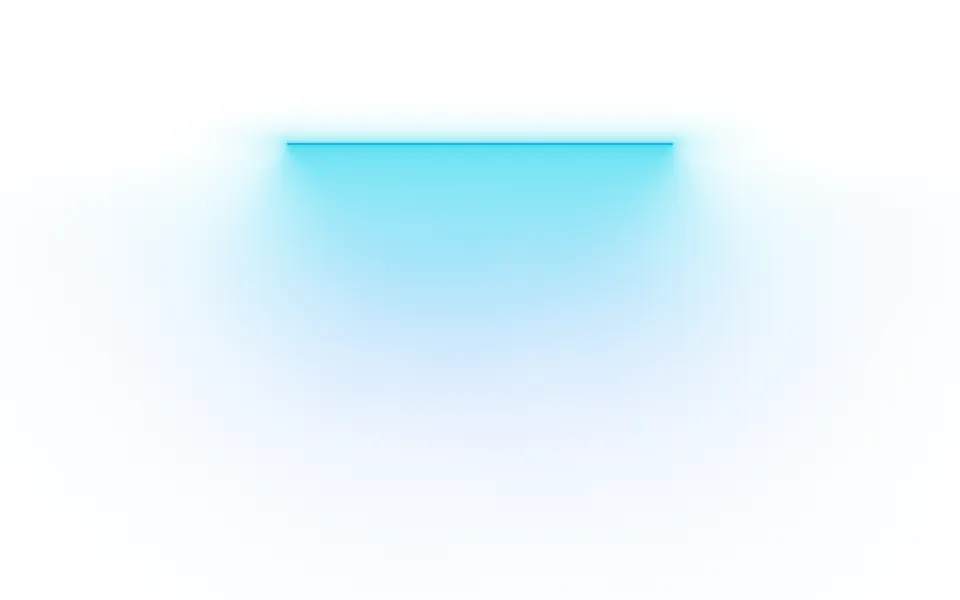
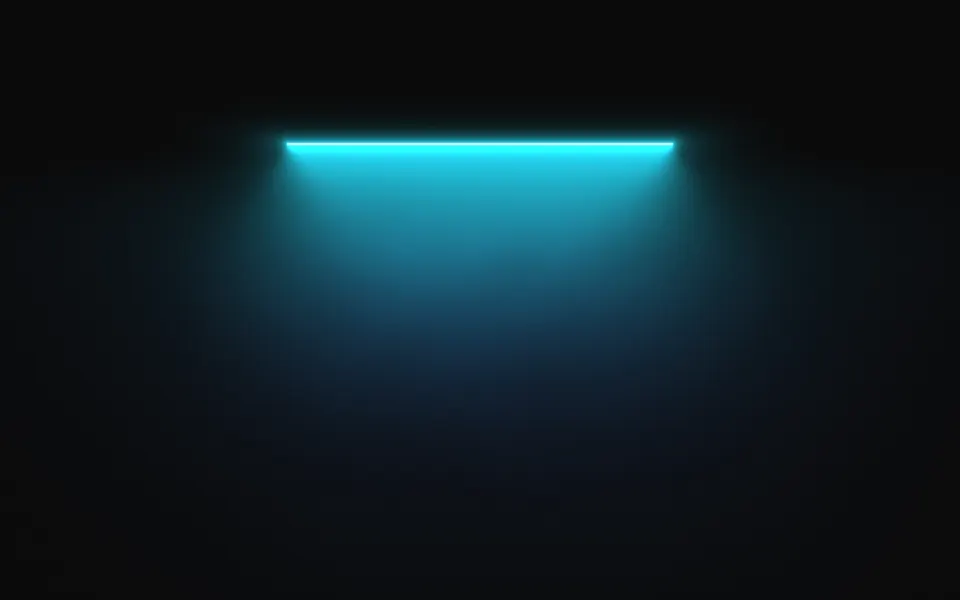
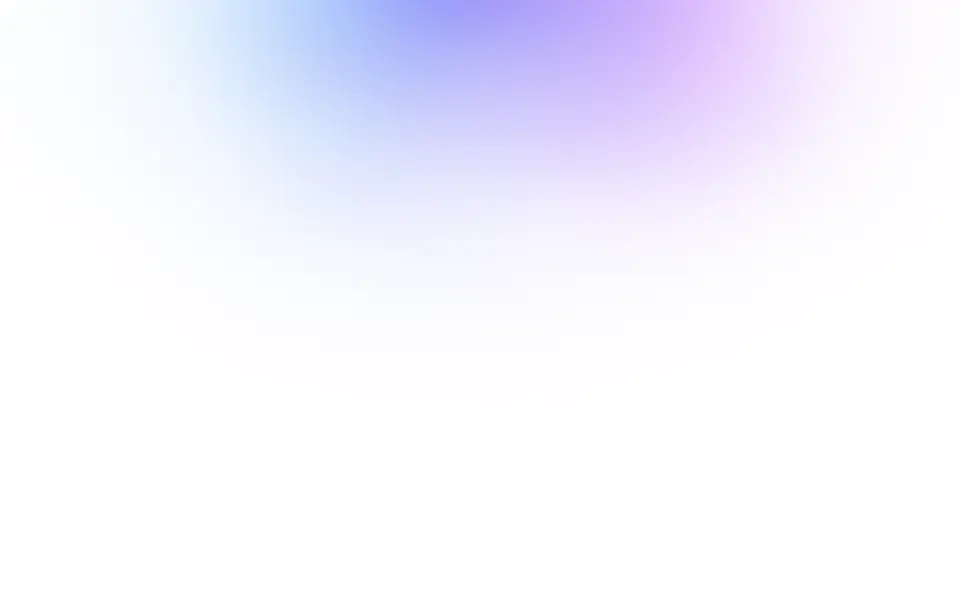
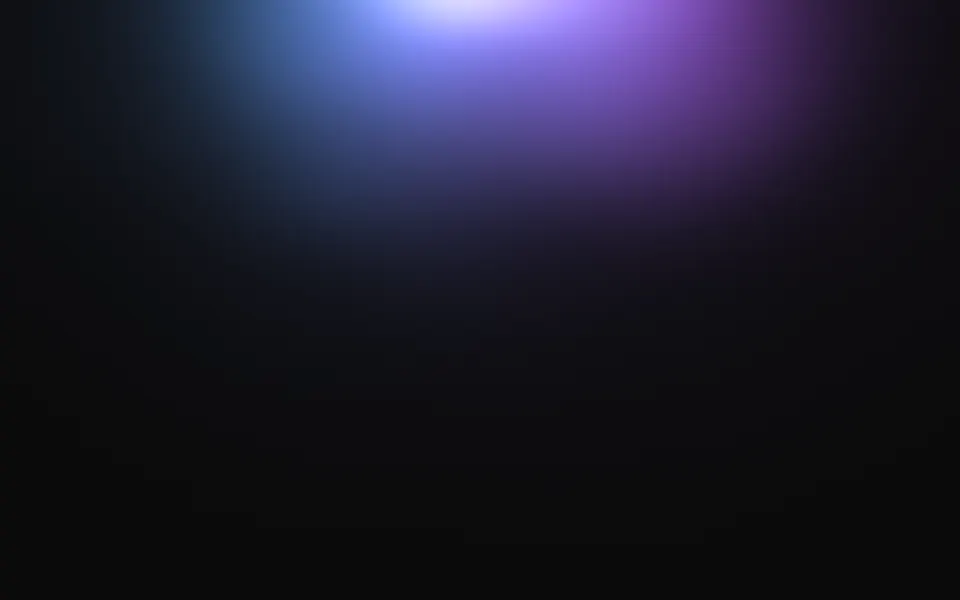
A soft light hangs from the top edge of the box, half out of it: one ellipse a color, side by side and blended in OKLab, with a paler heart, a wide faint bloom and an edge that slow noise keeps irregular. Each light drifts and swells on its own period. It's a GLSL scene on WebGL2 with no dependency. It reads the surface behind it, so it adds light to a dark page and lays a pastel tint on a light one, and it drifts toward the pointer.
Use it behind a hero headline, at the top of a pricing card or along the bottom edge of a call to action. For a dark disc with a bright rim, use Eclipse; for curtains of light with rays, Aurora; for color that fills the whole box, Mesh Gradient. With reduced motion it holds one still frame.
Installation
Usage
import { Glow } from "@/components/ui/glow";<Glow class="flex min-h-[32rem] flex-col items-center justify-center pt-16">
<h1 class="text-5xl font-semibold">The inbox that answers itself</h1>
</Glow>Glow is a container: whatever you put inside sits on top of the light, in normal flow. It fills its own box, so give it a height or content. For a backdrop behind the whole page, render it empty with className="fixed inset-0 -z-10".
Presets
<Glow /><Glow
core={0}
intensity={0.7}
placement="center"
size={1.3}
softness={1}
stretch={1.8}
/><Glow
colors={["#22d3ee", "#f472b6"]}
core={0}
spread={1}
stretch={2.4}
/><Glow
colors={["#fbbf24", "#f97316", "#e11d48"]}
placement="bottom"
size={0.8}
stretch={3.2}
/><Glow
colors={["var(--foreground)"]}
intensity={0.4}
noise={0}
softness={1}
/><Glow angle={-18} noise={0.6} size={0.55} stretch={4} /><Glow amplitude={2} noise={1} softness={0.3} />Each preset is a set of props, so copy one and keep tuning. Halo is the default. Horizon lays a wide warm light along the bottom edge, Bloom puts a dim, even light in the middle for copy to sit on, Streak tilts a narrow light into a leak across the top, and Mono is one light in your theme's foreground color.
Examples
Hero
The light hangs from the top edge and is gone by the middle of the box, so the copy sits just below the center, where the surface is nearly plain. The headline and the line under it use the foreground color; the chip and the second button have a translucent ground of their own.
Horizon
placement="bottom" hangs the light from the bottom edge, and stretch={3.2} with size={0.8} flattens it into a band. colors runs from left to right: here amber, orange and rose.
In a card
Two colors at spread={1} sit side by side as two lights, and core={0} leaves out the pale heart. The light scales with the shorter side of the box, so it keeps its shape at card size, and grain adds film grain over it.
Customization
Every color is a CSS color, so a theme variable works and follows a theme switch: colors={["var(--chart-1)", "var(--chart-2)"]}. Each color is one light, placed from left to right along the long axis, and where two overlap they mix in OKLab, so two distant hues meet in a clean color, not a grey one. One color gives a single light.
The surface is the root's own background, bg-background by default. Give the root another (bg-slate-950, an image, a gradient) and the light adapts: it adds to a dark surface and tints a light one, where core deepens the tint instead of whitening it. fade masks an edge, opacity turns the whole effect down, and grain adds film grain.
<Glow
  class="min-h-[32rem] bg-slate-950"
  colors={["var(--chart-1)", "var(--chart-2)"]}
  grain={0.15}
  spread={1}
  stretch={2.4}
/>
Performance
It's one WebGL2 canvas and one fragment shader: four samples of simplex noise to bend the edge, then one bell curve a color, eight at most. There are no march steps and no texture reads. It draws only while it's on screen and the tab is visible, shares one frame loop with every other background on the page, and lowers its own resolution if frames run long. quality sets the render scale yourself, and paused holds the frame.
Accessibility
The light is decoration: it's hidden from assistive tech and lets every click through to your content. With reduced motion it draws one still frame and ignores the pointer. Nothing flashes: the lights take 20 to 35 seconds to swell and settle.
Put copy below the light, or use the foreground color (text-foreground) for every line on top of it. On a light surface the light is a pastel tint and dark text keeps at least 7:1 at its deepest point. On a dark surface the pale heart at the edge is bright enough to wash out white text, so keep copy out of the top quarter of the box: below it white text keeps 8:1 or more, and 17:1 from the middle down. With placement="center", set core={0} and keep intensity at 0.7 or below when copy sits on the light.
FAQ
How do I change the colors?
Pass one to eight CSS colors to colors. Each is one light, placed from left to right, and neighbors blend where they overlap. Hex, oklch() and theme variables such as var(--primary) all work, and a variable follows your theme when it changes. spread sets how far apart the lights sit: 0 blends them into one, 1 puts them side by side.
Does it work on a light page?
Yes, with no prop to set. A light that only brightens would vanish on white, so the scene reads the color behind it: on a dark surface it adds light, and on a light one it lays the same colors down as a pastel tint that fades to the plain surface. Set the surface with a class on the component, such as bg-slate-950.
How do I put the glow right behind the headline?
Use placement="center" with core={0}, a softness of 1 and an intensity near 0.7, and raise size until the light is larger than the copy. A wide, even light keeps text readable; a small bright one behind the words does not. The Bloom preset is this setup.
Will the gradient show bands?
No. The engine dithers every frame by a fraction of one color step, which breaks up the bands a long, dark gradient shows on an 8-bit screen, and on a dark surface the scene dithers its alpha too, so the page color under the light doesn't step either. The far tail thins out into scattered pixels before it ends: the light has no last contour, and the page beyond it stays the exact surface color.
How do I put it behind the whole page?
Render it empty with className="fixed inset-0 -z-10". It still follows the pointer there, since it listens on the window. To put it behind one section, wrap that section's content in it and give it a height, such as min-h-svh.
Will it slow my page down?
It's among the lightest scenes in the collection: four noise samples and a few bell curves a pixel, on the GPU, and nothing at all while it's off screen or the tab is hidden. A soft light has no fine detail, so quality={0.5} draws a quarter of the pixels and looks the same.
Does it work with Next.js and server components?
Yes. Import it into a server component and it renders its box and your content on the server; the canvas starts in the browser and fades in over the surface. It needs WebGL2, which every current browser has. Without it the box keeps its background, or the fallback you pass, such as a CSS radial gradient.
API Reference
Glow
data-slot="glow"
amplitude?number
How far the lights drift and swell as they breathe, from 0 (still) to 2.
- Default
1
angle?number
The tilt of the light, in degrees from -180 to 180.
- Default
0
colors?string[]
One to eight CSS colors, one light each, side by side from left to
right. Theme variables such as var(--primary) follow your theme.
- Default
["#38bdf8", "#6366f1", "#c84bff"]
core?number
The hot spot at the heart of the light, from 0 to 1: near white on a dark surface, a deeper tint on a light one.
- Default
0.5
fade?"none" | "radial" | "top" | "bottom" | "left" | "right"
Which edges fade out to the surface: radial keeps the middle, the
others name the side that fades.
- Type
"none" | "radial" | "top" | "bottom" | "left" | "right"- Default
"none"
fallback?string
What shows until the first frame and in browsers without WebGL2: a CSS
background value that looks like the scene.
grain?number
Film grain over the scene, from 0 to 1.
- Default
0
intensity?number
How bright the light is, from 0 to 2.
- Default
1
interactive?boolean
Whether the scene follows the pointer and answers a press. Touch never moves it, so scrolling a page on a phone isn't disturbed.
- Default
true
noise?number
How ragged the edge of the light is, from 0 (a clean ellipse) to 1 (wisps).
- Default
0.3
opacity?number
How strongly the scene shows over the surface, from 0 to 1.
- Default
1
paused?boolean
Holds the current frame.
- Default
false
placement?"top" | "center" | "bottom"
Where the light sits: top and bottom hang it from that edge, half
out of the box; center puts it behind the content.
- Type
"top" | "center" | "bottom"- Default
"top"
quality?number
Render scale, from 0.25 to 1, of the screen's pixels (capped at 2×). Lower is cheaper and softer.
- Default
1
seed?number
Another shape of the same look, from 0 to 20.
- Default
0
size?number
How large the light is, from 0.3 to 3. At 1 it reaches a little past half of the box's shorter side.
- Default
1
softness?number
How gradually the light falls off, from 0 (a disc with a soft edge) to 1 (a long, even fade).
- Default
0.6
speed?number
Animation speed: 1 is normal, 0 holds the frame.
- Default
1
spread?number
How far apart the colors sit, from 0 (one blended light) to 1 (lights side by side).
- Default
0.6
stretch?number
How wide the light is for its height, from 0.5 to 4.
- Default
1.6
time?number
A fixed moment, in seconds: draws it and doesn't animate.