shadcn.io is an independent project built on shadcn/ui
Truchet Background for Solid
Tiles of quarter arcs join into wandering paths, and a tile turns now and then. For Solid with Ark UI, when a section needs a quiet pattern.
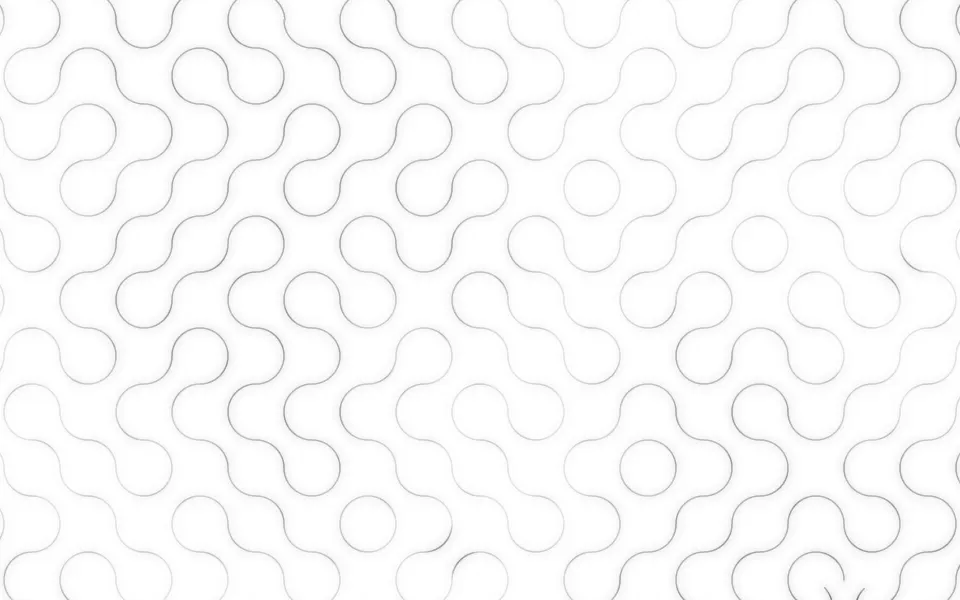
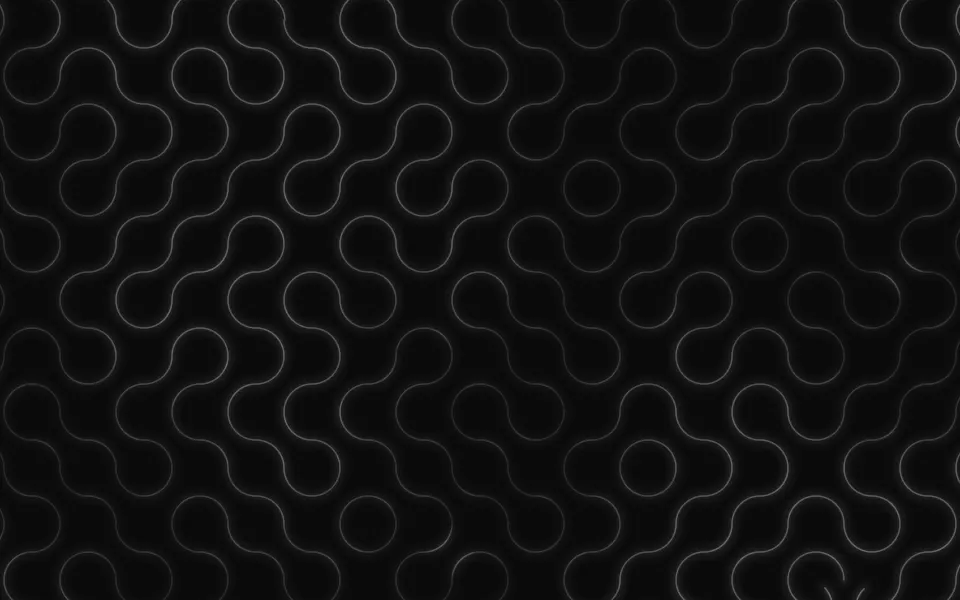
Truchet draws a grid of square tiles, each carrying two quarter circles that meet its neighbors' at the middle of every edge, so the arcs join into loops and long wandering paths. Now and then a tile makes a smooth quarter turn and the paths around it re-route. It's a GLSL scene on WebGL2 with no dependency. The lines take your theme's colors, so they're ink on a light surface and light on a dark one, and the lines near the pointer light up.
Use it behind a hero or a section about routing, networks or anything else with paths in it, or as a patterned ground for a card. For a straight grid that holds still, use Grid Pattern; for contour lines that shift like a landscape, Topography; for right-angled traces with pulses of light, Circuit. With reduced motion it holds one still frame with every tile at rest.
Installation
Usage
import { Truchet } from "@/components/ui/truchet";<Truchet class="flex min-h-[32rem] flex-col items-center justify-center gap-4">
<h1 class="text-5xl font-semibold">Every request finds its way</h1>
<p class="text-foreground/80">Traffic re-routes in under two seconds.</p>
</Truchet>Truchet is a container: whatever you put inside sits on top of the lines, in normal flow. It fills its own box, so give it a height or content. For a backdrop behind the whole page, render it empty with className="fixed inset-0 -z-10".
Presets
<Truchet /><Truchet contrast={1.5} glow={0} lineWidth={1} size={22} /><Truchet intensity={0.5} lineWidth={10} size={40} variant="diagonals" /><Truchet
accentColor="#f59e0b"
intensity={1.3}
lineWidth={2}
size={32}
variant="diagonals"
/><Truchet
accentColor="#e879f9"
color="#22d3ee"
contrast={1.4}
glow={1}
intensity={1.6}
lineWidth={2}
/><Truchet
flow={1}
glow={0.3}
intensity={0.55}
lineWidth={14}
size={64}
/><Truchet activity={0} contrast={0} flow={0} glow={0} />Each preset is a set of props, so copy one and keep tuning. Paths is the default. Maze switches to variant="diagonals" on 32px tiles, the one-line maze of early home computers, and Labyrinth draws the same maze with 10px walls. Pipes thickens the arcs into 14px tubes, Fine packs 22px tiles into a texture, and Plain turns off the turning and the light for a pattern that holds still.
Examples
Hero
The demo sets no props. A line at its strongest covers half of a light surface and about two fifths of a dark one, in the foreground color, so a centered headline, a line of copy and two buttons read anywhere on the pattern. The chip and the second button have a translucent ground of their own.
Maze
variant="diagonals" gives each tile one diagonal, here on 32px tiles with 2px lines (size={32}, lineWidth={2}) in zinc on a dark surface. accentColor="#f59e0b" colors a wall while it turns, the light that travels over the maze and the walls near the pointer.
In a card
Thick arcs read as tubes: lineWidth={14} on 64px tiles, with intensity={0.55} since a wide line carries more ink, flow={1} for the light that runs along them and glow={0.3} for a lighter halo. fade="bottom" thins the pattern out toward the copy.
Customization
color is the lines and accentColor the color of the traveling light, of a tile while it turns and of the lines near the pointer. Both are CSS colors, so a theme variable works and follows a theme switch; the defaults are var(--foreground) and var(--primary). size and lineWidth are in pixels and stay that size at any screen ratio. activity sets how often tiles turn, contrast how far the lit patches stand out, flow the light along the paths and glow the halo around each line.
The surface is the root's own background, bg-background by default. Give the root another (bg-zinc-950, a brand color) and the lines sit on that: they cover it like ink, and the halo adds light to a dark surface and a tint to a light one. fade masks an edge, opacity turns the whole pattern down, and grain adds film grain.
<Truchet
  accentColor="var(--chart-1)"
  class="min-h-[32rem]"
  color="var(--muted-foreground)"
  fade="radial"
  size={40}
/>
Performance
It's one WebGL2 canvas and one fragment shader with no texture. For each pixel it checks the tiles whose lines can reach it, two to four of them as a rule and nine at most, with one distance to an arc or a segment each, then takes two samples of simplex noise for the patches of light. It draws only while it's on screen and the tab is visible, shares one frame loop with every other background on the page, and lowers its own resolution if frames run long. quality sets the render scale yourself, and paused holds the frame.
Accessibility
The pattern is decoration: it's hidden from assistive tech and lets every click through to your content. With reduced motion it draws one still frame with every tile at rest, and ignores the pointer and presses. Nothing flashes: a turn takes 1.8 seconds and the light along the paths moves at about a fifth of a tile a second.
At intensity={1} the strongest line leaves text-foreground at 4.9:1 on a light surface and 4.8:1 on a dark one, and most lines are far fainter than that. Above intensity={1}, or with a saturated color, keep body copy on a ground of its own.
FAQ
What is a Truchet tile?
A square tile with a simple mark that isn't symmetric under a quarter turn, laid in a grid with each tile turned at random. Sebastien Truchet described the idea in 1704 with tiles split along a diagonal. The version with two quarter arcs, from Cyril Stanley Smith in 1987, is the one this background draws by default: the arcs always meet at the middle of an edge, so any layout joins into closed loops and long paths.
How do I change the colors?
Set color for the lines and accentColor for the light that travels along them, a tile while it turns and the lines near the pointer. Both take any CSS color: hex, oklch() or a theme variable such as var(--chart-1), which follows your theme when it changes. With the defaults the pattern is monochrome, in your foreground color.
Does it work on a light page and a dark one?
Yes, with no prop to set. The defaults are theme variables, so the lines are dark ink on a light surface and light on a dark one, and the scene reads the surface behind it to balance their strength. Set the surface with a class on the component, such as bg-zinc-950; pass a color of your own when that surface doesn't follow the theme.
Can I stop the tiles from turning?
activity={0} holds the layout, and flow={0} stops the light that travels along the paths. The patches of light still drift unless you set contrast={0}, which draws every line at one strength. For a pattern that never changes at all, add paused, or pass time to pick the frame.
How do I put it behind the whole page?
Render it empty with className="fixed inset-0 -z-10". It still follows the pointer there, since it listens on the window. To put it behind one section, wrap that section's content in it and give it a height, such as min-h-svh. The tiles keep their size in pixels, so a larger box shows more of them.
Will it slow my page down?
It's a light shader: a few distances and two noise samples a pixel, on the GPU, and nothing at all while it's off screen or the tab is hidden. If a device can't keep up, it renders fewer pixels by itself. For a phone-first page, quality={0.75} draws a little over half the pixels, and thin lines stay sharp enough to pass.
What do the pointer and a press do?
The lines within radius pixels of the pointer turn the accent color and gain strength. A press spins the tiles inside that radius half a turn, in a ring that spreads from the press, so they end as they began. Presses on links, buttons and fields over the background are left alone, touch never moves it, and interactive={false} turns both off.
Does it work with Next.js and server components?
Yes. Import it into a server component and it renders its box and your content on the server; the canvas starts in the browser and fades in over the surface. It needs WebGL2, which every current browser has. Without it the box keeps its background, or the fallback you pass.
API Reference
Truchet
data-slot="truchet"
accentColor?string
The color of the light that travels along the paths, of a tile while it turns and of the lines near the pointer, any CSS color. The default follows your theme's primary color.
- Default
"var(--primary)"
activity?number
How often a tile turns: at 1 each tile makes a quarter turn about every four minutes, so a few are turning at any moment. At 0 the layout holds still.
- Default
1
color?string
The color of the lines, any CSS color. The default follows your theme.
- Default
"var(--foreground)"
contrast?number
How far apart the faint and the strong stretches of line are: 0 draws every line the same, 2 leaves only the lit patches.
- Default
1
fade?"none" | "radial" | "top" | "bottom" | "left" | "right"
Which edges fade out to the surface: radial keeps the middle, the
others name the side that fades.
- Type
"none" | "radial" | "top" | "bottom" | "left" | "right"- Default
"none"
fallback?string
What shows until the first frame and in browsers without WebGL2: a CSS
background value that looks like the scene.
flow?number
How strongly light travels along the paths, from 0 (none) to 1.
- Default
0.5
glow?number
How strong the soft halo around each line is, from 0 (bare lines) to 1.
- Default
0.5
grain?number
Film grain over the scene, from 0 to 1.
- Default
0
intensity?number
How strongly the lines show over the surface.
- Default
1
interactive?boolean
Whether the scene follows the pointer and answers a press. Touch never moves it, so scrolling a page on a phone isn't disturbed.
- Default
true
lineWidth?number
The width of the lines, in pixels, up to two fifths of a tile.
- Default
1.5
opacity?number
How strongly the scene shows over the surface, from 0 to 1.
- Default
1
paused?boolean
Holds the current frame.
- Default
false
quality?number
Render scale, from 0.25 to 1, of the screen's pixels (capped at 2×). Lower is cheaper and softer.
- Default
1
radius?number
How far the pointer's light reaches, in pixels. A press spins the tiles inside it.
- Default
180
scale?number
The size of the slow patches of light that drift over the lines: higher packs more, smaller patches.
- Default
1
seed?number
Another layout of the same look, from 0 to 20.
- Default
0
size?number
The side of a tile, in pixels.
- Default
56
speed?number
Animation speed: 1 is normal, 0 holds the frame.
- Default
1
time?number
A fixed moment, in seconds: draws it and doesn't animate.
variant?"arcs" | "diagonals"
What a tile carries: arcs draws two quarter circles that join into
loops and wandering paths, diagonals one diagonal that builds a maze.
- Type
"arcs" | "diagonals"- Default
"arcs"