shadcn.io is an independent project built on shadcn/ui
Dither Background for Vue
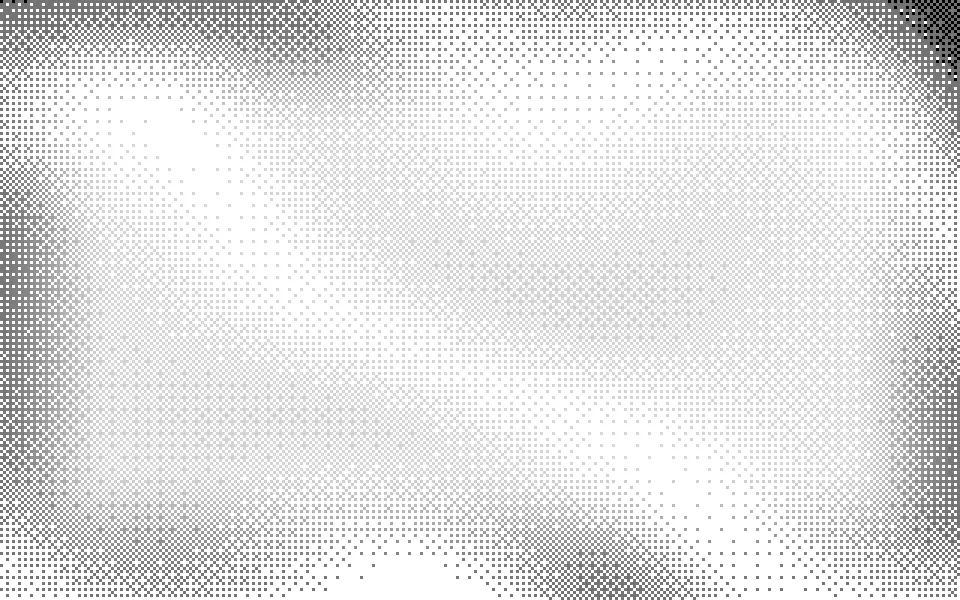
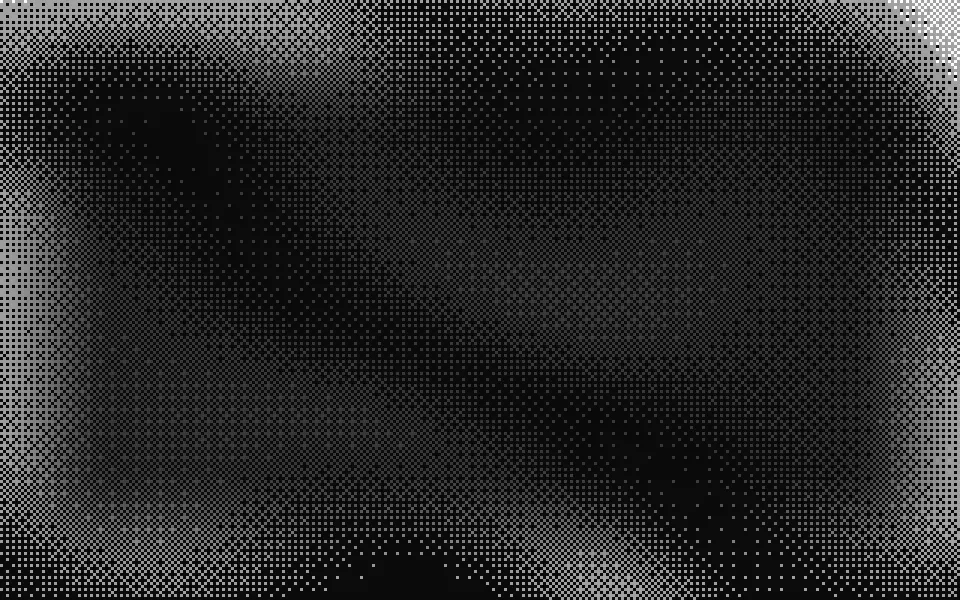
A slow wave field drawn in 1-bit ordered dithering, in two colors. For Vue with Ark UI, when a page wants a retro pixel-art texture.
A slow field of waves drawn like a 1-bit screen: square pixels that are on or off, laid out by an ordered-dither pattern that stays fixed to the pixel grid while the field slides under it, so nothing shimmers. It's a GLSL scene on WebGL2 with no dependency. One color draws the body of the waves and a second their crests, on the bare surface; both default to theme tokens, so it's grey and black print on a light page and grey and white on a dark one. The pointer brightens the field under it.
Use it behind a hero for a game, a font or a developer tool, or as cover art on a card. For print dots on a rotated screen that swell and shrink, use Halftone; for the same kind of field drawn in characters, ASCII; for chunky pixels in full color, Pixels. With reduced motion it holds one still frame.
Installation
Usage
<script setup lang="ts">
import { Dither } from "@/components/ui/dither";
</script>
<template>
  <Dither class="flex min-h-[32rem] flex-col items-center justify-center gap-4">
    <h1 class="text-5xl font-semibold">Two colors are enough</h1>
    <p class="text-foreground/80">A sprite editor that exports straight to your engine.</p>
  </Dither>
</template>
Dither is a container: whatever you put inside sits on top of the pixels, in normal flow. It fills its own box, so give it a height or content. For a backdrop behind the whole page, render it empty with className="fixed inset-0 -z-10".
Presets
<Dither /><Dither
accentColor="#b8f03c"
:clearing="0.6"
color="#2f9e5a"
:gap="1"
:levels="3"
:pixel="4"
:scale="0.8"
/><Dither
accentColor="var(--foreground)"
color="var(--foreground)"
:contrast="1.2"
:density="0.45"
:pixel="2"
/><Dither :angle="24" pattern="halftone" :pixel="2" :scale="0.7" /><Dither
accentColor="#ffb347"
:clearing="0.6"
color="#ff5a1f"
:gap="1"
:pixel="4"
:scale="0.8"
/><Dither
:clearing="0.5"
:density="0.5"
:levels="4"
:pixel="2"
:speed="0.7"
/><Dither
accentColor="#22d3ee"
:angle="0"
:clearing="0.6"
color="#3b82f6"
pattern="lines"
:pixel="2"
:scale="0.8"
/>Each preset is a set of props, so copy one and keep tuning. Screen is the default. Mac draws both inks in the foreground color at 2 px, the look of a 1-bit desktop. Newsprint switches to the clustered halftone pattern, and Tide to dashed lines in two blues. Lcd and Plasma leave a 1 px gap between 4 px pixels, so the picture reads as a dot-matrix panel, and Soft uses four levels for a gradient with almost no visible pattern.
Examples
Hero
The default look behind a centered headline. clearing thins and fades the pixels in a block in the middle of the box, at most 800 by 380 px, so the copy sits on a faint pattern and the waves come back to full strength toward the edges.
Plasma
Orange and amber on a fixed dark surface with pixel={4} and gap={1}: each pixel is a 3 px square with a bare line between it and the next, like a gas-plasma or LED panel. clearing={0} keeps the field even from edge to edge.
Cover art
The scene as the cover of an article card, with the copy on the plain card under it. pattern="halftone" grows the pixels in clusters on a diagonal screen, pixel={2} keeps them fine, and scale={1.4} fits three or four waves into a box 192 px tall.
Customization
color draws the body of the waves and accentColor their crests; both take any CSS color and default to var(--muted-foreground) and var(--foreground), so they follow your theme. Set both to one color for a strict two-tone picture. pixel is the size of one pixel of the picture in CSS pixels, pattern chooses how tones are drawn, and levels from 2 to 4 adds half-strength pixels between off and on.
The surface is the root's own background, bg-background by default: it's the second color of the picture, so className="bg-amber-50" changes the paper. On a light surface a pale color is drawn as a darker ink. fade masks an edge, opacity turns the whole effect down, and grain adds film grain.
<template>
  <Dither
    accentColor="var(--primary)"
    class="min-h-[32rem] bg-muted"
    color="var(--muted-foreground)"
    fade="bottom"
    pattern="halftone"
    :pixel=2
  />
</template>
Performance
It's one WebGL2 canvas and one fragment shader: two samples of simplex noise and two sines for the field, taken at the middle of each pixel of the picture, and a threshold computed from the pixel's own coordinates, with no texture to load. It draws only while it's on screen and the tab is visible, shares one frame loop with every other background on the page, and lowers its own resolution if frames run long. quality sets the render scale yourself, and paused holds the frame.
Accessibility
The pixels are decoration: they're hidden from assistive tech and let every click through to your content. With reduced motion it draws one still frame and ignores the pointer. Nothing flashes: a pixel turns on or off as a wave passes it, a few at a time, and the pattern itself never moves.
A dither is fine, high-contrast detail, which is hard to read text over, so the default look fades it behind the middle of the box. Inside that block the strongest pixel measured 13:1 under dark text on white and 11:1 under light text on near-black. With clearing={0}, or for copy outside the block, give the text a ground of its own or put it beside the scene, as the card demo does.
FAQ
How do I change the colors?
color is the ink for the body of the waves and accentColor the ink for their crests. Hex, oklch() and theme variables such as var(--primary) all work, and a variable follows your theme when it changes. The third color of the picture is the surface: set it with a background class on the component.
Does it work on a light page?
Yes, with no prop to set. Both inks default to theme tokens, so it's dark print on a light page and light pixels on a dark one. With your own colors, the scene reads the surface behind it and draws a pale color as a darker ink on a light one.
Why doesn't the pattern crawl as the waves move?
The threshold of each pixel depends only on its place in the grid, which is fixed to the box, and the field is read once for each pixel of the picture. As a wave drifts, pixels along its edge switch on or off one at a time; the pattern stays where it is.
What is the difference between the three patterns?
bayer is the classic 8 by 8 ordered dither: it spreads pixels as evenly as it can, so a mid tone is a checkerboard. halftone grows them in clusters on a diagonal screen, like a newspaper photo. lines thickens dashed horizontal rows, like an engraving. All three are drawn on the same pixel grid.
How do I put it behind the whole page?
Render it empty with className="fixed inset-0 -z-10". It still follows the pointer there, since it listens on the window. The faded block stays in the middle of the viewport; if text scrolls over the rest, lower opacity or density.
Will it slow my page down?
It's one of the lightest scenes here: two noise samples and a little arithmetic a pixel, on the GPU, and nothing at all while it's off screen or the tab is hidden. If a device can't keep up, it renders fewer pixels by itself, and a pixel of the picture stays a whole number of device pixels.
Does it work with Next.js and server components?
Yes. Import it into a server component and it renders its box and your content on the server; the canvas starts in the browser, and the picture develops out of the bare surface over about a second. It needs WebGL2, which every current browser has. Without it the box keeps its background, or the fallback you pass.
API Reference
Dither
data-slot="dither"
accentColor?string
The color of the pixels on the crests of the waves, any CSS color. The default follows your theme.
- Default
"var(--foreground)"
angle?number
The direction the waves roll in, in degrees: 0 stacks them from top to bottom.
- Default
-18
clearing?number
How much the field thins and fades behind the middle of the box, where copy sits, from 0 (even everywhere) to 1.
- Default
0.85
color?string
The color of the pixels that draw the body of the waves, any CSS color. The default follows your theme.
- Default
"var(--muted-foreground)"
contrast?number
How far apart the troughs and the crests are: 0 is one even tone, 2 is solid crests over bare troughs.
- Default
1
density?number
How much of the surface the pixels cover on average, from 0.1 to 0.9.
- Default
0.38
fade?"none" | "radial" | "top" | "bottom" | "left" | "right"
Which edges fade out to the surface: radial keeps the middle, the
others name the side that fades.
- Type
"none" | "radial" | "top" | "bottom" | "left" | "right"- Default
"none"
fallback?string
What shows until the first frame and in browsers without WebGL2: a CSS
background value that looks like the scene.
gap?number
The bare gap between two pixels, in pixels, from 0 to 3. Above 0 the picture reads as a dot-matrix display.
- Default
0
grain?number
Film grain over the scene, from 0 to 1.
- Default
0
interactive?boolean
Whether the scene follows the pointer and answers a press. Touch never moves it, so scrolling a page on a phone isn't disturbed.
- Default
true
levels?number
How many tones each color has, from 2 to 4: 2 is 1-bit, a pixel is on or off; 3 and 4 add half-strength pixels for a softer gradient.
- Default
2
opacity?number
How strongly the scene shows over the surface, from 0 to 1.
- Default
1
pattern?"bayer" | "halftone" | "lines"
How the tones are drawn: bayer scatters pixels evenly, halftone
grows them in clusters on a diagonal screen, lines thickens dashed
rows.
- Type
"bayer" | "halftone" | "lines"- Default
"bayer"
paused?boolean
Holds the current frame.
- Default
false
pixel?number
The size of one pixel of the picture, in pixels, from 1 to 8.
- Default
3
quality?number
Render scale, from 0.25 to 1, of the screen's pixels (capped at 2×). Lower is cheaper and softer.
- Default
1
scale?number
The size of the waves: higher packs more of them into the box.
- Default
1
seed?number
Another layout of the same field, from 0 to 20.
- Default
0
speed?number
Animation speed: 1 is normal, 0 holds the frame.
- Default
1
time?number
A fixed moment, in seconds: draws it and doesn't animate.