Svelte banner blocks.
100 banner sections for Svelte, on Ark UI, ready to paste into a page. Banners for announcements and notices: top bars, alerts, consent and cookie prompts, countdowns, live status, pills, ribbons and in-page callouts. Try each one right here.
Every banner block
100 blocks.
 Achievement Ribbon BannerStacked cardsA centred milestone card for a running app: a corner ribbon reading Unlocked, a trophy, a heading, one sentence, a track of five pips with three earned, the next milestone named, and a Shine Button.
 Activity Proof Stacked BannerStacked cardsA centred social-proof card for a team workspace: a line saying who and how many teams upgraded this week, with the count rolling up, a sentence, a ringed avatar stack and a Shine Button.
 API Health Live BannerLive statusA live-health callout for an API gateway: a green status dot, an all-operational heading, a sentence with the median response time and the one slow minute, a status-page link, and a framed figure of the last 30 minutes as slim latency bars.
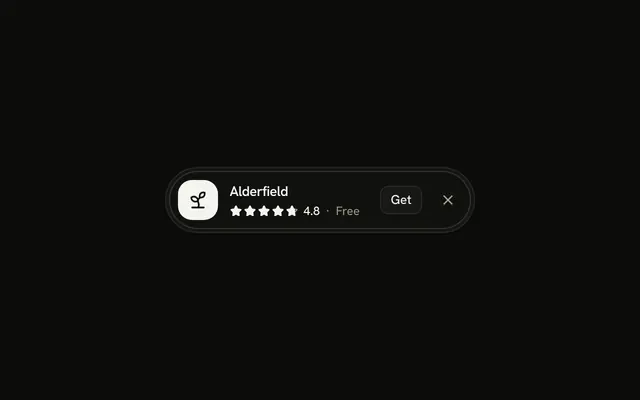 App Install Pill BannerPillsAn install pill for a plant-care app: a greyscale app tile, the name, a row of stars with its score, a small Get link and a dismiss button that folds the block away.
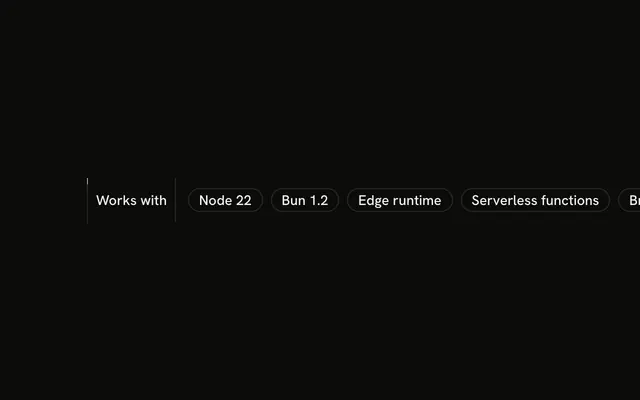 Badges Marquee BannerTickersA compatibility ticker for an SDK: a fixed Works with cell holding a pause button, then outline badges for runtimes scrolling past, with fading ends and a hairline between.
 Breadcrumb Top Bar BannerUtility barsA 44-pixel top bar for a documentation site: a home icon and a real breadcrumb trail, whose middle crumbs fold into an ellipsis menu below the md breakpoint.
 Centered Stacked BannerStacked cardsA centred bonus offer for a music-learning app: a gift tile, a Limited time badge, a heading, a strip of fifteen month cells with the last three outlined as free, and a Shine Button.
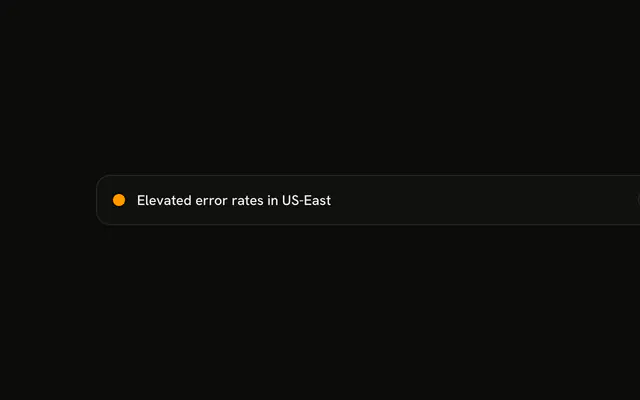 Collapsible Details BannerDisclosures and tabsAn incident notice for a status-page product as a disclosure: one summary line with an Investigating badge, and open it explains the incident and lists the four affected services.
 Command Hint BannerTop barsA one-line shortcut hint for a docs app: key caps drawn inline that read Command K on a Mac and Ctrl K everywhere else, and an underlined link to all shortcuts.
 Connectivity Live BannerLive statusA connection top bar for a collaborative editor, wired to the browser's online and offline events: Connected, then "You're offline" with a Retry now button and a tinted strip, then "Back online" for a few seconds.
 Consent Check Alert BannerAlertsAn acknowledge-once callout for a newsletter platform: a card in card with an info icon, a heading, one sentence and a footer whose checkbox rewrites the outline button from Got it to Dismiss permanently.
 Cookie Consent Multi-Action BannerChoices and promptsA cookie prompt for an online shop: one split card with a stack of three equal-width choices, Accept all, Reject non-essential and Manage preferences.
Or describe it. With Pro, your AI agent picks the block you describe and installs it on your stack.
Get ProPricing
Every banner block, one prompt away, with Pro
Your AI agent installs any of the 100 banner blocks, and every component, example and icon, with every Pro plan.
4.9/5 out of 5 · 150+ reviewsfrom 150+ founders and developers.
- Secure checkout via Stripe
- Code lives in your repo
- Keep what you've shipped if you cancel
- License terms
FAQ
Frequently asked questions
Answers on the 100 banner blocks: what they are, how to customize and install them, the license and your AI agent.
What are the banner blocks for announcements, alerts and cookie notices?
Which banner do I use for a site announcement, a cookie prompt or a sale countdown?
Is the cookie consent banner a modal, and does it save the visitor's choice?
Do the live status and metric banners show real data?
How do I make a dismissed banner stay dismissed?
How do I point a countdown banner at my real sale or event date?
How do I pin a banner to the top or the bottom of the screen?
How do I pause or stop the banner marquee and rotating announcement?
Where do I set the links and button targets in a banner?
Which frameworks do the banner blocks come in?
How is the Svelte version of the banner blocks different?
What do the banner blocks need in my Svelte project?
How do I install a banner block on Svelte, on Ark UI?
What does installing a banner block add to my project?
How do I find the right banner block among 100?
How do I stack a banner block with other blocks on one page?
Can I preview a banner block before I install it?
Are the banner blocks accessible?
Do the banner blocks follow my theme and dark mode?
Do the banner blocks need an animation library, and do they respect reduced motion?
Are the banner blocks free?
Can I use the banner blocks in a commercial project?
What happens to the banner blocks I installed if my subscription ends?
Can I resell the banner blocks in a template or UI kit?
Can my AI agent install a banner block?
How does an agent find a banner block with the MCP?
Can an agent plan a page around the banner blocks?
4.9 out of 5 from 150+ developers


Every banner block. One prompt away.
100 banner blocks with Pro, the previews free to try. With Pro, your AI agent installs them from a prompt.
- Cancel anytime
- Keep what you've shipped