shadcn.io is an independent project built on shadcn/ui
Installation
Overview
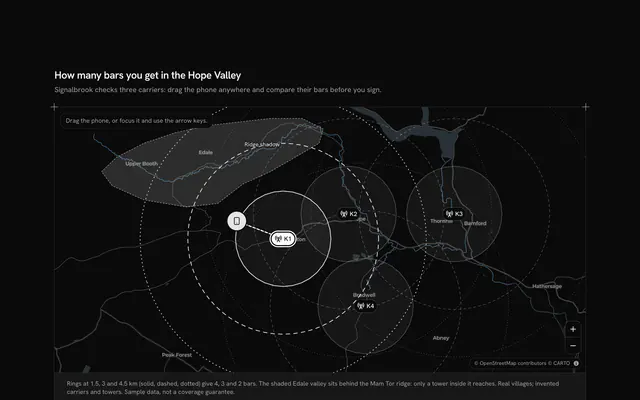
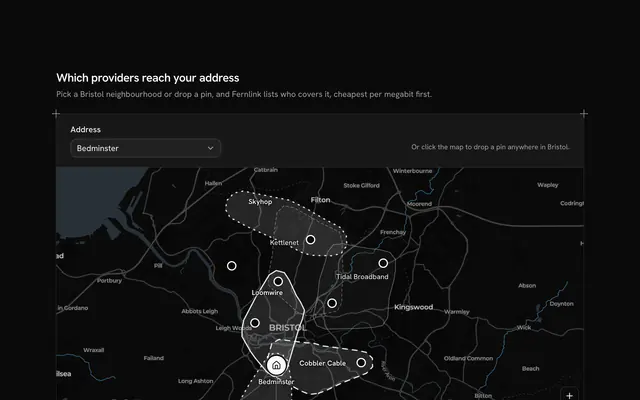
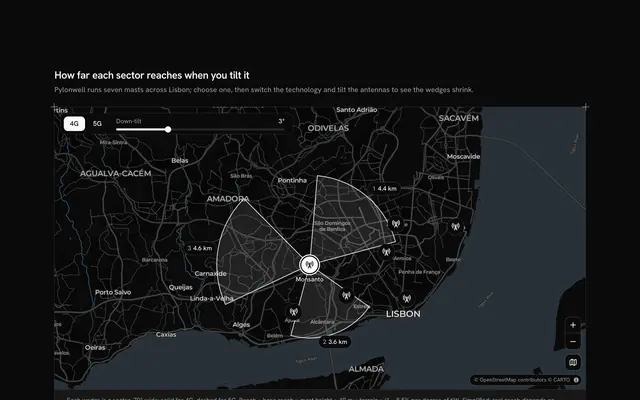
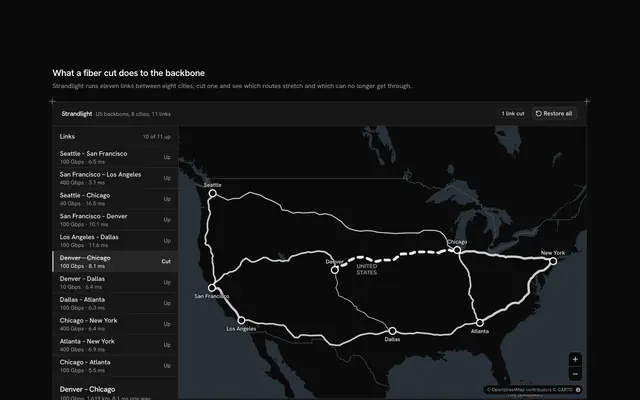
Find where a network doesn't reach, with this service coverage map for React with Base UI. Farreach, a rural wireless provider, serves the Hood River Valley in Oregon from five towers named for its real towns, shown on a live Map that follows your theme with a dashed outline of the valley floor. Each tower's signal is shaded in the theme's chart ramp in three tiers, Full to half its reach, Basic to three quarters and Weak to the edge, with a legend over the map. A Slider under the map sets the reach from 3 to 8 km, and the gaps are found by sampling rather than geometry: about 1,800 points across the valley are tested against the towers, the ones no tower reaches are drawn as dots, and touching misses merge into numbered gaps. The readout gives the share covered and the count ("79% of the valley covered, 3 gaps"), and the list beside it names each gap, largest first, with its area and nearest tower; choosing one flies the map there. Built from Map, Slider, Button and Guides. For wireless and broadband providers, utilities and rural connectivity programmes.
FAQ
How are the gaps found?
SAMPLES is a grid of square cells (40 across the valley's width, about 400 metres each), kept where a cell's middle falls inside the valley's outline (a ray-casting test). For each reach, a point is missed when its nearest tower is further away than the reach; the share covered is the points reached over all the points, and touching misses (up, down, left, right) merge into gaps by a flood fill. A cluster of fewer than three points is treated as noise: it counts against the share but isn't listed. Every reach the slider can take is sampled once, when the module loads.
What's real, and what stays local?
The valley, its towns and the map are real; Farreach, the five towers and the outline of its service area are invented sample data. Reach is a straight-line radius: hills, trees and antenna height aren't modelled, which a real planning tool would do with a terrain model. Nothing is fetched but the map's own tiles, and nothing is built, saved or sent.
What do the three shades mean?
Each tower draws three circles: Full to half the reach, Basic to three quarters and Weak to the whole reach, in the chart ramp's darker to lighter steps, so the shading is strongest near the towers and where two towers overlap. Only the Weak edge decides a gap. The legend floats over the map on wider screens and sits under it on a phone.
Why do the gaps renumber when I move the slider?
Because they're found again for each reach and numbered by size, largest first. A longer reach shrinks and splits them (at 4 km there are four; at 8 km one small gap is left, nearest the Odell tower), so the chosen gap is cleared and the map goes back to the whole valley when the reach changes. Each row gives the gap's area in square kilometres and the tower nearest its middle.
Can I use it without a mouse?
Yes. The slider takes the arrow keys and reads its value in kilometres, every gap in the list is a button that flies the map there, and the zoom and whole-valley buttons work from the keyboard; the map itself takes the arrow keys, plus and minus once focused. The numbered rings on the map are a pointer shortcut to the same choice. A polite message gives the share, the count and the largest gap once the slider settles.
How does it look on a phone?
The map comes first with its controls, then the legend in two columns, the caption, the slider with the share covered, and the gap list. The list keeps room for its longest state, so nothing below it jumps as the gaps change. Scrolling the page over the map scrolls the page; two fingers move the map.