shadcn.io is an independent project built on shadcn/ui
Installation
Overview
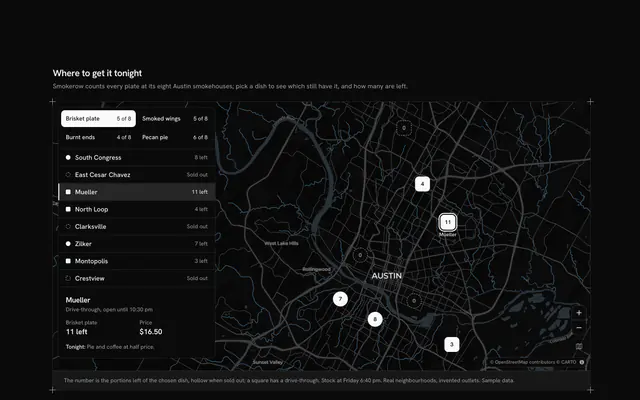
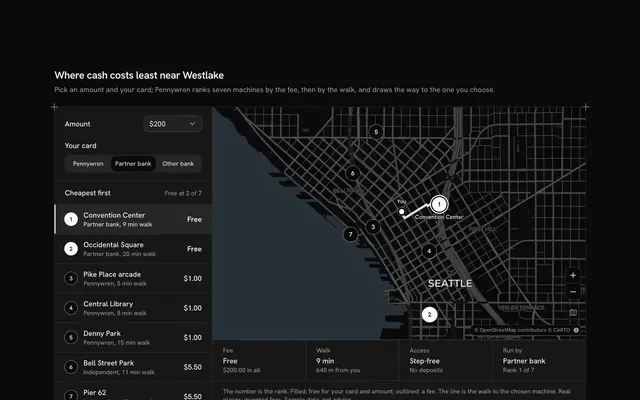
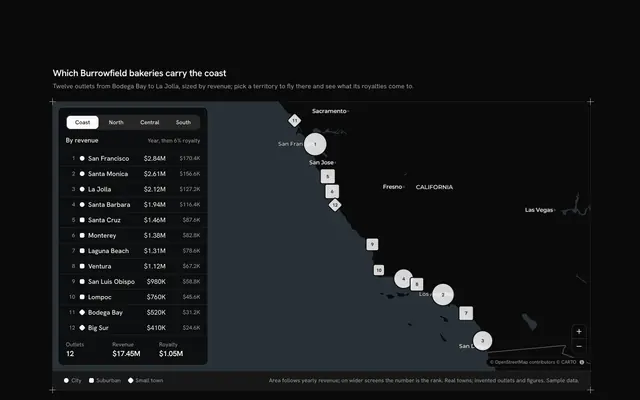
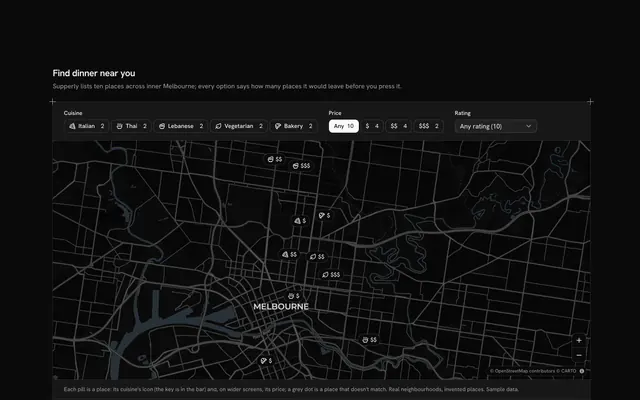
Help shoppers find the nearest open shop with this store locator clusters map for React with Base UI. Linnet & Loom, a homeware shop, has fourteen stores in real neighbourhoods across Great Britain, from Brighton's North Laine to Glasgow's Finnieston, on a live Map that follows your theme, light or dark. The open stores merge into count circles while the map is zoomed out and split into single stores as you zoom in; press a circle to zoom into it. A "Show open at" Native Select picks a time of the week (Monday morning and evening, Sunday morning and afternoon), and the stores closed then leave the circles and stand alone as hollow rings. A search Input Group filters by town or neighbourhood, and the camera frames what is left. The rail at the start lists the eight nearest matches in miles from Charing Cross, or from the visitor once the locate button has their position, each with its hours at the chosen time; choosing one flies the map there and fills its card with the week's hours. On a phone the search comes first, then the map, then the list. Built from Map, Input Group, Native Select, Button, Empty and Guides. For retail chains, franchises and any business with branches to find.
FAQ
Where do the stores come from, and what stays local?
From LINES at the top of the file: one line per store with its neighbourhood, town, longitude and latitude, and its Monday to Saturday and Sunday hours (empty for a store shut on Sundays). The neighbourhoods are real; Linnet & Loom, its stores and hours are invented. The search, the hours and the distances are worked out in the browser; nothing is searched or sent, and only the map tiles are loaded, from CARTO over OpenStreetMap data.
How do the stores merge and split?
The open stores go to MapClusterLayer as points; MapLibre groups those within 44 pixels of each other into a circle with their count, and stops grouping past zoom 10. The circles darken as they grow (three stores, then six). Press one to zoom into it, or zoom with the buttons, the keyboard, Ctrl or ⌘ and the wheel, or two fingers on a phone. The closed stores are drawn by MapGeoJSON as rings and never merge, so a circle only ever counts open doors.
How does Show open at decide what is open?
Each choice is a weekday and a time in minutes after midnight. openAt compares it with the store's Monday to Saturday or Sunday hours (open from the opening minute, closed from the closing one); a store with no Sunday hours is shut all Sunday. The list says it in words: open until a time, opens at a time, closed from a time, or closed on Sundays.
Where are the distances measured from?
From Charing Cross in London until the locate button among the map's controls has the visitor's position; from then on the list is nearest to "your location", with a dot for it on the map. The browser asks for permission only when that button is pressed, and the position stays in the page. Distances are as the crow flies (the haversine formula), in miles.
Can I use it without a mouse?
Yes. The search and the time are a text field and a native select, every store in the list is a button that chooses it (the chosen one carries aria-current), and the zoom, locate and show-all buttons work from the keyboard; the map takes the arrow keys and plus and minus once focused. The circles and points are a pointer shortcut. A polite message gives the number of open stores and the chosen store's hours once a choice settles.