shadcn.io is an independent project built on shadcn/ui
Installation
Overview
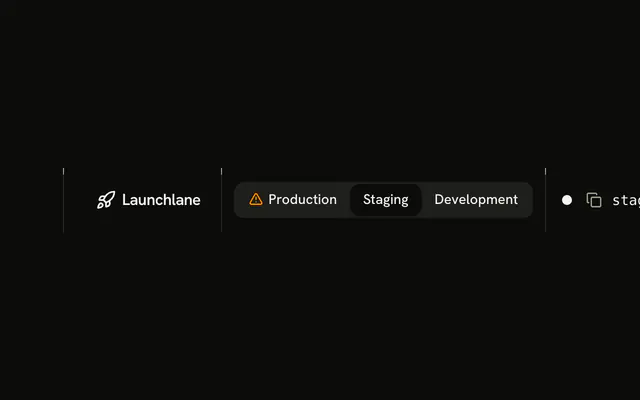
A bar that follows where you are, for React with Base UI, for a habit tracker called Modewell that lives in one product with a marketing site and an app. One bar between the page's rails: the wordmark, a Site | App segment control, a hairline, and the links of the chosen mode. In Site mode the links are Features, Pricing (current) and Blog, and the row ends with Sign in and a Shine Button, Start free. In App mode they are Today (current), Habits and Insights, and the row ends with a single Shine Button, New habit. Each pair of sets shares one grid cell as wide as the longer set; the chosen one shows, the other is invisible and inert, and a choice cross-fades them, so nothing moves. A polite line says which mode is on. Below the lg breakpoint a menu button opens a sheet from the top with the same control, the chosen mode's links and its actions. It's built from Segment Group, Sheet, Guides, Shine Button and Button, with your theme's tokens for every colour. For products that keep the public site and the signed-in app under one header.
FAQ
How do I change the modes and their links?
Edit MODES at the top of the file: each mode has an id, a label, its links (the first marked current is the page you are on), its main action and, if it has one, a quiet second action. The segment control, the link cell, the action cell and the sheet are built from it. The product and its pages are made up for the demo. In an app, derive the mode from the route (a path under /app means App) instead of useState, and make the segment control two links.
Why doesn't the bar move when the mode changes?
The two link sets are uls in one grid cell, so the cell is as wide as the longer set; the same goes for the two action sets. The chosen set is visible; the other is invisible, transparent, inert and hidden from assistive technology, so it takes no focus and is never read. Changing the mode only changes which one is which, with a 200 millisecond cross-fade.
How does it work with a keyboard and a screen reader?
The control is a radio group named Mode; the links sit in a nav named Main and the current page is aria-current="page" with a foreground stroke on the bar's bottom edge. After a choice a hidden status line says, for example, "App mode: Today, Habits, Insights."
The arrow keys move to a mode and choose it.
How does it work on a phone?
Below the lg breakpoint the bar shows the wordmark and a menu button; nothing wraps at 320 pixels. The sheet from the top holds the control (full width), then the chosen mode's links, then its actions. Choosing a mode rewrites the list in place and keeps the sheet open; a link, an action, the close button or Escape closes it and focus goes back to the menu button.