shadcn.io is an independent project built on shadcn/ui
Installation
Overview
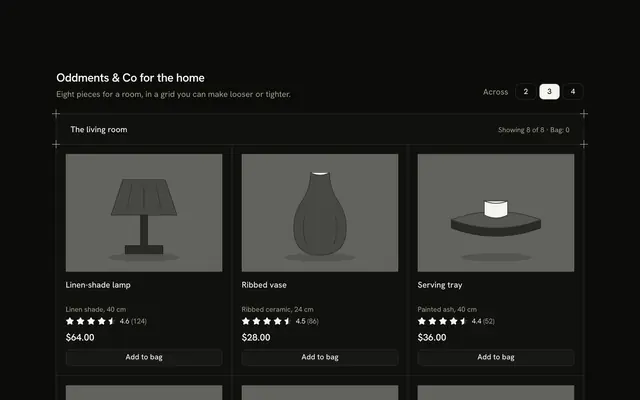
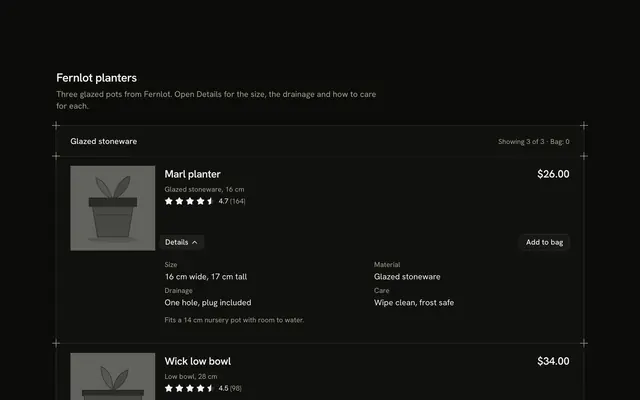
Fit a lot of small products on one screen with this compact product card section for Solid with Ark UI. A hairline frame with a plus mark on each corner holds eight tiles between shared hairlines, two across on a phone and four from the small breakpoint. A tile is only a drawn greyscale picture, a name and a price, and the whole tile is one link made with Link Overlay. A round Button with a plus sits in the picture's corner: it appears on hover and on keyboard focus, and is always there on touch screens. The first press adds one and the button grows into a pill with minus, the count and plus; minus at one takes the piece back and the pill returns to a single plus. The heading row's "Bag" count adds up the pieces and a polite status line says what changed. The bag is local state: nothing is stored, charged or sent. Guides rule the bands. It's built from Link Overlay, Button and Guides, with CSS only for the reveal and the entrance. For small-goods shelves, search results and any dense product list.
FAQ
How do I change the products?
Edit GOODS. Each has an id, a name, the price in cents, an alt sentence for the picture and the shapes that draw it. Prices go through one money helper. The href on each link is # here; point it at the product page.
How does the quantity stepper work?
The plus adds one, up to nine in this demo, and says so when you reach the limit. Once a piece is in the bag the corner shows minus, the count and plus. Minus at one removes the piece, and focus moves back to the plus so a keyboard user keeps their place. The "Bag" figure in the heading row is the sum of every count.
The plus is hidden until hover. What about phones?
On touch screens (coarse pointers) the plus is always visible. On a desktop it reveals on hover and as soon as anything in the tile has keyboard focus, so tabbing to a tile shows its button. A tile with something in the bag keeps its stepper showing.
Why is the whole tile a link?
A small tile has no room for a separate "view" button. The name is the link and its hit area stretches over the tile; the corner button sits above it, so pressing it adds to the bag instead of following the link.
What stays local, and how do I wire it for real?
Everything. Counts live in the page's state and are lost on reload; no cart exists. Replace the body of change with a call to your cart and keep the status line for the result. The pictures are typed shapes too: swap Picture for an img of each product.