shadcn.io is an independent project built on shadcn/ui
Installation
Overview
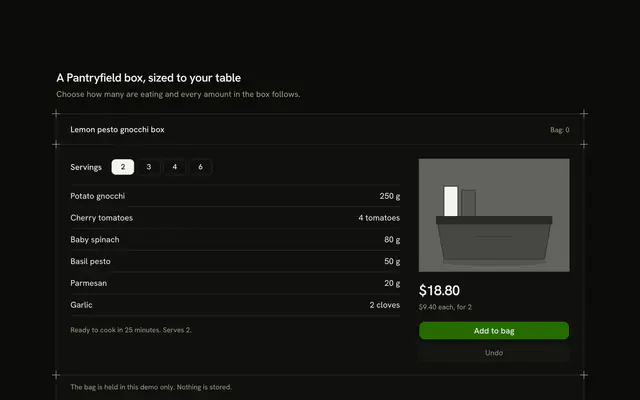
Help a shopper pick the right grind with this coffee product card for Svelte with Ark UI. A hairline frame with a plus mark on each corner holds one bag, drawn in greyscale, with its roast on a five-step scale, a Toggle Group of bag sizes (250 g, 500 g, 1 kg) that re-prices the block's one Shine Button, and a side cell that asks "How do you brew?". Pick a method and a row of five drawn grinds rings the matching one, then a description list writes the coffee, the water, the ratio ("1 to 16"), the brew time and about how many brews the chosen bag makes. Add turns into "Added" with an Undo, the heading row counts the "Bag", and a polite status line says what changed. Nothing is stored or bought. On a phone the bag comes first and the guide follows. Guides rule the bands. For roasters, coffee subscriptions and any shop where the grind decides the sale.
FAQ
How do I change the coffee or the methods?
Edit METHODS: each has the grams of coffee, the millilitres of water, the grind (0 for extra fine to 4 for extra coarse) and the brew time in words. The ratio is worked out from the grams and the water and rounded once, and the brews per bag are the bag's grams divided by the dose. Bag sizes and prices (in cents) are in WEIGHTS.
How are the grinds drawn?
Each of the five is a small scatter of circles from a seeded formula, so it is the same on every load: fewer and bigger grains as the grind gets coarser. The current one gets a foreground ring and an aria-current mark; the names show from the small breakpoint and are read out on a phone.
Can the roast be changed?
The roast is a fact about this coffee, so it is a typed scale (ROAST) and not a control. Show it as a second row of chips if your shop sells the same bean at several roasts.
What stays local, and how do I wire it for real?
The brew method and the bag size are page state. The bag is page state; nothing is stored, charged or sent. Replace the body of add and undo with calls to your cart. The picture is typed shapes: swap Picture for an img of the product.