shadcn.io is an independent project built on shadcn/ui
Installation
Overview
Let buyers choose their number with this limited edition product card for Vue with Ark UI. A drawn desk clock sits at the start with its price and "36 of 100 left". Beside it is a ten by ten matrix of numbered cells: sold numbers are filled and struck through, and open ones can be held. The matrix is one group of native radio buttons, so it is a single Tab stop and the arrow keys move between the open numbers. Button "Hold the next one" jumps to the next open number, wrapping at the end, and "Release" lets it go. The count and a polite line say what changed, for example "No. 64 held for you in this demo". Nothing is reserved or bought. For numbered prints, watches and any run of one hundred.
FAQ
How do I change which numbers are sold?
The sold set is built at the top of the file from a fixed shuffle (rankOf), so the same 64 numbers are sold on every load. Replace SOLD with your own list of numbers, and SOLD_COUNT follows its length if you also update it.
How do I move around the matrix?
Tab into the matrix once, then use the arrow keys: they skip sold numbers because those are disabled. Space or a click holds a number, and holding another moves your hold.
What stays local, and how do I wire it for real?
The hold is page state; nothing is reserved, stored or bought. Call your inventory in hold to place a timed hold and read the sold list from it. The picture is typed shapes: swap Picture for an img.
Why radio buttons and not toggles?
A hold is one choice from many, which is what a radio group means, and it gives one Tab stop and arrow keys with no extra code. Sold numbers are disabled radios.
Related
- Stepped Price Flash Sale Product CardOffers and buying modes

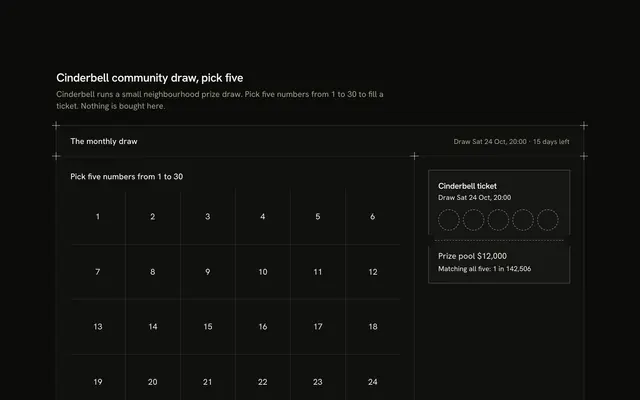
- Pick Five Prize Draw Product CardOffers and buying modes
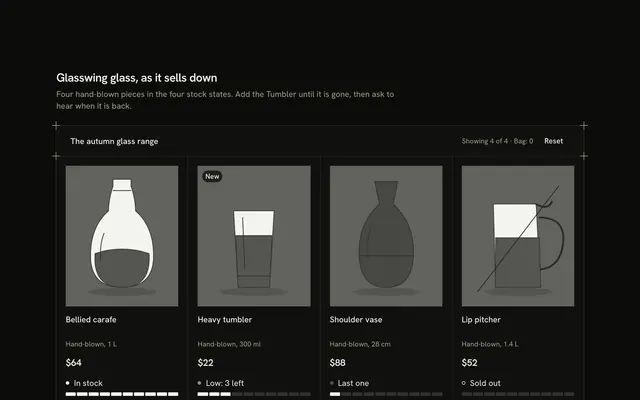
- Stock States Product CardOffers and buying modes
- Pre-order Production Steps Product CardOffers and buying modes

- Simple Product CardShop basics

- Bid Status Auction Product CardOffers and buying modes
