shadcn.io is an independent project built on shadcn/ui
Installation
Overview
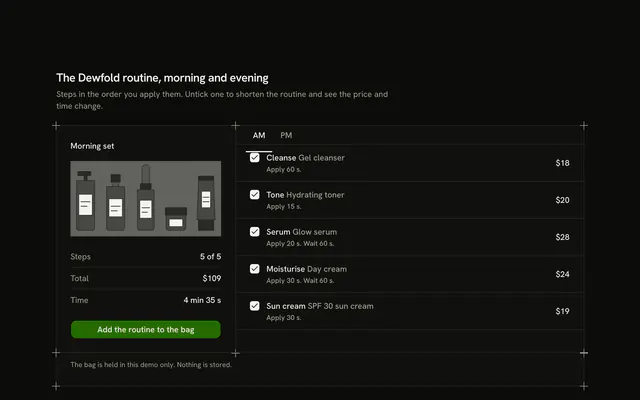
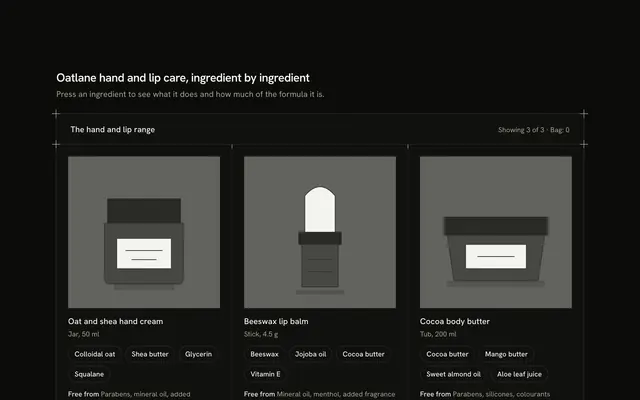
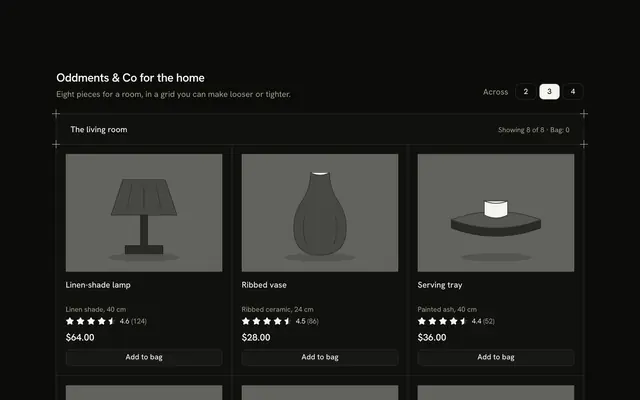
Tell shoppers what suits them before they ask with this skincare product card for Vue with Ark UI. A hairline frame with a plus mark on each corner holds four tiles in routine order, a cleanser, a serum, a moisturiser and a sun cream. A Toggle Group at the end of the header, "Your skin", picks Dry, Oily, Combination or Sensitive. Every tile answers for that skin with a Badge that has a glyph and a word, "Good for dry skin", "Fine for dry skin" or "Skip for dry skin", one typed line on why, and its step ("Step 1: Cleanse"). The tiles keep their boxes: only the words change, nothing is hidden or reordered, and the status line counts the good, fine and skip verdicts. Add to bag is an outline Button that turns into "Added" with an Undo. Nothing is stored or bought. On a phone the tiles are two across. For skincare shops and quizzes that end in a shelf.
FAQ
How do I change the verdicts?
Edit ITEMS. Each product has a matches list with one entry per skin: a kind of good, fine or skip and a reason line. Keep the reasons short, about 60 characters, because each tile reserves three lines.
Is this a skin diagnosis?
No. The verdicts are typed for a fictional brand and the block says so. It does not read the skin or diagnose anything; in a real shop the match comes from your own product data.
Why are the verdicts not green and red?
State is never carried by colour alone. A good match is a solid chip with a check, a fine one a quiet chip with a dash, and a skip an outlined chip with a cross, and each has the word in it.
What stays local, and how do I wire it for real?
The chosen skin and the bag are page state; nothing is stored, charged or sent. To keep the skin type, save it from chooseSkin. Replace the bodies of add and undo with calls to your cart. Swap Picture for an img of each product.