shadcn.io is an independent project built on shadcn/ui
Buttons
FreeMagnetic Button for Vue
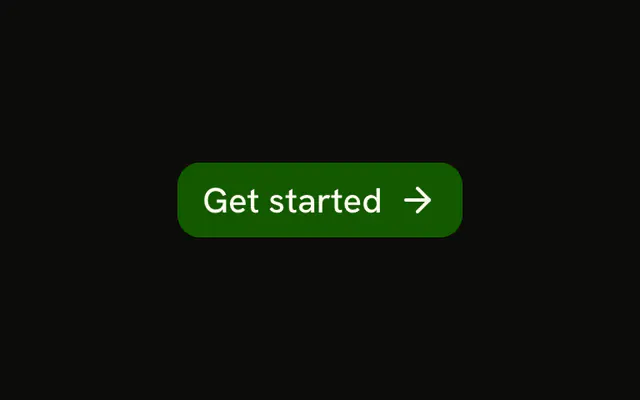
Leans toward the pointer while it's over it and springs back when it leaves. For Vue with Ark UI, when a hero call to action should invite the click.
As the pointer moves over the button, the button leans toward it, following it across its face. When the pointer leaves, it springs back into place with a small overshoot.
Use it for one call to action on a landing page or a hero, where a little motion earns a second look. Don't use it in forms, toolbars or dense layouts, where a moving target is harder to hit; for a quieter answer to the pointer, use the Spotlight Button. It wraps the Button, so variant and size work as usual. Each pointer move writes the offset into two CSS variables that translate the button, and a CSS transition makes the release springy, so nothing re-renders while it moves. It stays still on touch screens, while disabled, and when the system asks for reduced motion.
Installation
Usage
<script setup lang="ts">
import { MagneticButton } from "@/components/ui/magnetic-button";
</script>
<template>
  <MagneticButton>Get started</MagneticButton>
</template>
Demos
Intensity
intensity is how strongly the button follows the pointer: subtle travels a sixth of the pointer's distance from its center, medium (the default) a third and strong a half. Keep strong for a large button with room around it, since it slides well out of its place.
Accessibility
The movement is visual only: the button is announced and activated as any Button, and focus, Enter and Space work as usual. The pull follows a mouse or a pen, never a touch, and it's off when the system asks for reduced motion, so the button stays where it was laid out.
- Enter
- Activate the button.
- Space
- Activate the button.
FAQ
How does the spring work without an animation library?
While the pointer is over the button, it follows with a short ease-out transition. When the pointer leaves, the offset goes back to zero over half a second with a cubic-bezier that overshoots, which reads as a spring. A data-pulled attribute on the button, set while it follows, switches between the two timings.
The pull feels too floaty. How do I tone it down?
Set intensity="subtle", so the button travels a sixth of the pointer's distance from its center instead of a third.
Does it start moving before the pointer is over it?
No. It follows the pointer only while the pointer is over the button, so it never moves toward a pointer that's just passing by, and it costs nothing while the pointer is elsewhere on the page.
Does the moving button push its neighbors?
No. The pull is a CSS translate, which moves the button without changing the layout, so nothing around it shifts. Leave some room around it so it doesn't slide over its neighbors.
What happens on a touch screen?
Nothing moves. The pull only follows a mouse or a pen, because a finger has no hover and the button would jump under it. A tap presses it as usual.
API Reference
MagneticButton
clickEffect?boolean
Apply a click effect to the button.
- Default
true
intensity?"subtle" | "medium" | "strong"
How strongly the button follows the pointer: subtle travels a sixth
of the pointer's distance from its center, medium a third and
strong a half.
- Type
"subtle" | "medium" | "strong"- Default
"medium"
isLoading?boolean
Show a loading indicator.
- Default
false
asChild?boolean
Use the provided child element as the default rendered element, combining their props and behavior.
class?string
Merged with the part's classes.
--magnetic-button-xstring
How far the button is pulled across, in pixels.
--magnetic-button-ystring
How far the button is pulled down, in pixels.