Context Menu Examples
27 right-click menus for canvases, files, tables and text: icons, shortcuts, labels, submenus, checkboxes and radio items. Each on React, Vue, Svelte and Solid, with Base UI, React Aria, Ark UI or Radix UI on React.
Every context menu example
27 examples.
- Align and Distribute MenuCanvasA right-click menu with an Align submenu of six placements and a Distribute submenu for horizontal and vertical spacing.

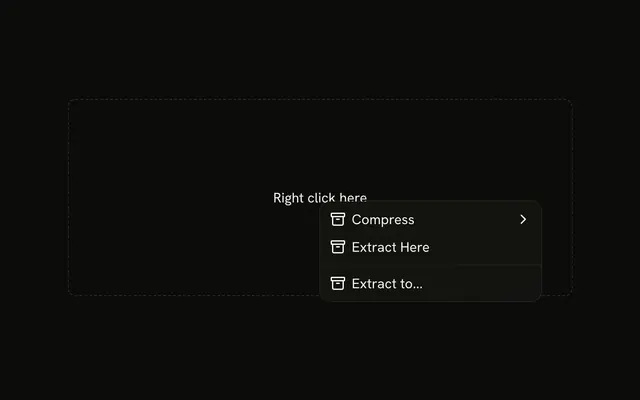
- Archive and Compress MenuFileA right-click menu with a Compress submenu for ZIP, TAR.GZ, and 7Z archives, plus Extract Here and Extract to.
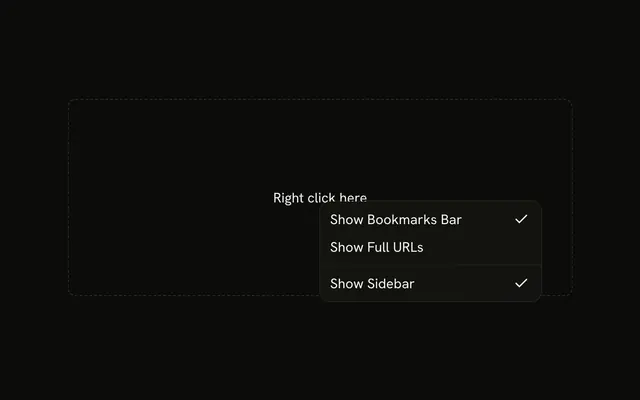
- Context Menu with CheckboxesStandardA right-click menu of view options. Show Bookmarks Bar and Show Sidebar start checked. Show Full URLs does not.
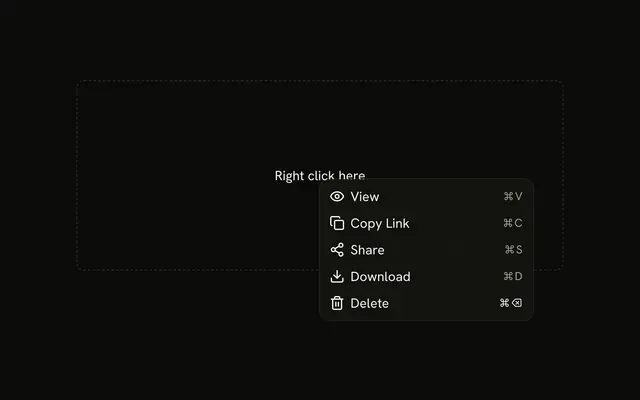
- Context Menu with Icons and ShortcutsStandardA right-click menu where View, Copy Link, Share, Download, and a destructive Delete each have an icon and shortcut text.
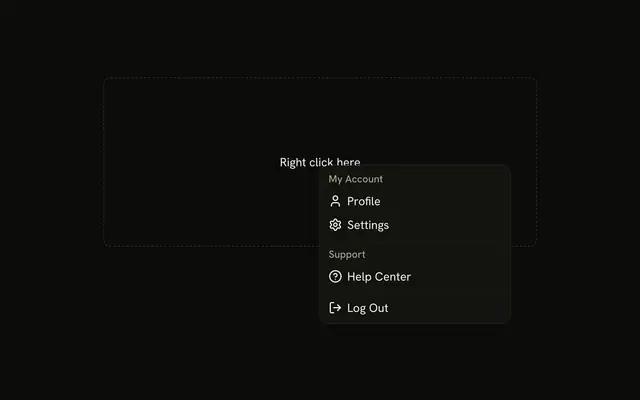
- Context Menu with LabelsStandardA right-click menu with My Account and Support sections, then a destructive Log Out action.
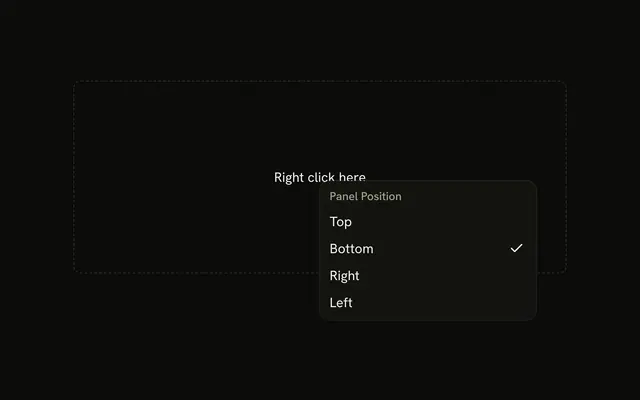
- Context Menu with Radio ItemsStandardA right-click menu labeled Panel Position, with Top, Bottom, Right, and Left, and Bottom selected.
- Context Menu with SeparatorsStandardA right-click menu that separates Edit, then Cut, Copy, and Paste, from a destructive Delete.

- Context Menu with SubmenusStandardA right-click menu with Invite User, Share via Email and Share via Message submenus, and More Options.

- Copy and Move MenuFileA right-click file menu for Cut, Copy, and Copy Path, with shortcut text, then Move to and Copy to.

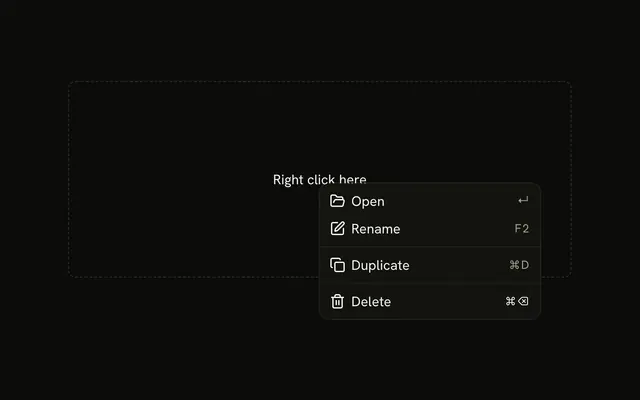
- File Operations MenuFileA right-click file menu for Open, Rename, Duplicate, and a destructive Delete, each with shortcut text.
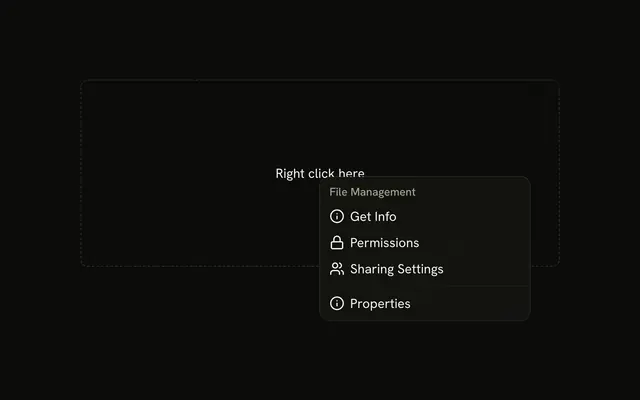
- File Properties MenuFileA right-click File Management menu for Get Info, Permissions, Sharing Settings, and Properties.
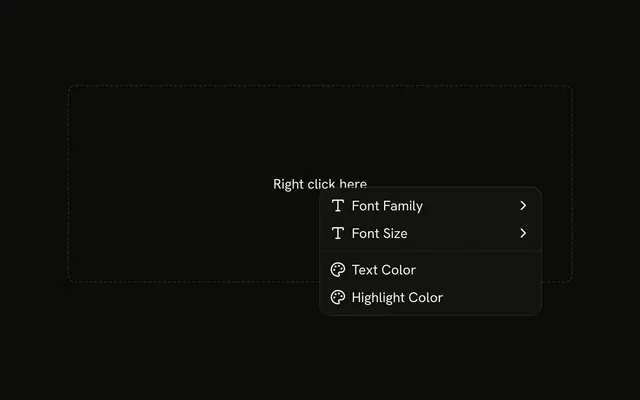
- Font and Style MenuTextA right-click text menu with Font Family and Font Size submenus, then Text Color and Highlight Color.
Or describe it. With Pro, your AI agent installs the context menu example you describe, on your framework and UI library.
Get ProGalleries
More component examples
8 related galleries, free: open one for its live examples and their code.





Pricing
Context Menu examples MCP, with Pro
Your AI agent installs any of the 1364 examples, and every component, block and icon, with every Pro plan.
4.9/5 out of 5 · 150+ reviewsfrom 150+ founders and developers.
- Secure checkout via Stripe
- Code lives in your repo
- Keep what you've shipped if you cancel
- License terms
FAQ
Frequently asked questions
A context menu is the list of actions that opens at the pointer when someone right-clicks an item, or long-presses it on a touch screen: a file, a table row, a shape on a canvas, a word in an editor. It's shadcn.io's Context Menu component, built on Base UI, React Aria, Ark UI and Radix UI for React, and on Ark UI for Vue, Svelte and Solid, and styled with Tailwind CSS. Each example is one small file.
Yes. Every context menu example is free to use in personal and commercial projects, with no attribution required. Seeing the code and installing an example takes a free shadcn.io account.
A context menu opens where the pointer is, on a right-click, and acts on the thing under it. A dropdown menu opens from a visible button. The items and keyboard behavior are the same; only the way it opens differs.
Usually, yes. A right-click is easy to miss, and keyboard and touch users may never find it. Put the same actions on a visible button, such as a row's more button, and keep the context menu as the shortcut.
Wrap each row in the trigger and pass the row's id to your actions, as the table examples suggest: insert, duplicate, delete, export, sort and filter. Keep destructive actions last, after a separator.
Wrap a `ContextMenuSubTrigger` and a `ContextMenuSubContent` in `ContextMenuSub`. Hovering the trigger or pressing the right arrow opens it. Keep to one level, as the submenu examples do.
Use checkbox items for independent toggles and a radio group for one choice among several, as the standard examples show. The prop names differ by library: `checked` and `value` on Ark UI, Base UI and Radix UI, selection modes and keys on React Aria.
Sign in with a free account, then copy the code or run the install command on the example's page. It adds the example and the Context Menu component to your project if you don't have it yet.
Pass `disabled` to the item on Ark UI, Base UI and Radix UI, or `isDisabled` on React Aria. Disable rather than hide items that apply only sometimes, so the menu keeps its shape.
On Ark UI, Base UI, Radix UI, Vue, Svelte and Solid, a long press on the trigger opens it on touch screens. Hidden menus are hard to discover on phones, so offer the same actions from a visible button too.
The Context Menu component, Tailwind CSS and Lucide icons. The checkbox and radio examples may keep their selection in state; the others hold none.
Yes. The arrow keys move through the items, Enter or Space runs one, the right and left arrows open and close submenus, and Escape closes the menu. Icons are hidden from assistive tech, labels name their groups, and checkbox and radio items announce their state.
The menu runs on the client. Examples without state can be rendered from a Server Component; the checkbox and radio examples that keep their selection in state are client components.
4.9 out of 5 from 150+ developers


Every context menu example. One prompt away.
Every context menu example is free with an account. With Pro, your AI agent installs them from a prompt.
Get Pro