shadcn.io is an independent project built on shadcn/ui
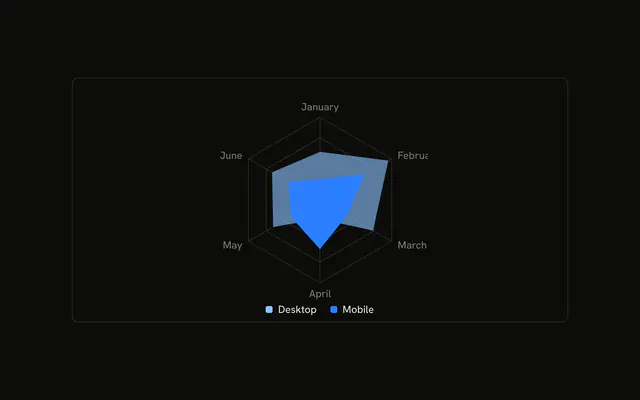
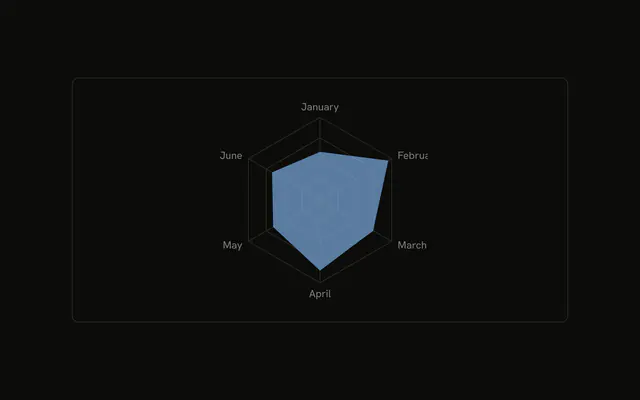
Desktop and mobile on one radar. The legend under the chart shows an icon beside each series name, and the tooltip shows the same icons. The icons are not painted in the series color.
Use icons when two series should be recognizable without relying on color alone. A plain swatch is enough when the colors are distinct. A Table is enough when you need the values. In React, Ark UI does not pick the legend icons. They live on the chart config you pass.
Installation
Anatomy

Usage
<div className="w-full max-w-xl rounded-md border bg-background p-4">
  <ChartContainer
    className="mx-auto aspect-square max-h-[250px]"
    config={chartConfig}
  >
    <RadarChart
      data={chartData}
      margin={{
        bottom: -10,
        top: -40,
      }}
    >
      <ChartTooltip content={renderTooltipContent} cursor={false} />
      <PolarAngleAxis dataKey="month" />
      <PolarGrid />
      <Radar
        dataKey="desktop"
        fill="var(--color-desktop)"
        fillOpacity={0.6}
      />
      <Radar dataKey="mobile" fill="var(--color-mobile)" />
      <ChartLegend content={<ChartLegendContent className="mt-8" />} />
    </RadarChart>
  </ChartContainer>
</div>
FAQ
How do the legend icons get there?
Set icon on each entry in config. Desktop uses ArrowDownFromLineIcon and mobile uses ArrowUpFromLineIcon, next to the labels Desktop and Mobile. ChartLegendContent renders that component in place of the color swatch.
Do the icons use the series color?
No. The legend paints them with text-muted-foreground at size-3. The series color stays on the polygon: fill is var(--color-desktop) or var(--color-mobile), from each entry's color (var(--chart-1) and var(--chart-2)).
Does the tooltip show the same icons?
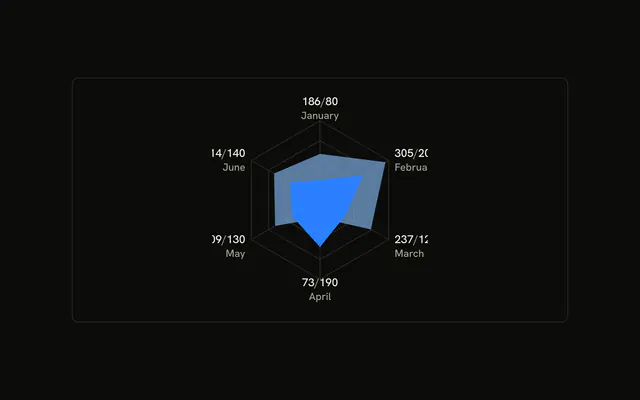
Yes. ChartTooltipContent draws the icon from config on each row, so indicator="line" only appears for a series that has no icon. cursor={false} on ChartTooltip turns the hover cursor off.
Why is one polygon more transparent?
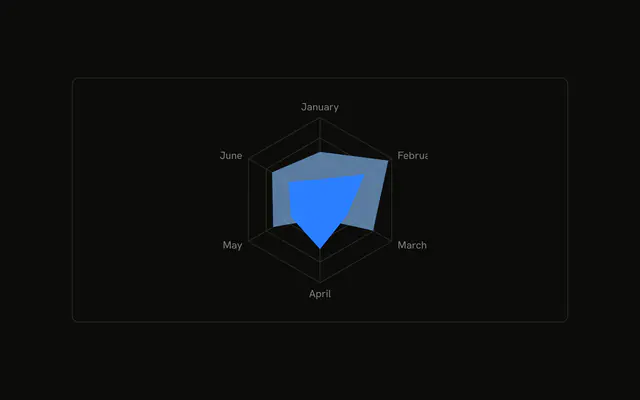
The desktop Radar sets fillOpacity={0.6}. The mobile Radar doesn't set fillOpacity, so that shape paints solid. Both read the same chartData rows, one with dataKey="desktop" and one with dataKey="mobile".
API Reference
Chart
Sets config={chartConfig}, content={renderTooltipContent} and cursor={false}. The rest is on the Chart page.