shadcn.io is an independent project built on shadcn/ui
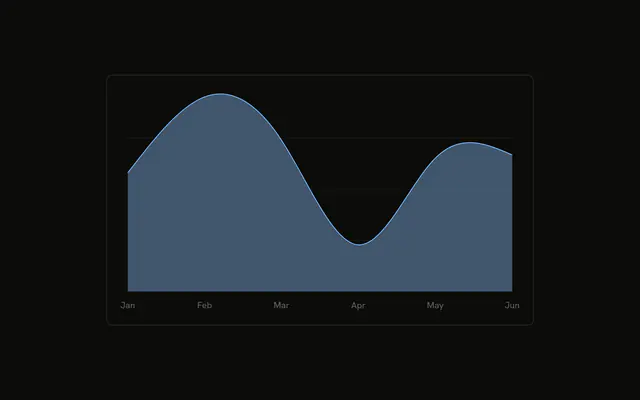
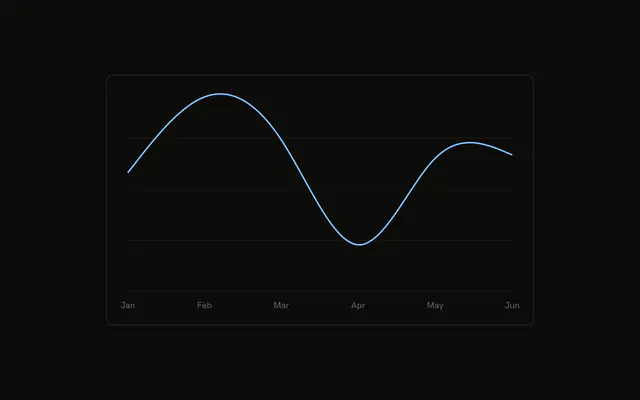
Desktop and mobile stacked as smooth areas. The legend shows an icon beside each name instead of a color swatch, and the tooltip shows the same icons.
Use icons when color alone should not identify a series. Drop them if a swatch is enough. For the figures, use a Table. In React, Ark UI does not supply the icons. You put them on the chart config.
Installation
Anatomy

Usage
<div className="w-full max-w-xl rounded-md border bg-background p-4">
  <ChartContainer config={chartConfig}>
    <AreaChart
      accessibilityLayer
      data={chartData}
      margin={{
        left: 12,
        right: 12,
      }}
    >
      <CartesianGrid vertical={false} />
      <XAxis
        axisLine={false}
        dataKey="month"
        tickFormatter={formatMonth}
        tickLine={false}
        tickMargin={8}
      />
      <ChartTooltip content={renderTooltipContent} cursor={false} />
      <Area
        dataKey="mobile"
        fill="var(--color-mobile)"
        fillOpacity={0.4}
        stackId="a"
        stroke="var(--color-mobile)"
        type="natural"
      />
      <Area
        dataKey="desktop"
        fill="var(--color-desktop)"
        fillOpacity={0.4}
{/* The rest of the file is under Installation. */}
FAQ
How do the icons get into the legend?
Set icon on the config entry. Desktop uses TrendingDownIcon and mobile uses TrendingUpIcon, beside the labels Desktop and Mobile. ChartLegendContent renders that component in place of the color swatch, at size-3.
Do the icons use the series color?
No. Legend icons paint with text-muted-foreground. The series color stays on the area: fill and stroke are var(--color-desktop) and var(--color-mobile), from var(--chart-1) and var(--chart-2) in config.
Does the tooltip show the icons too?
Yes. ChartTooltipContent draws the same icon on each row, so the color indicator is skipped for these series. This demo still sets indicator="line", which applies when an entry has no icon. cursor={false} turns the hover cursor off.
How are the areas stacked?
Both Area components set stackId="a". Mobile is first, on the baseline. Desktop is second, on top. Both use type="natural" and fillOpacity={0.4}.
API Reference
Chart
Sets config={chartConfig}, content={renderTooltipContent} and cursor={false}. The rest is on the Chart page.